eBazaar - All In One Multi Vendor Ecommerce CMS
- Getting Started
- Project Info
- What is this project for?
- Features
- Installation
- Quick Start Guide
- How to update?
- Change Log
- How to contact us?
Getting Started
- Last update: 10/02/2022
- Created: 27/02/2021
- Version: 2.2
- Author: iNiLabs ( inilabs.net )
- Support: Online Help line Desk ( support.inilabs.net )
- Find us on Facebook
- See our tutorial videos on Youtube
What is this?
e-Bazaar is a system for all kinds of order & delivery for online shops. The system can create multi-type of shops in one application. This shop like food, pharmacy, grocery, etc. There have many features. Admin can add his product in the multi-type category for the multi-type shop. The general user will use the app and search his need item and easily order this item.
Features
e-Bazaar is one of the very important aspects of order management and you can easily find your nearest open shops.
- Ease of Use.
- Outstanding dashboard with income wizard
- Unlimited locations & areas
- Dynamic Product variation and options for the products
- Unlimited products
- Multiple Image Upload in Porducts
- Unlimited shops with unlimited product also get locations
- Order manager with delivery
- User manager for customer and administrator
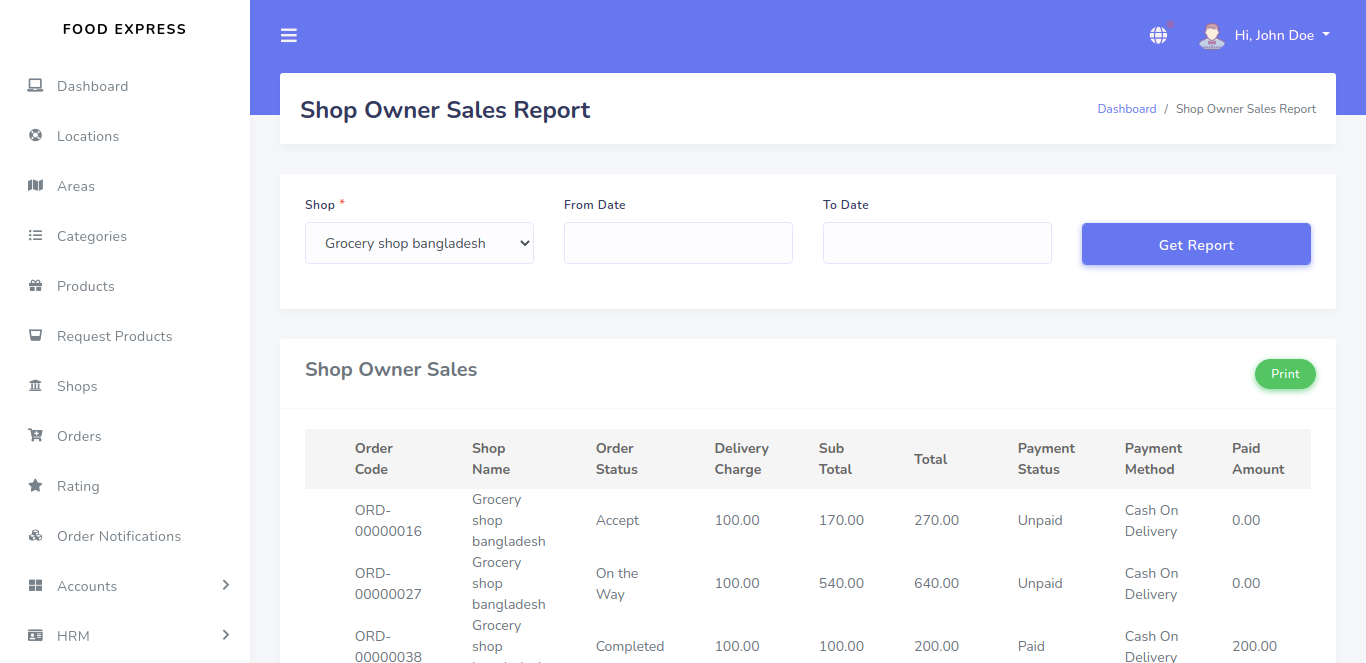
- Shop owner sales report (Order Wise)
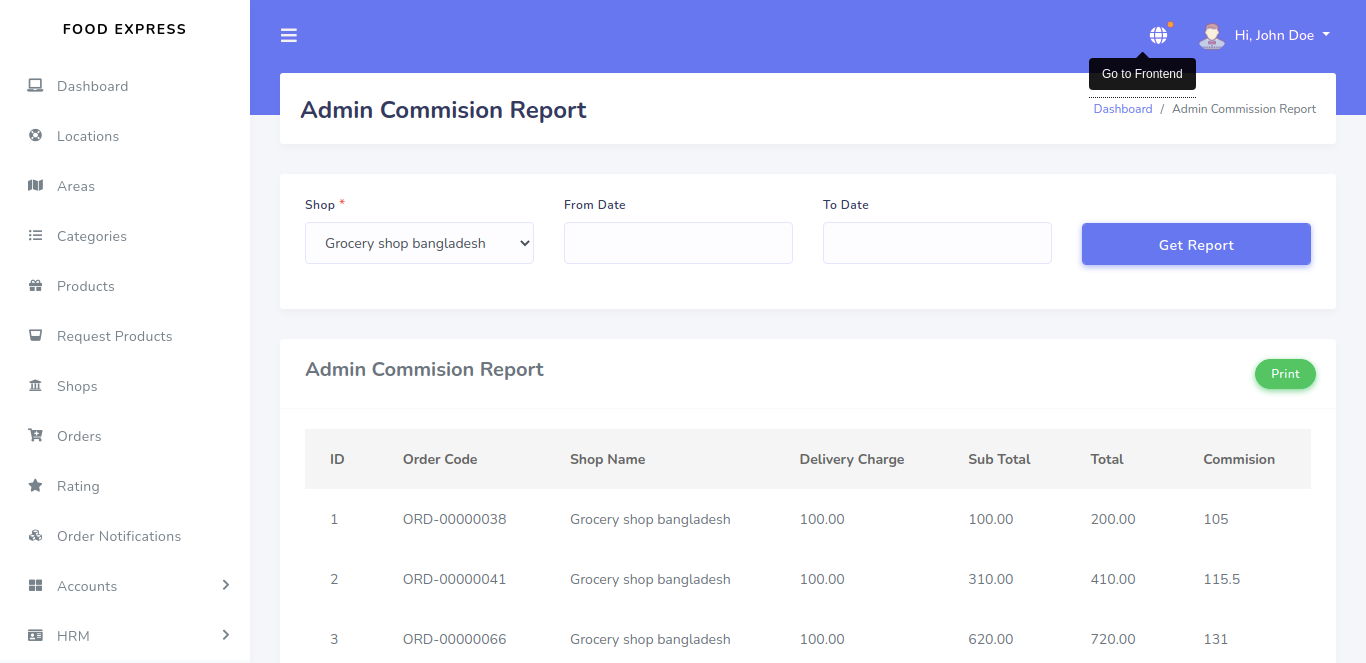
- Admin Commision Report (Shop Wise)
- Order list with full details
- Dynamic Setting option like Site Setting, Sms Settings , Payment Setting, Email Setting,
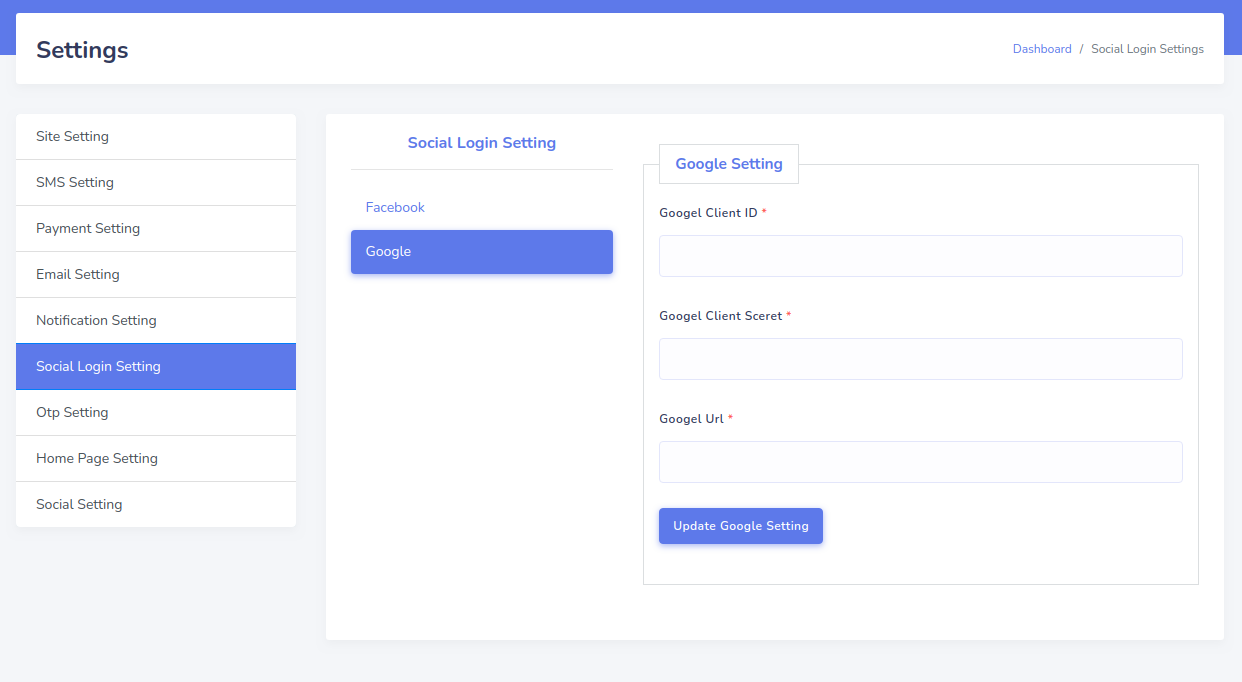
- Notification Setting,Social Login Setting,Otp Setting
- Otp Login With email, password or both
- Shop owner request product list and approve
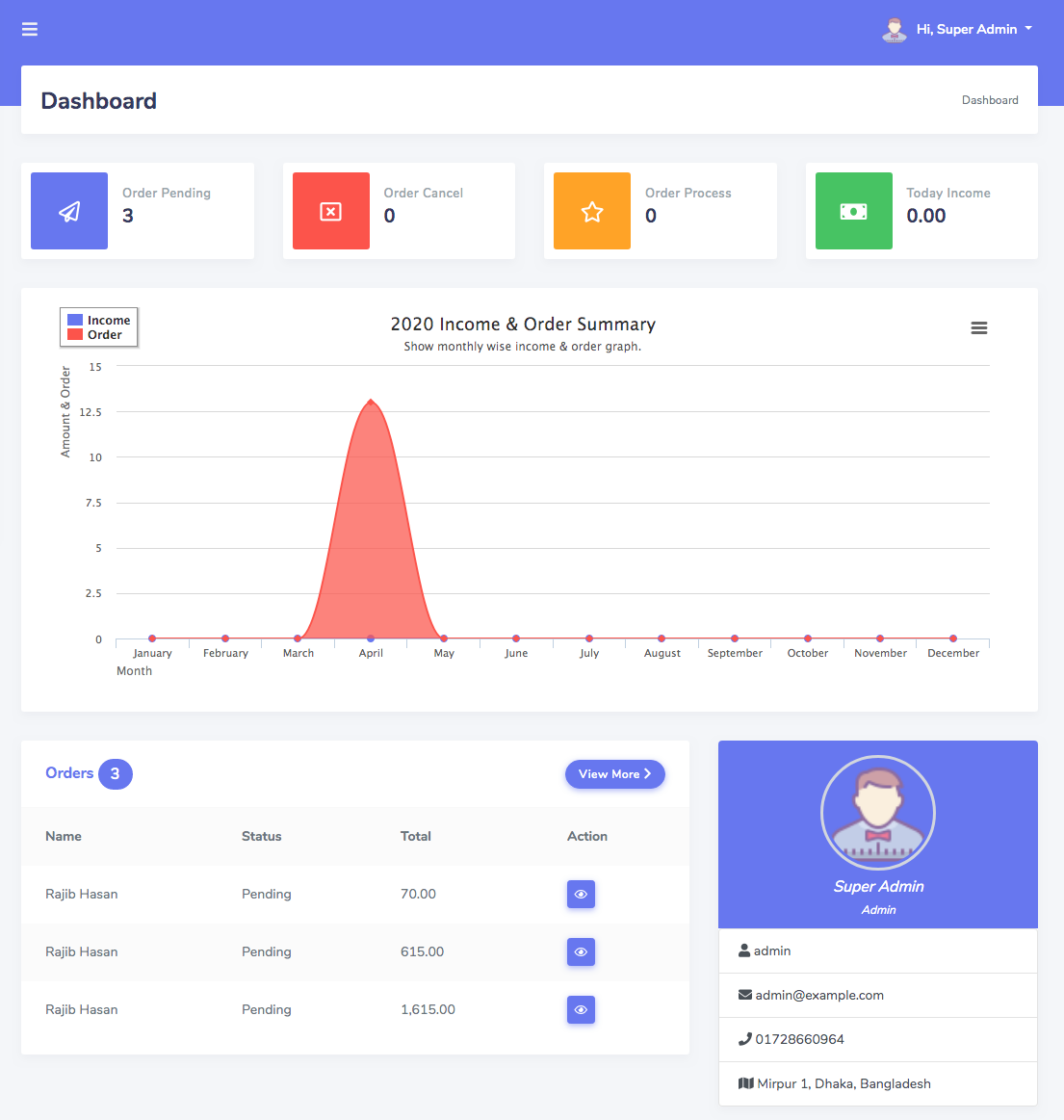
Dashboard
There have some types of tiles for orders. Income wizard can show monthly income and daily income. Admin can see the latest 5 orders and his profile also.
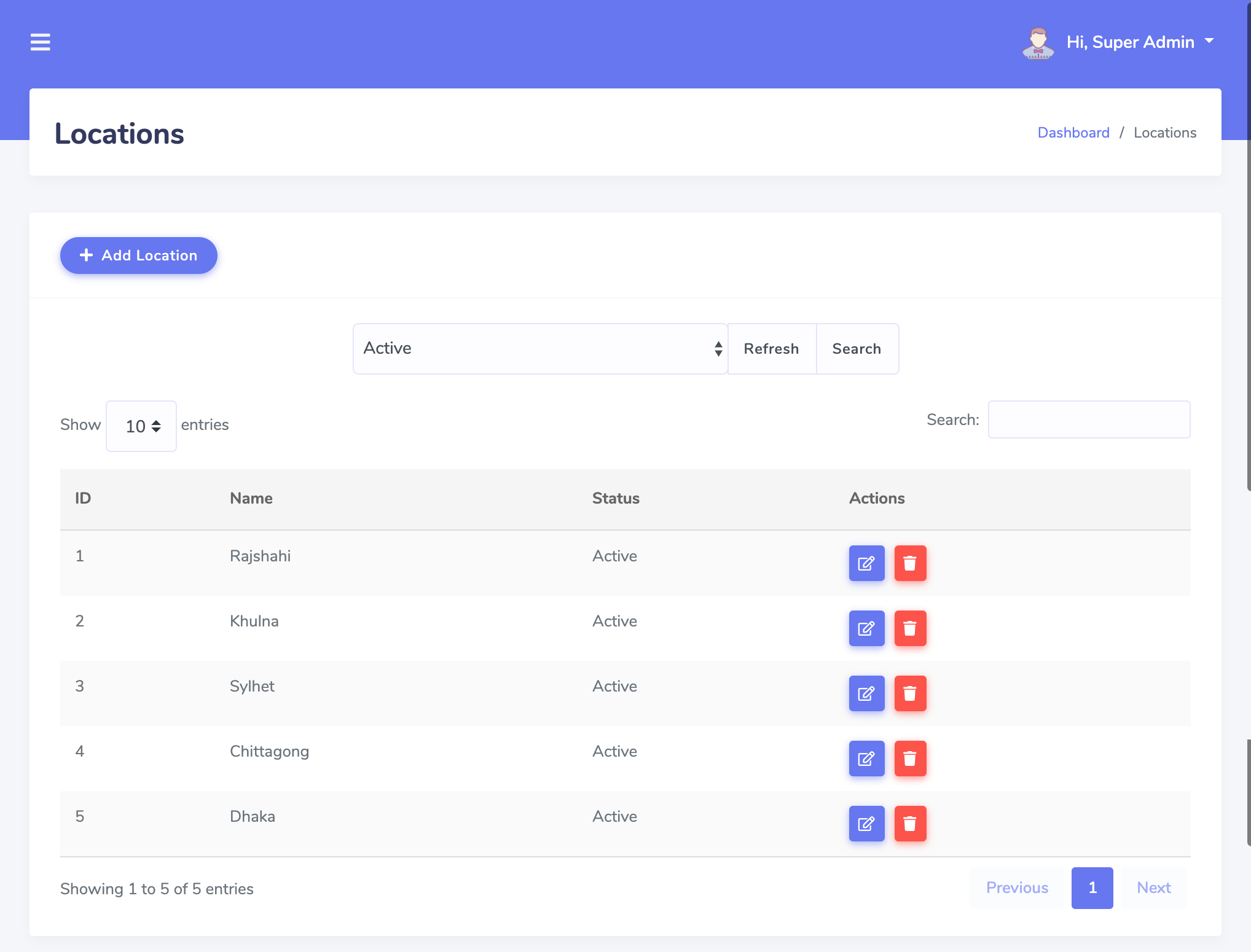
Location & Area
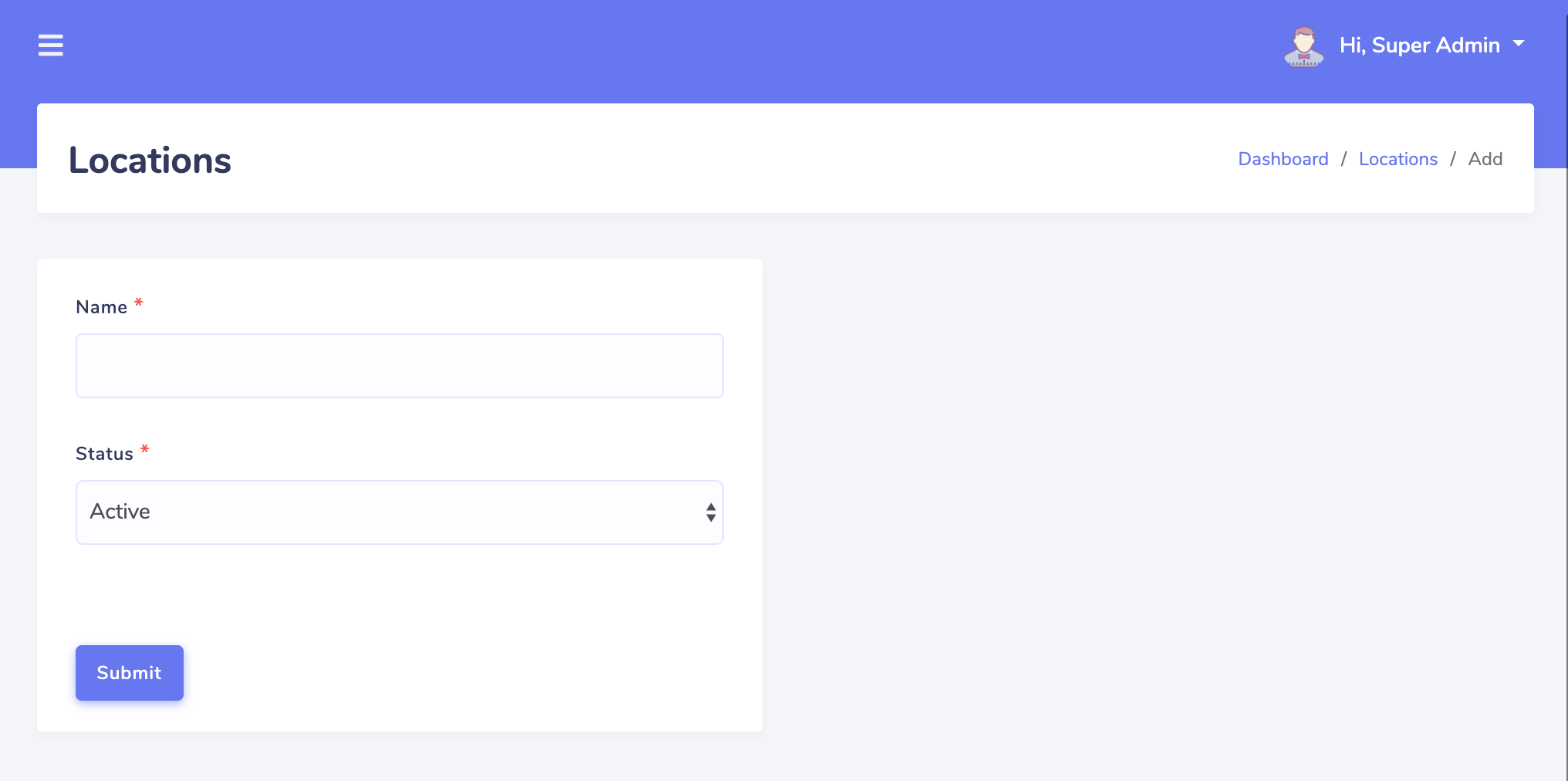
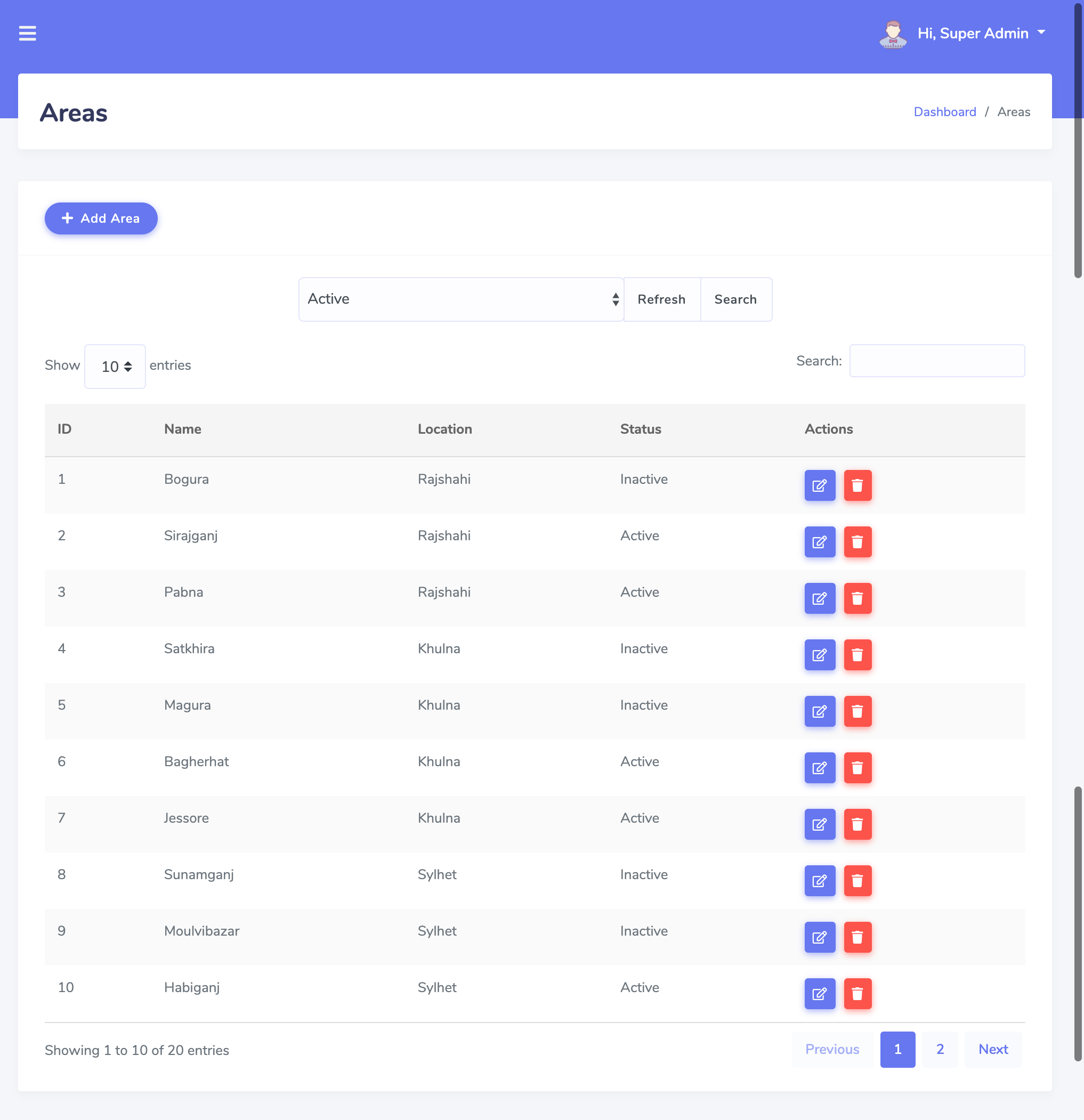
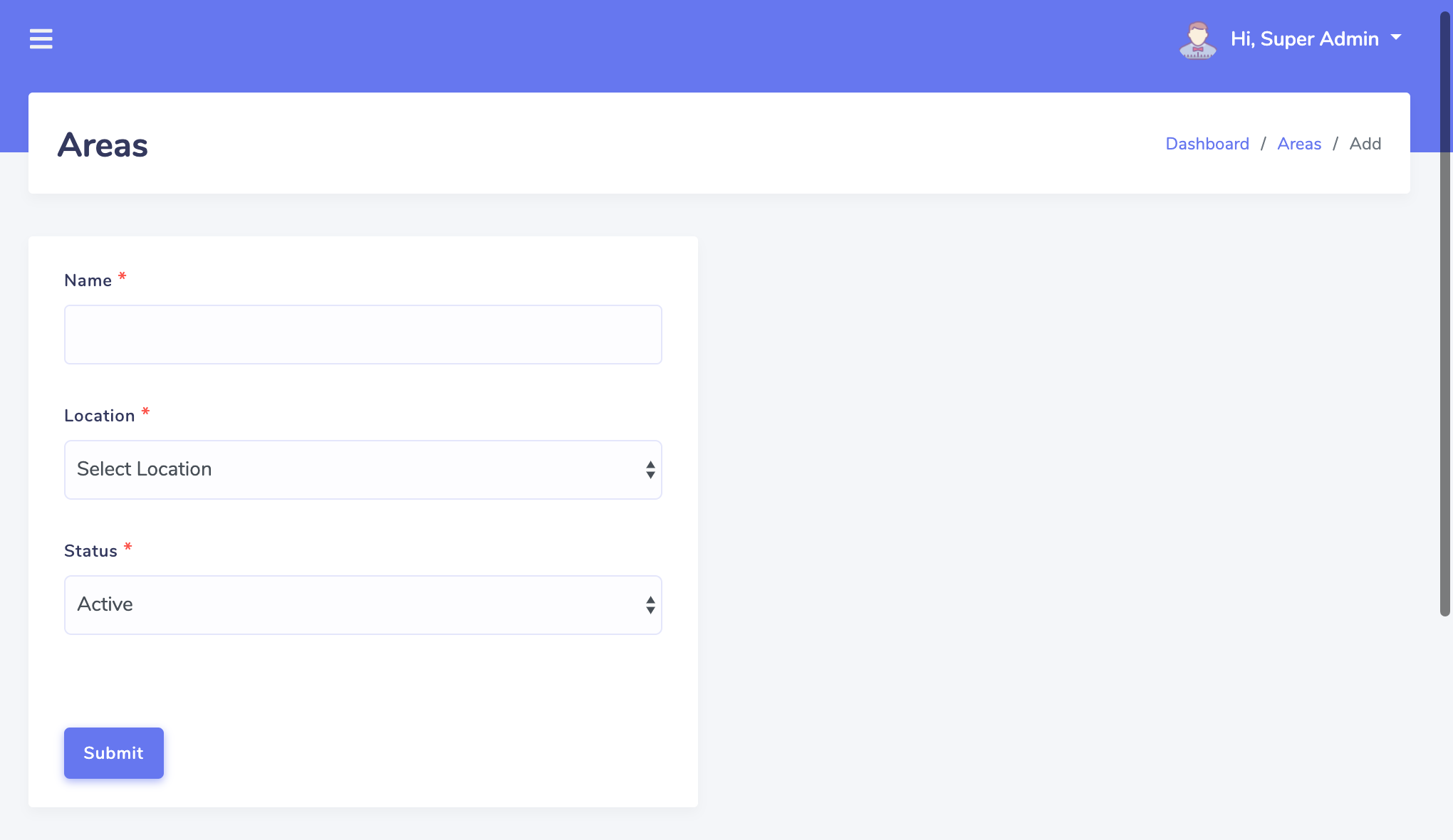
Admin can create unlimited location and unlimited area.
Categories
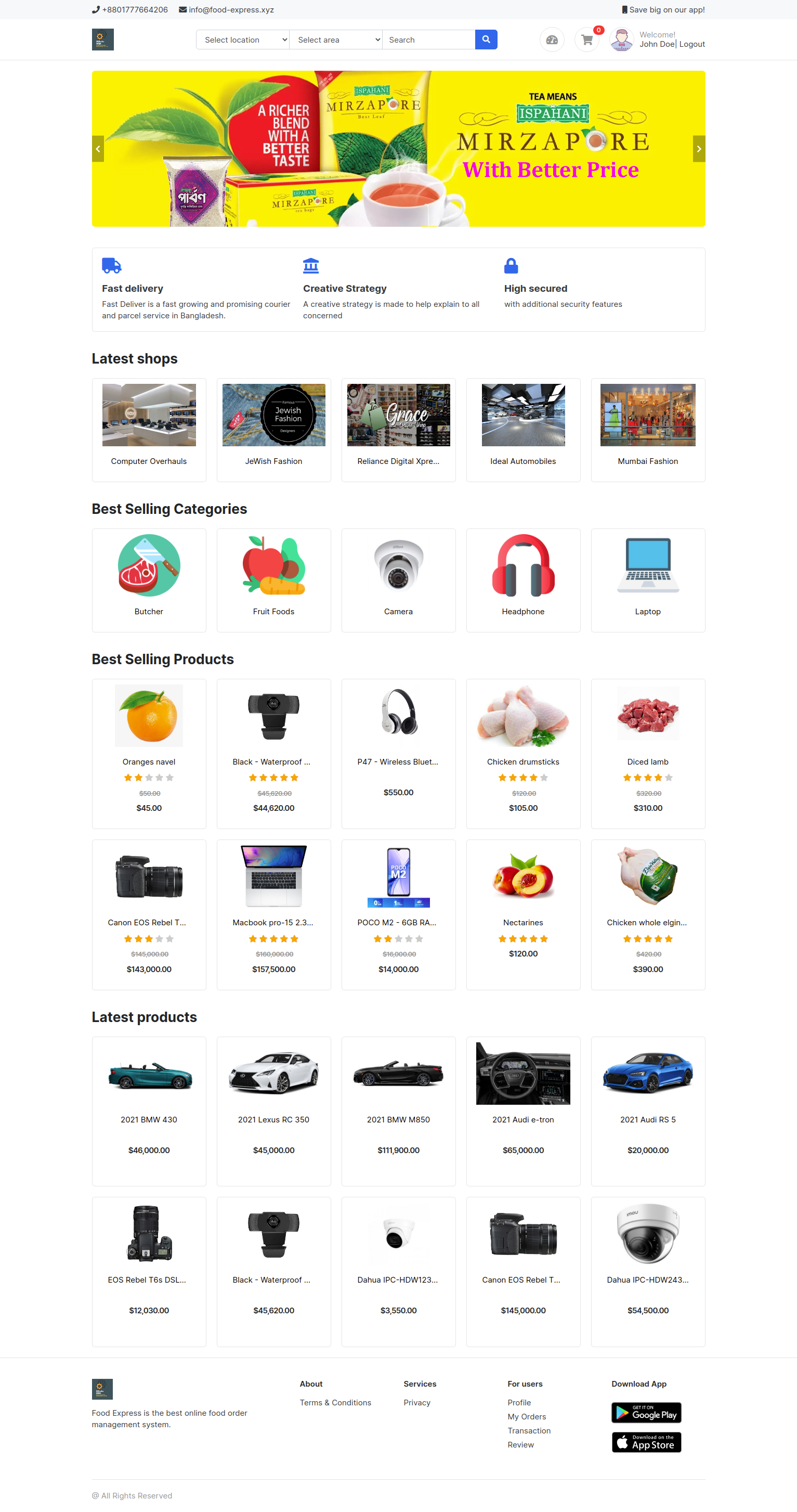
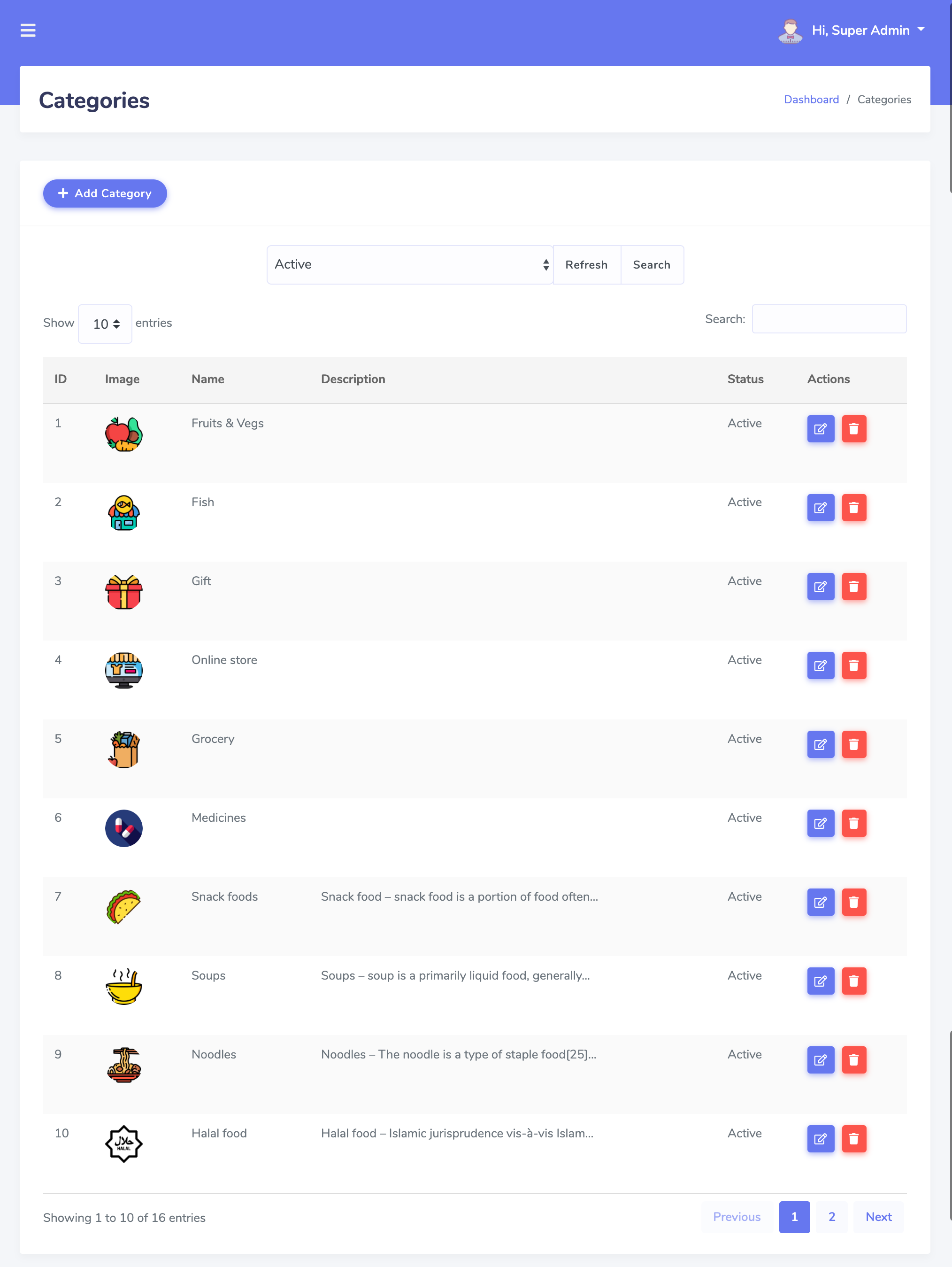
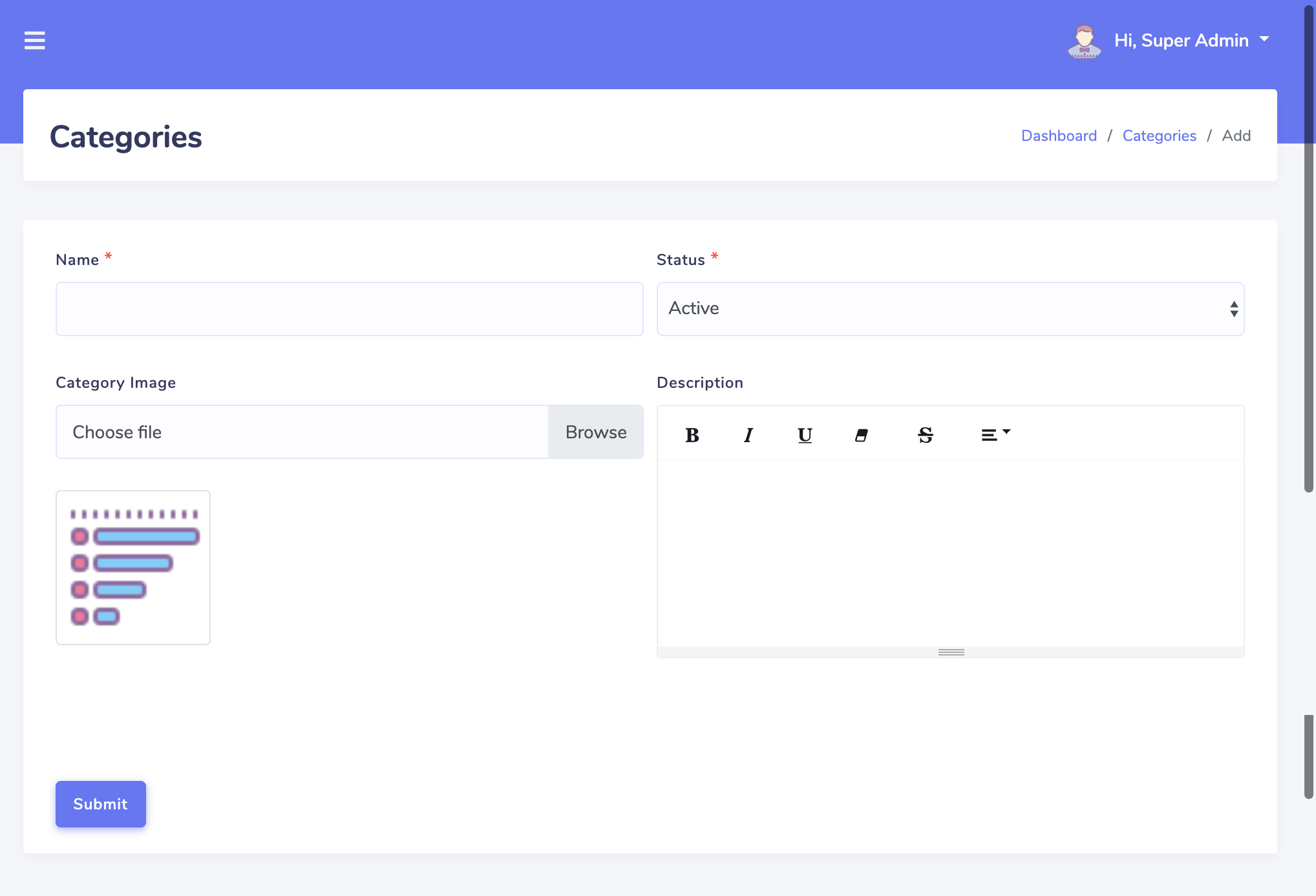
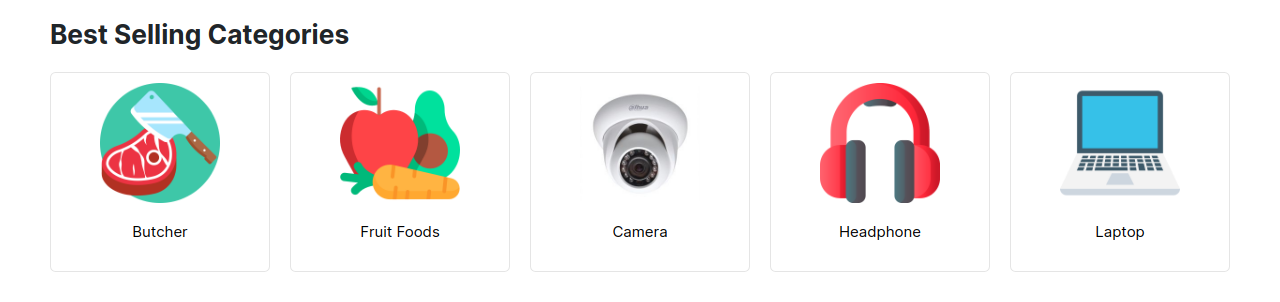
Admin can create unlimited category area, and in homepage user will view the Best Selling Categories
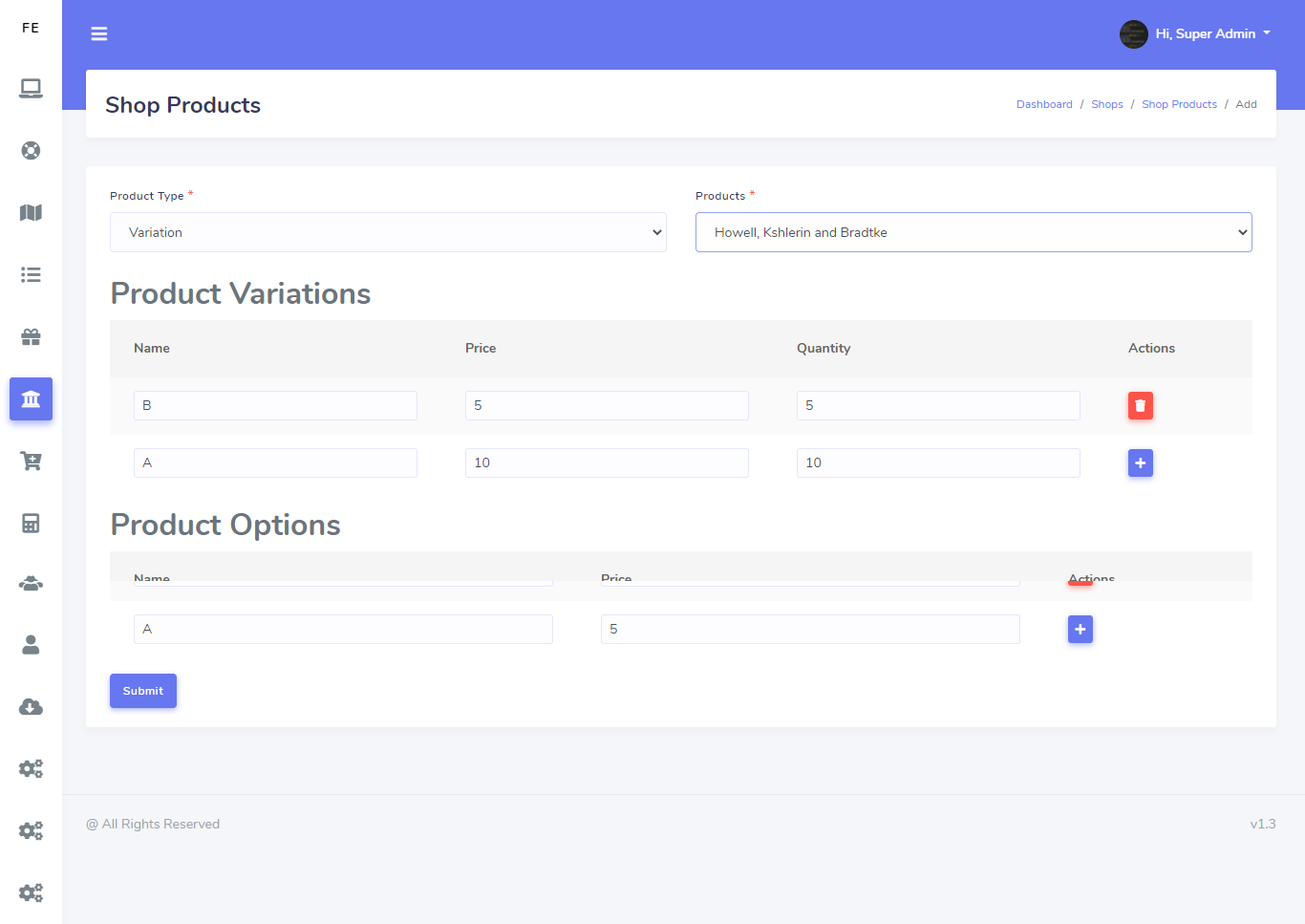
Shop Product List with Variation and Option
Admin can create products variation and Option, it is very helpful to add any products with extra ieltms/p>
Products
Admin can create lot of products for all kinds of shops and also he can add multi-type variation in this product.
Multiple Image Upload in Products
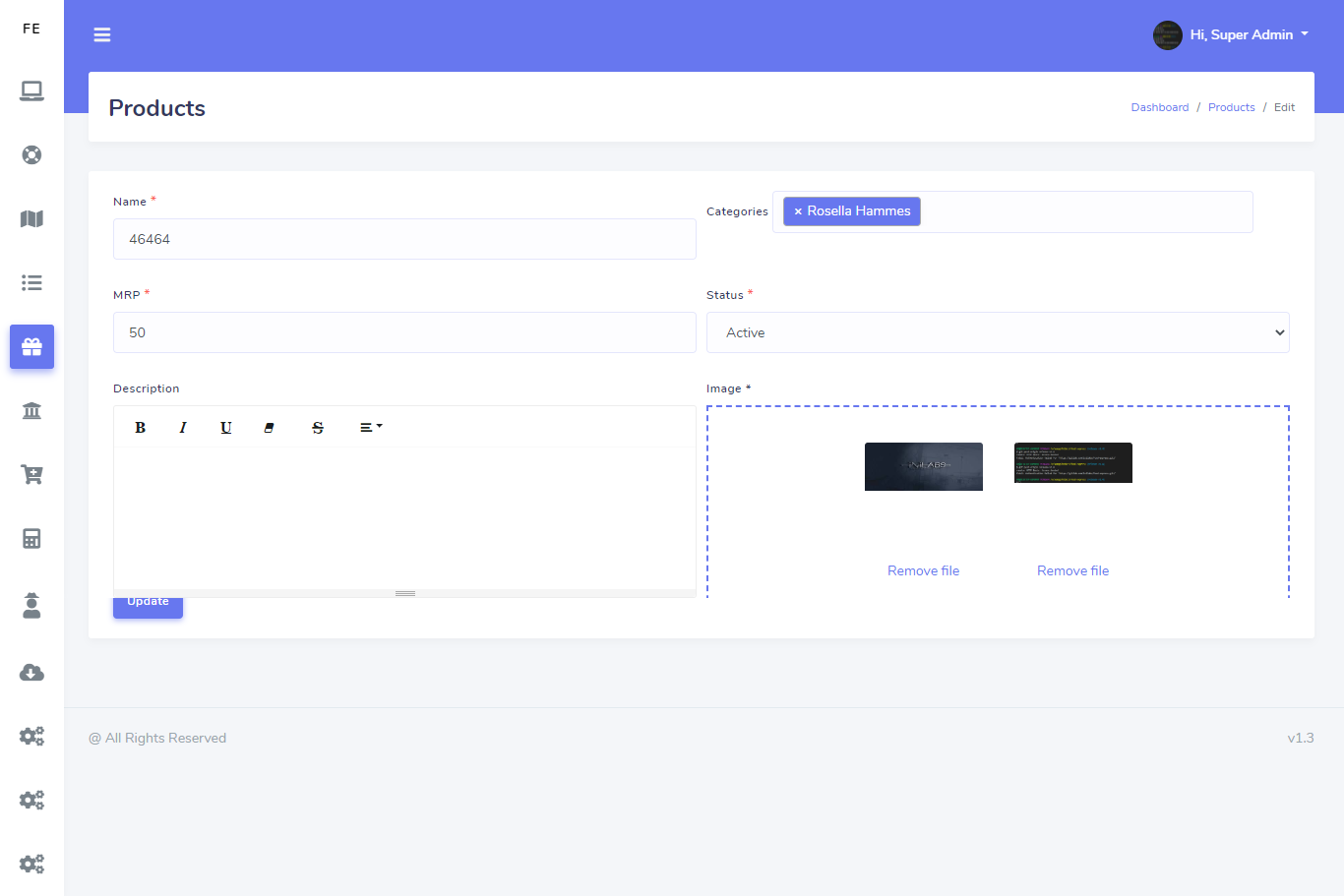
There are multiple image upload option. So if admin wants to upload different shapes of any prodcuts they can do it easily
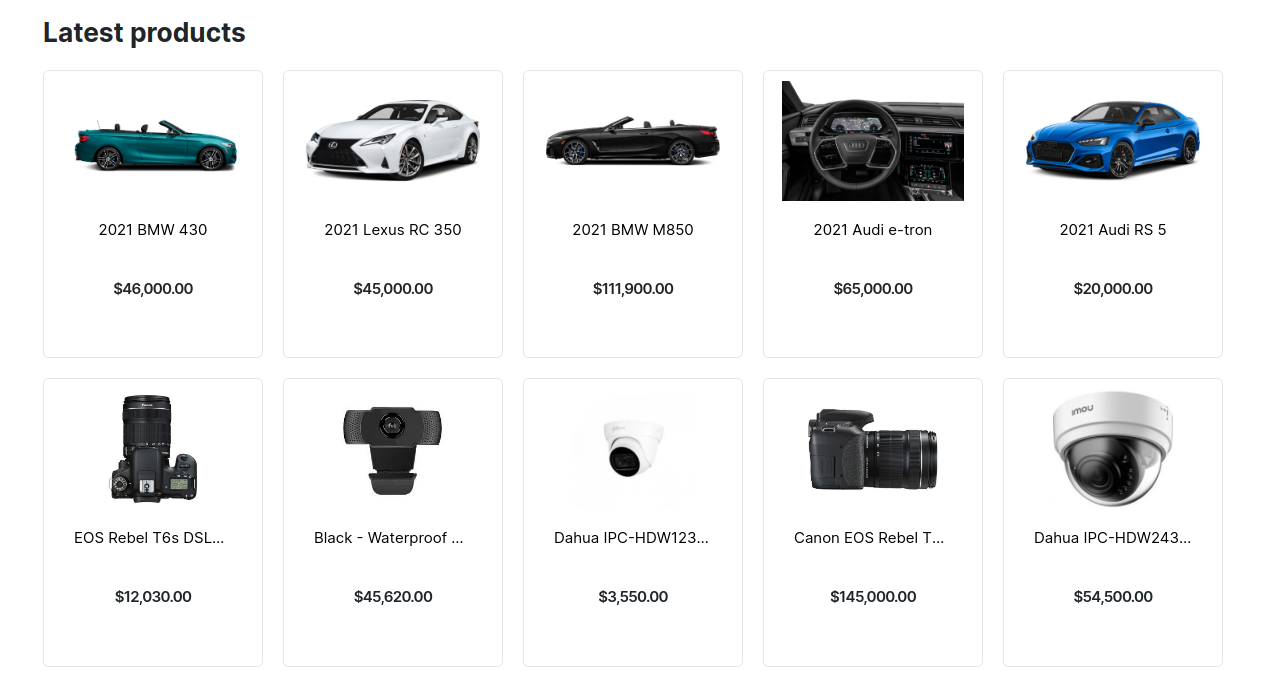
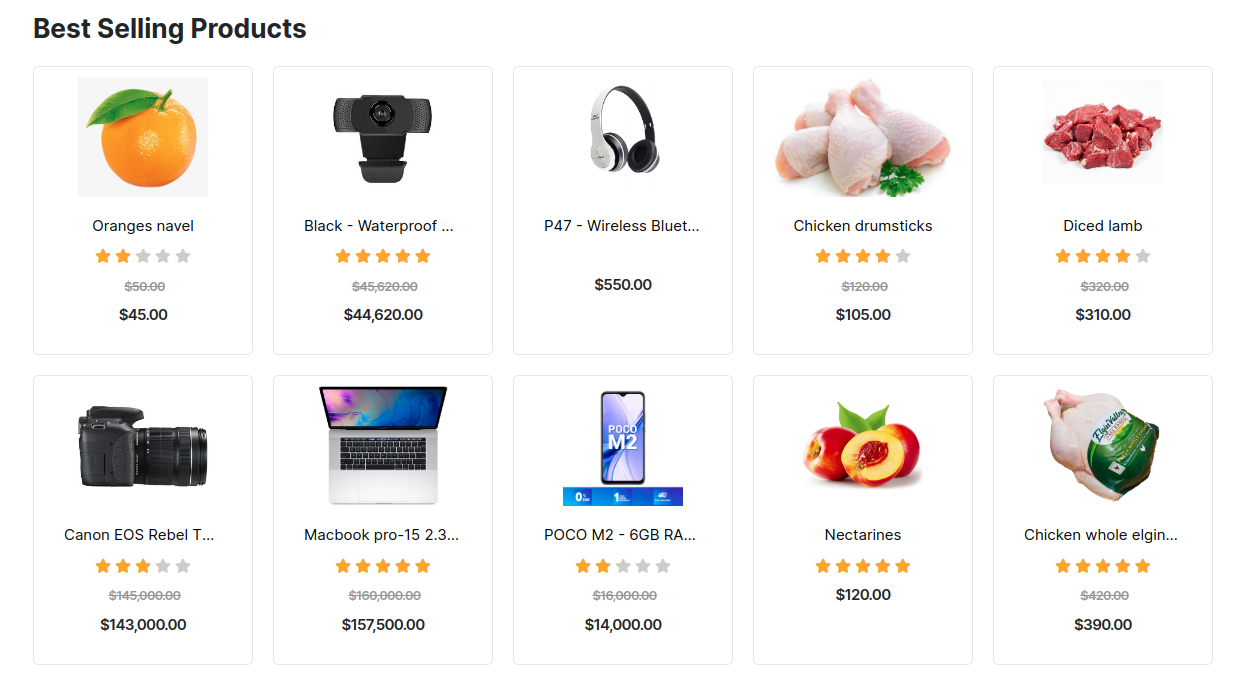
Best Selling Products and Latest products
User can view best selling products and latest products in homepage
Shop or Store
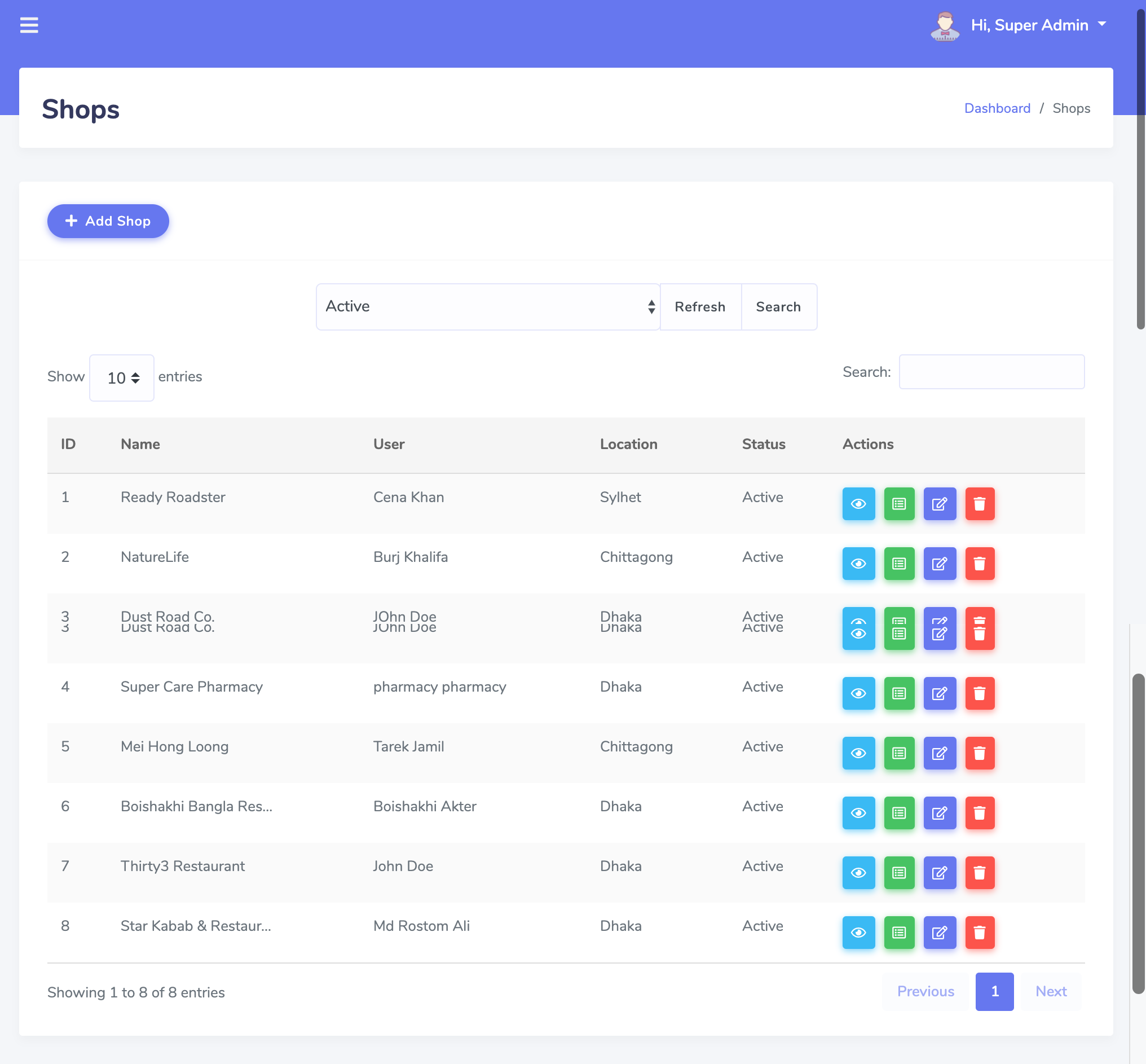
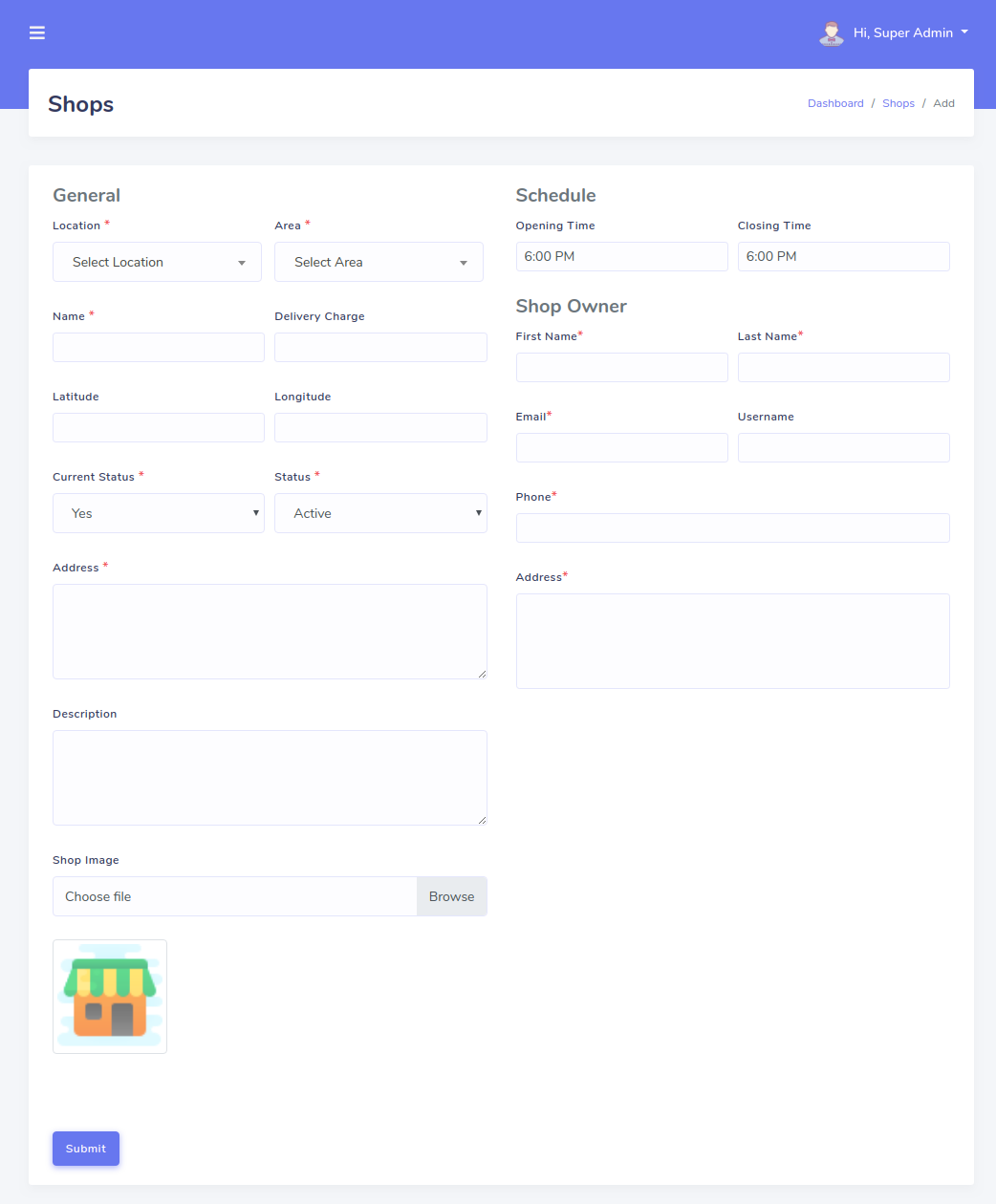
There have lot of type shop like grocery, pharmacy, restaurant like this. admin can create all type of shop in one application
Order and Delivery
Customer can search any products or any store and easily purchase this product and admin can see this order and delivery it immediately
Rating
Admin can active/inactive Rating in adminpanel and user can give rating in homepage
HRM
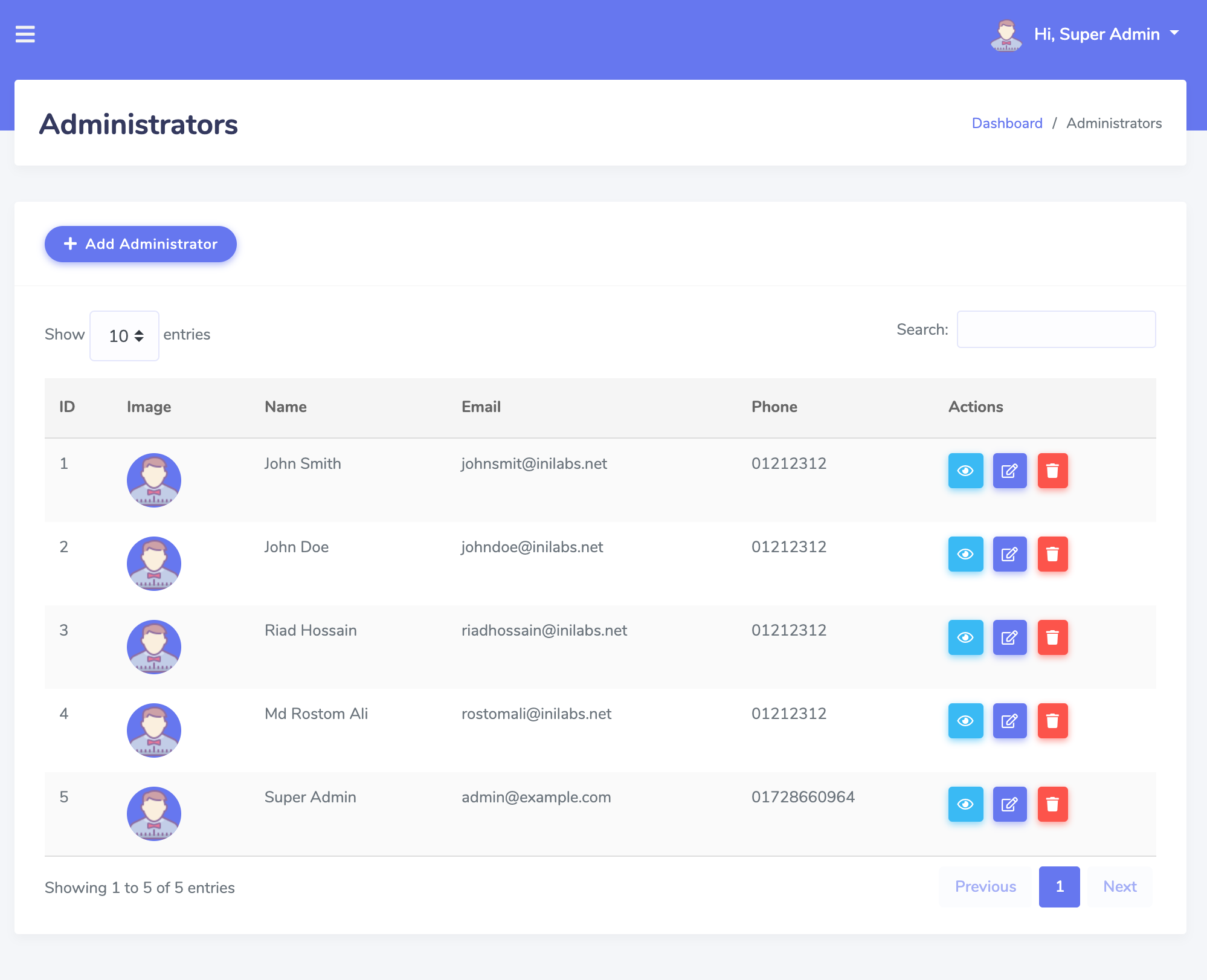
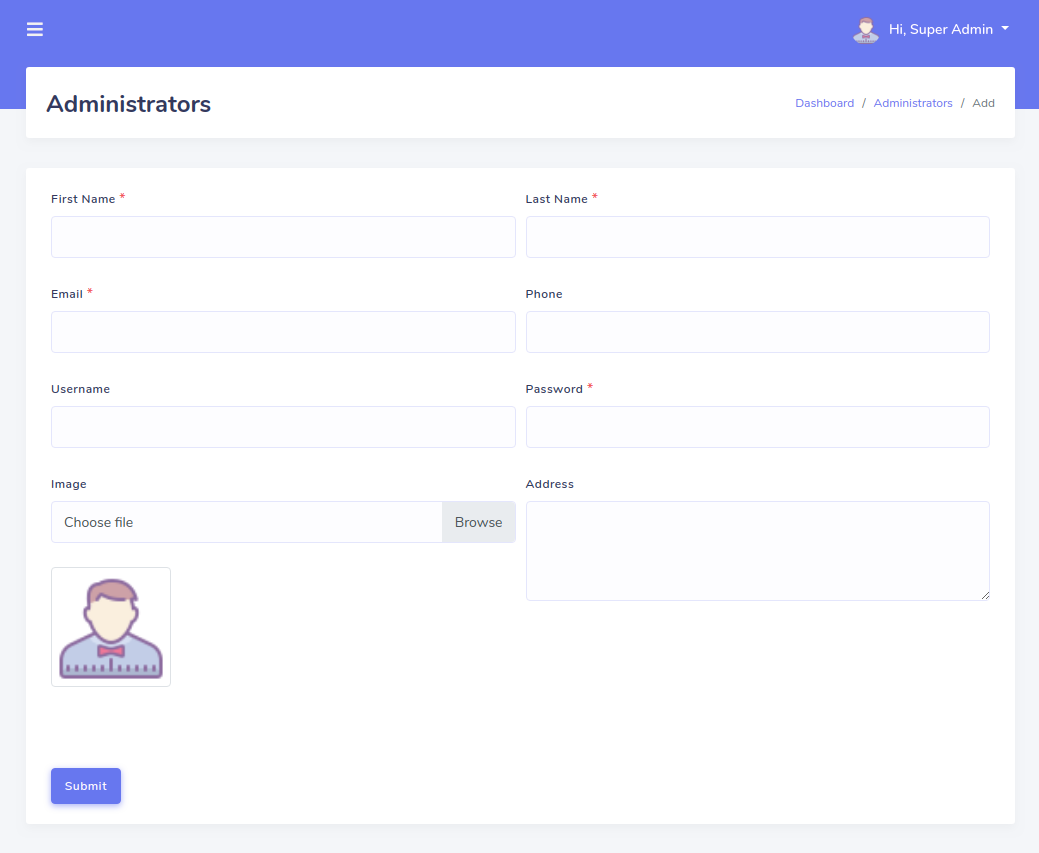
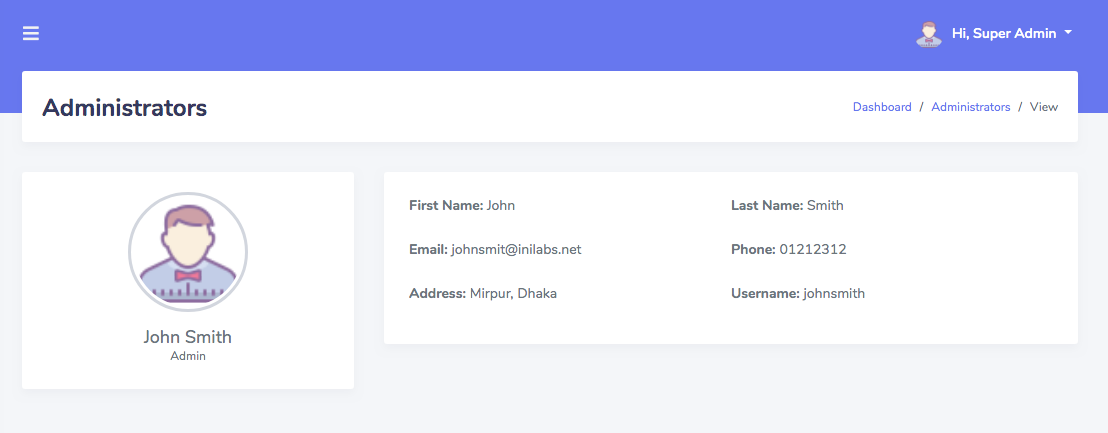
Admin can create another admin, delivery boy and edit the customer profile and password reset also.
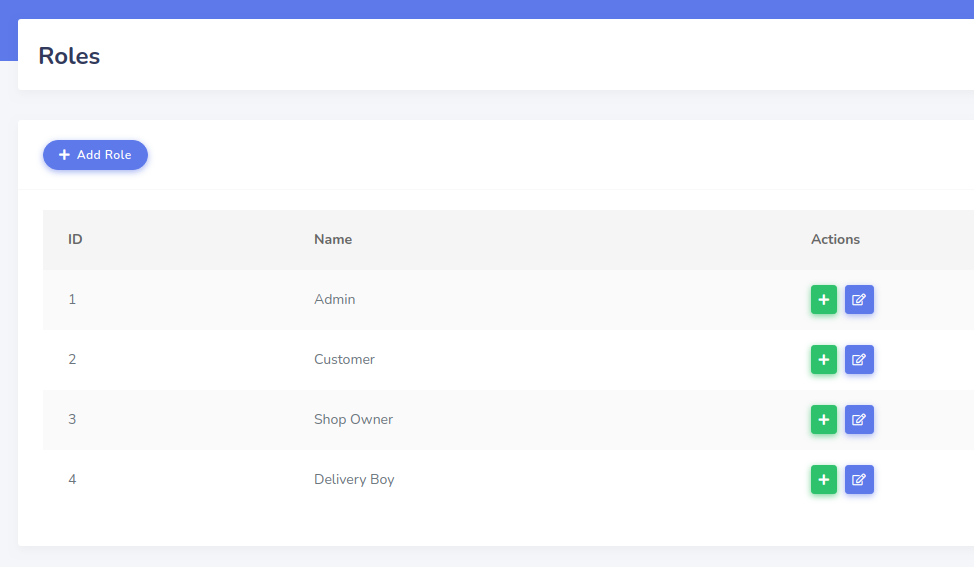
Role
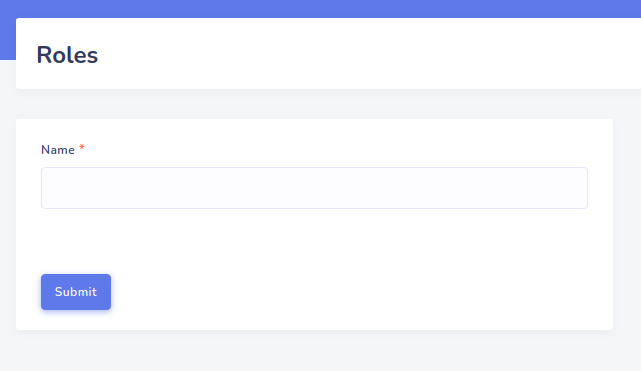
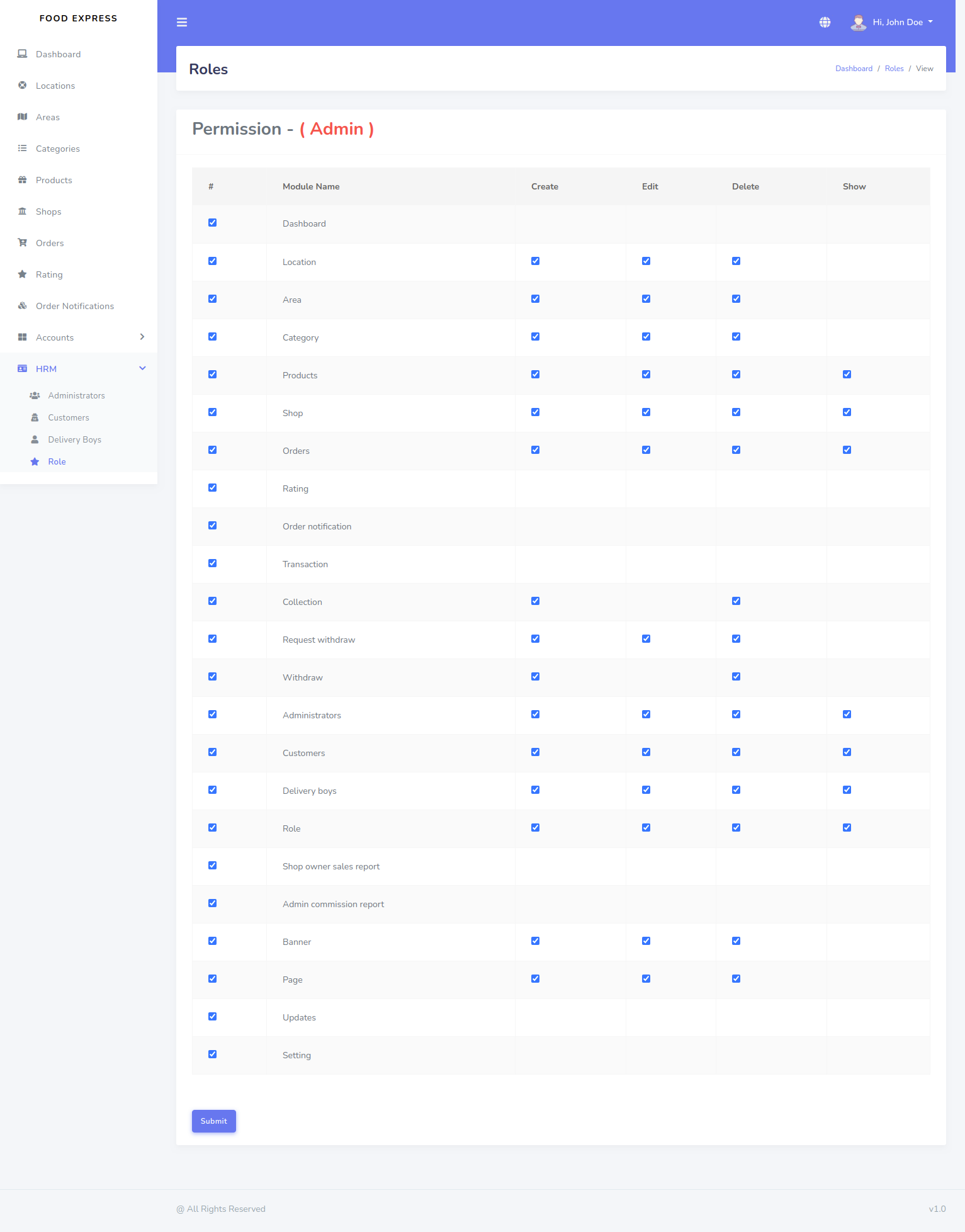
Admin can add role and give permission to role.
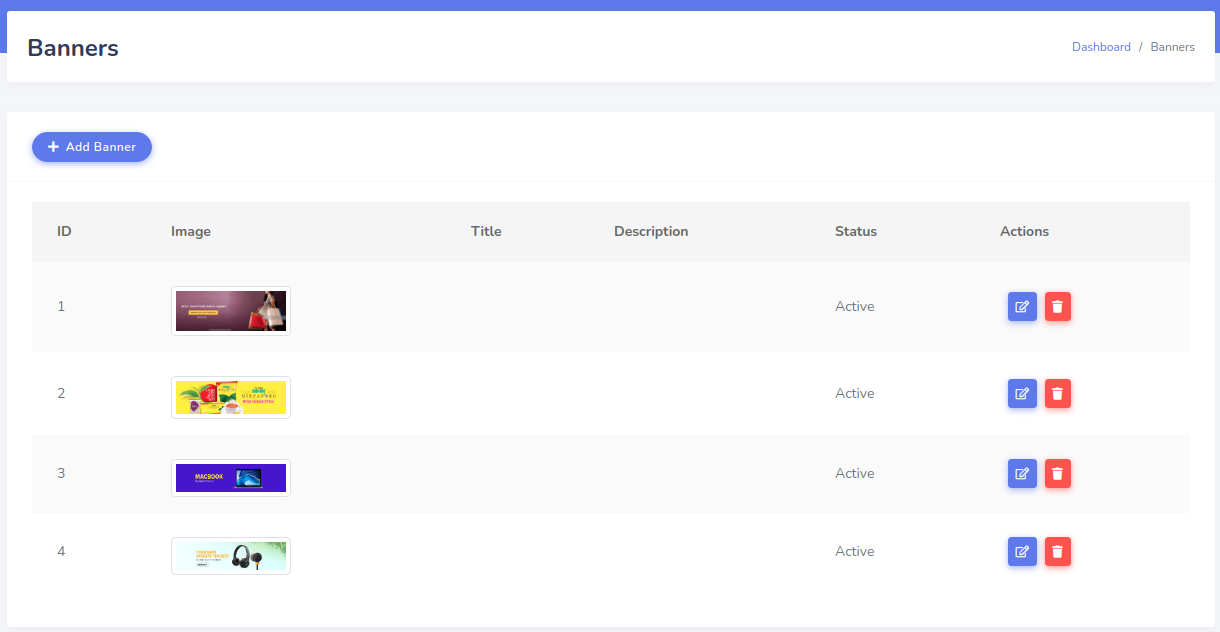
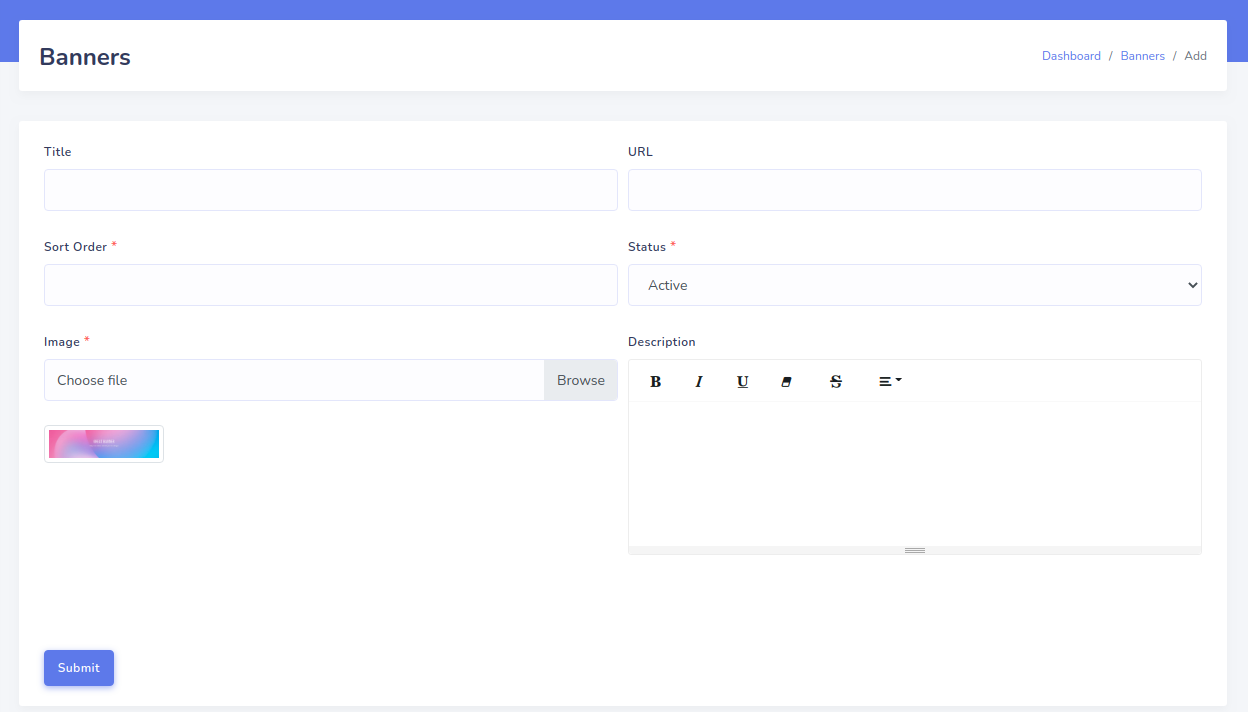
Banner
Admin can create,edit and delete unlimited Banner.Banner will be publish in homepage as slider
Report
There are differt types of Report which are very usefull for the user like Shop Owner Sales Report (Order Wise) and Admin Commision Report (Shop wise)
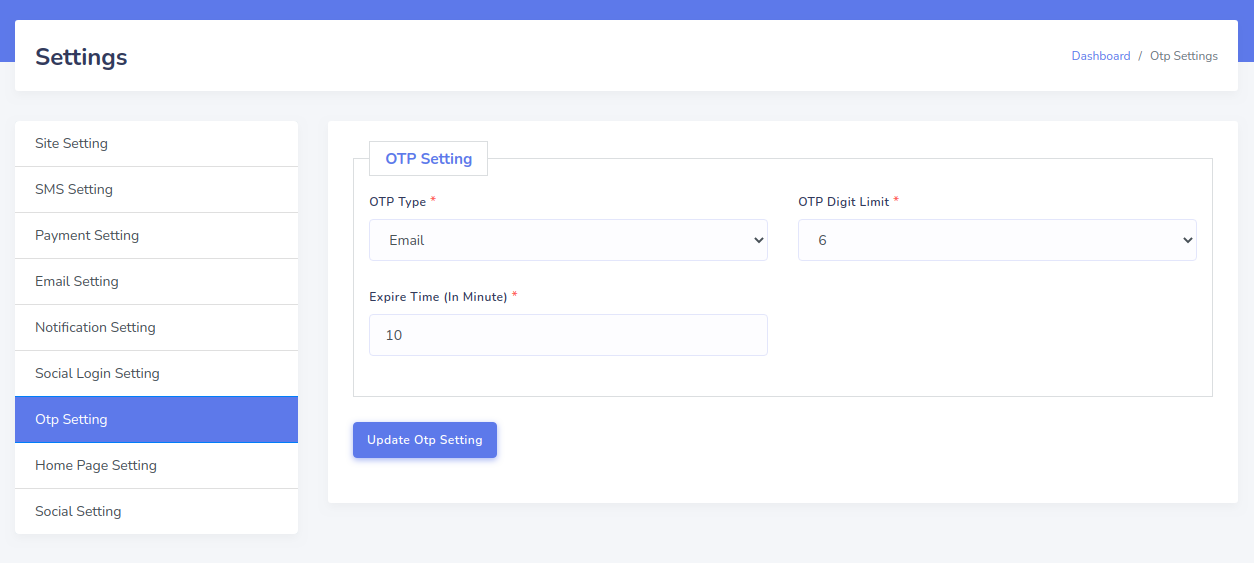
Otp Login
There are one time password login system like email , mobile or both. Admin can use any option or both
Installation
Before install, please make sure you have the components bellow enable on your server
PHP 7.2.3 or Greater
OpenSSL PHP Extension
PDO PHP Extension
Mbstring PHP Extension
Tokenizer PHP Extension
XML PHP Extension
Ctype PHP Extension
JSON PHP Extension
BCMath PHP Extension
GD PHP Extension (or Imagick PHP Extension)
PHP Zip Archive
PHP JSON
PHP cURL
PHP Zip Archive
Rewrite Module (Apache or Nginx)
PHP.INI Requirements
open_basedir must be disabled
- Unzip and copy the script folder in your hosting server.
- Make sure in script folder /bootstrap and /storage folder
  have permission as 755 recursively.
- Manually create a database using “Phpmyadmin”.
- Run the install script path from any web browser (http://server.com/install).
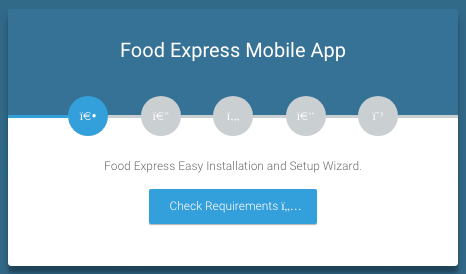
- Click the “Check Requirement” button then the application find the requirement
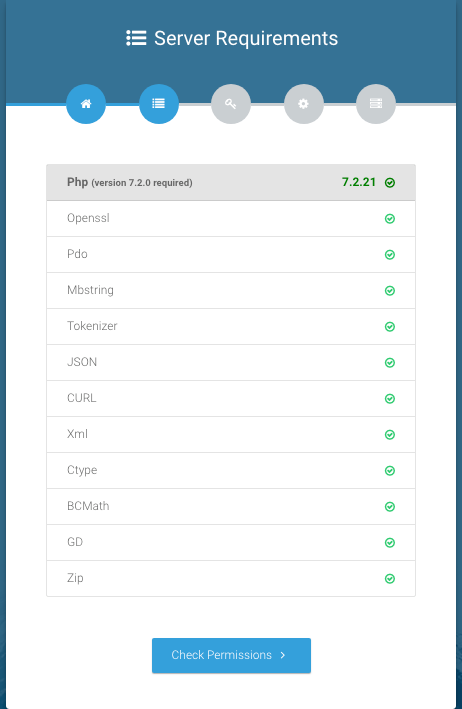
- Now you will see the server requirement if everything is ok then click
    “Check Permissions”
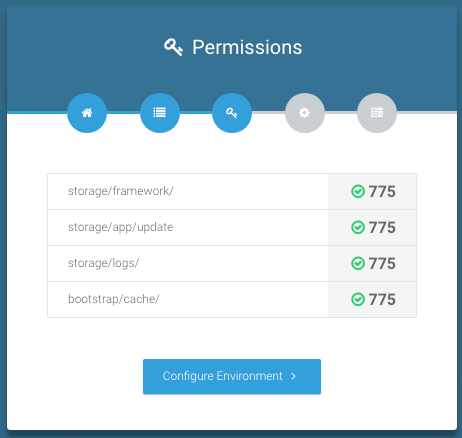
- Now you will see the folders permission list if everything is ok then click
    “Configure Environment”
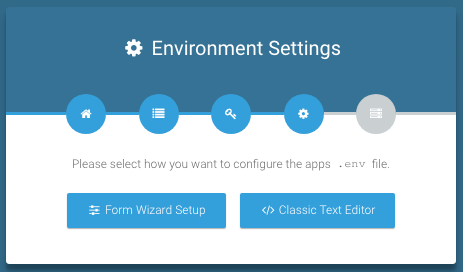
- Now you will see the environment setting . there have 2 type of process,
    now you click the “Form Wizard Setup”
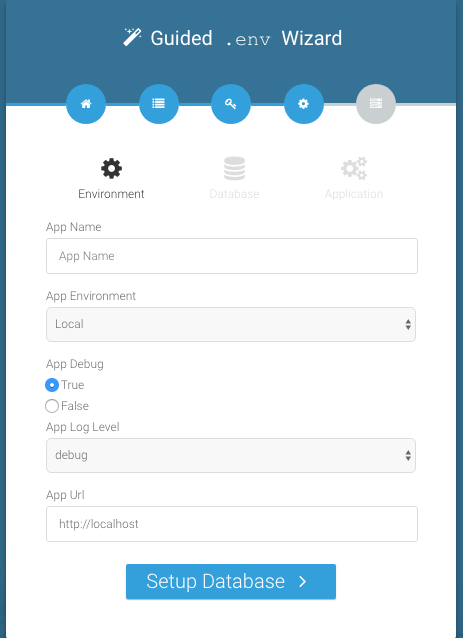
- Now filling up all input field and click “Setup Database”
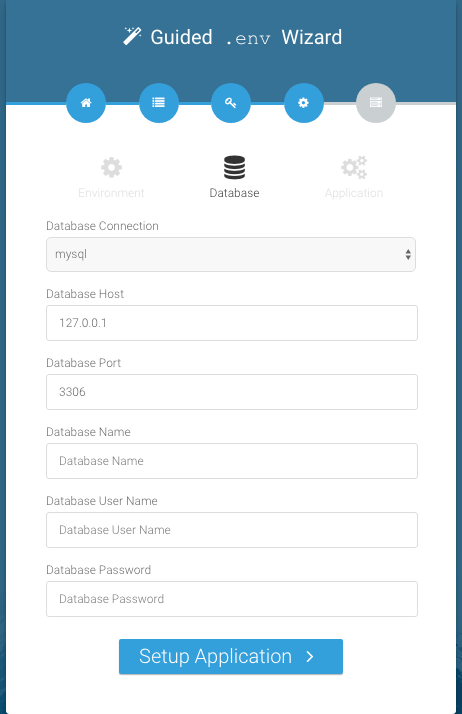
- Provide your database information like Database Host, Database Name,
    Database Username and Database Password and click “Setup Application”
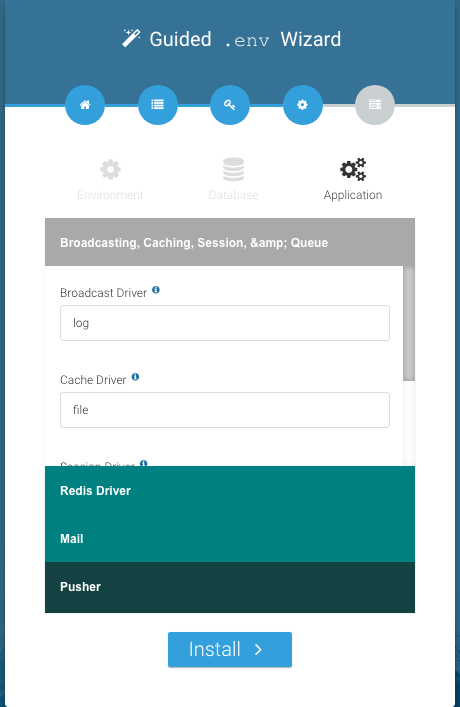
- Nothing to change here just click “Install”
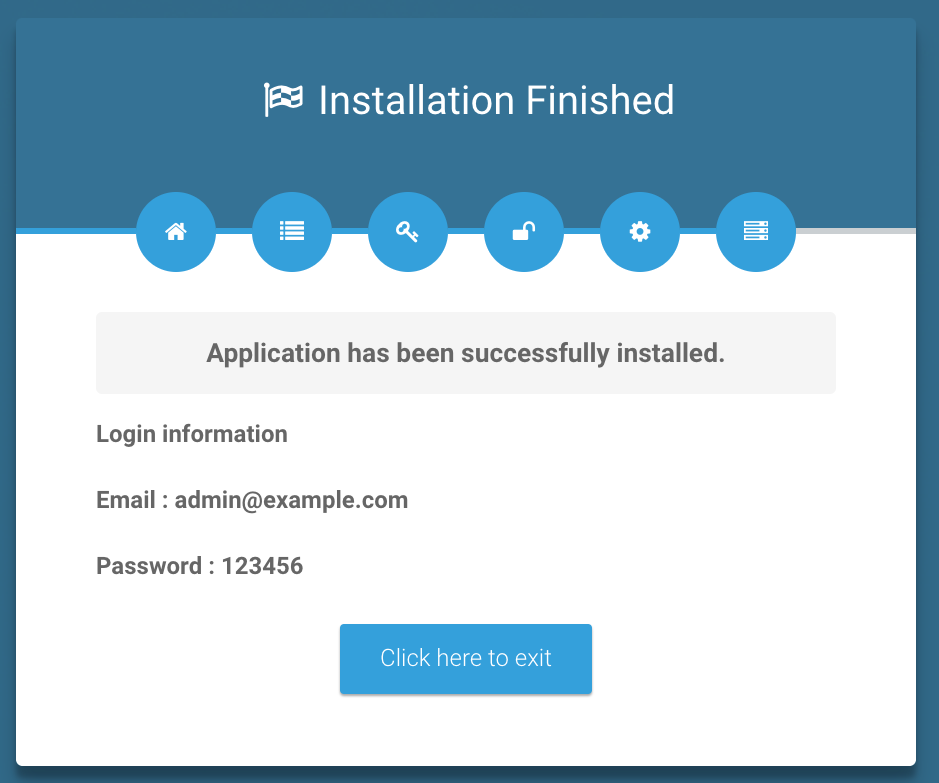
- Now you will see the login information (Email : admin@example.com , Password : 123456)
- Click "Click here to exit" button
- Good Luck!!!
Check Requirements
Server Requirements
Permission
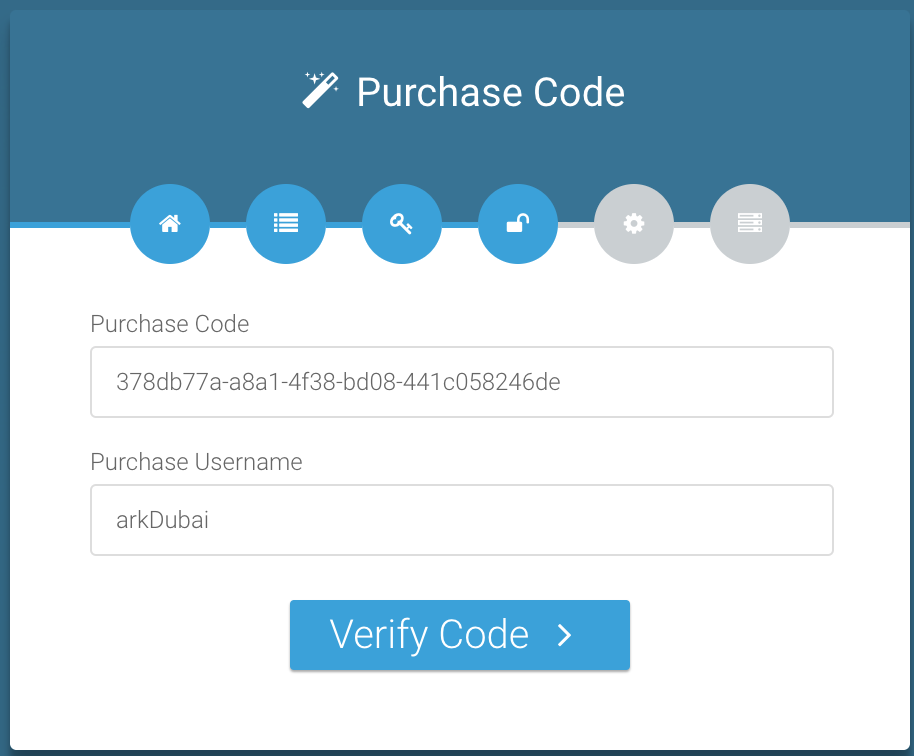
Purchase Code Verification
Environment Settings
Guided env Wizard with Environment
Database
Application
Finishing
Quick Start Guide
Home Page
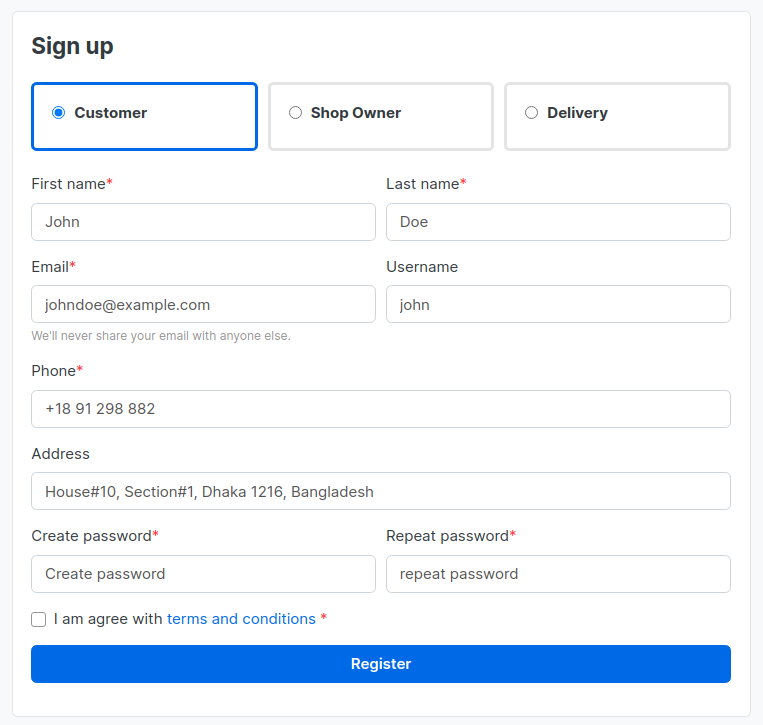
Registration
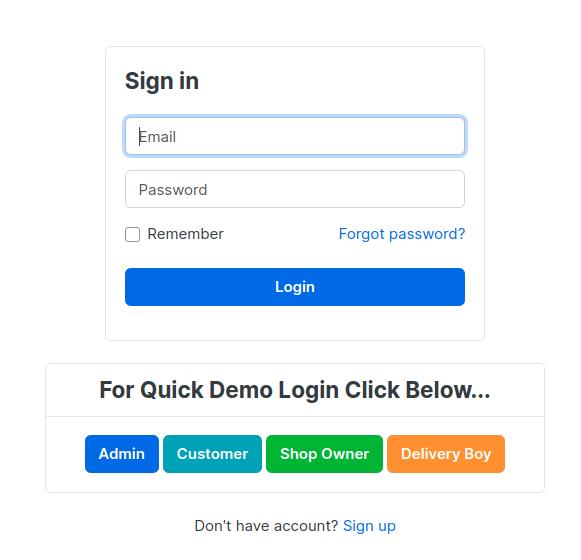
Login
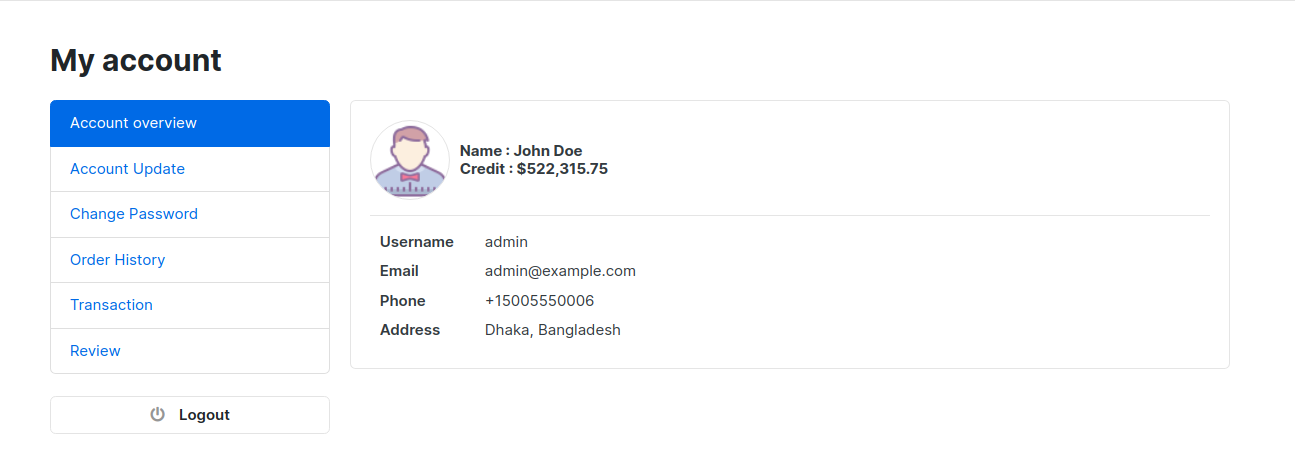
Account Overview
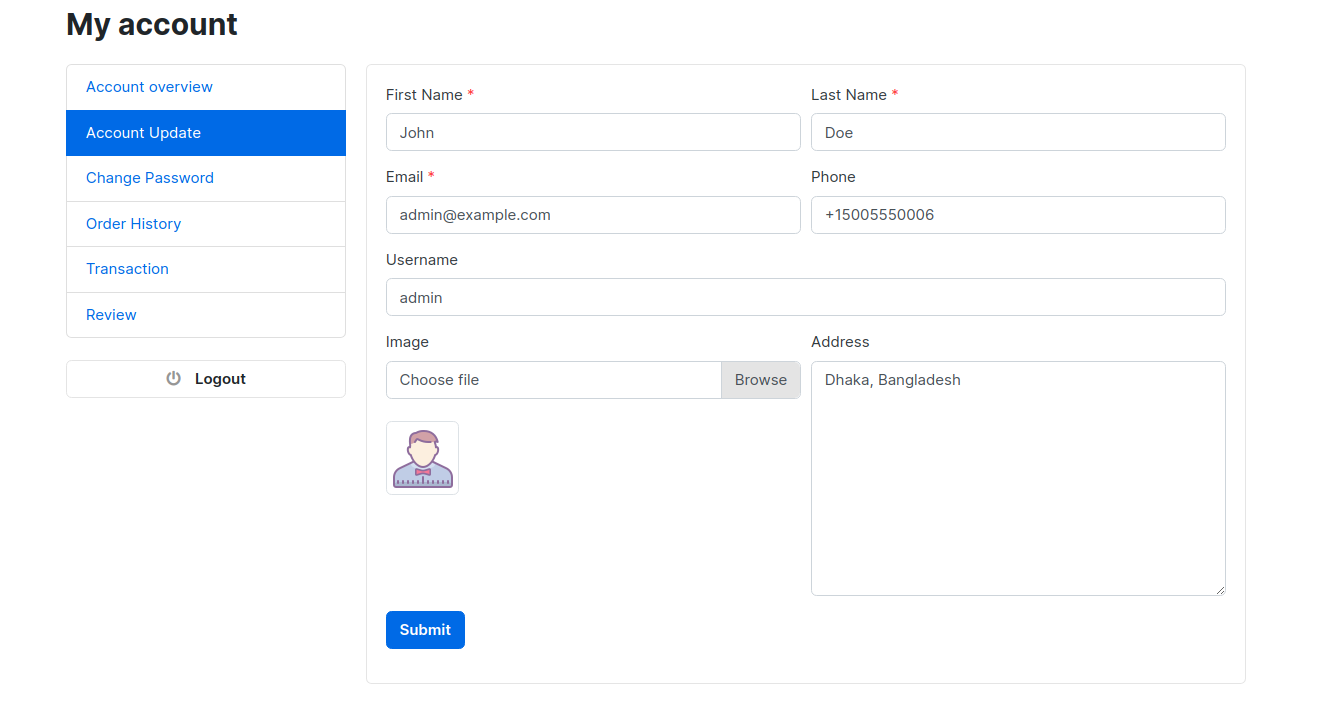
Account Update
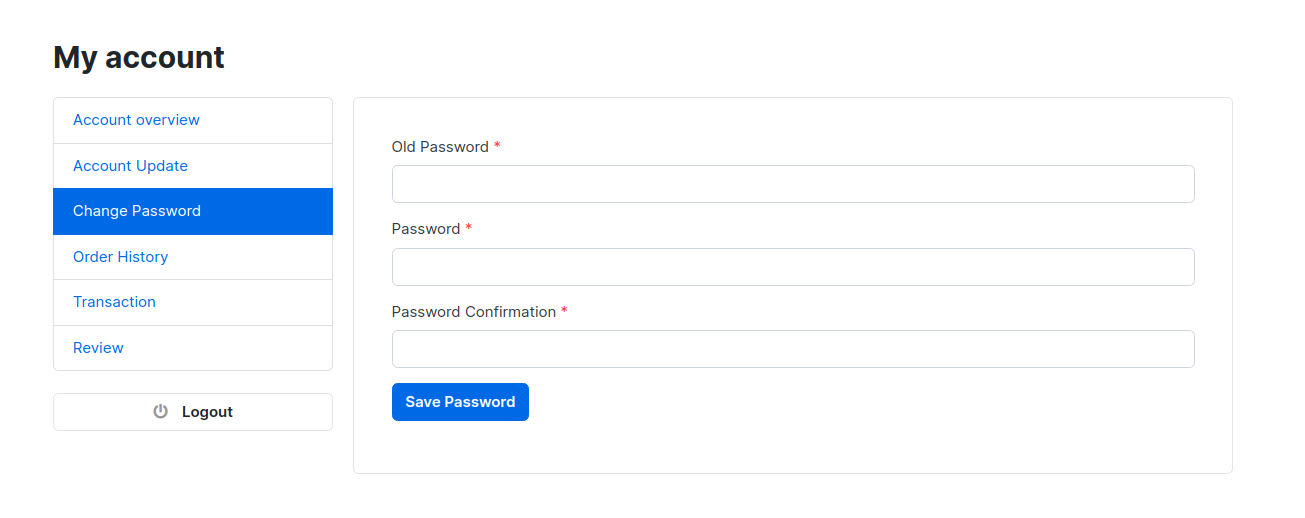
Change Password
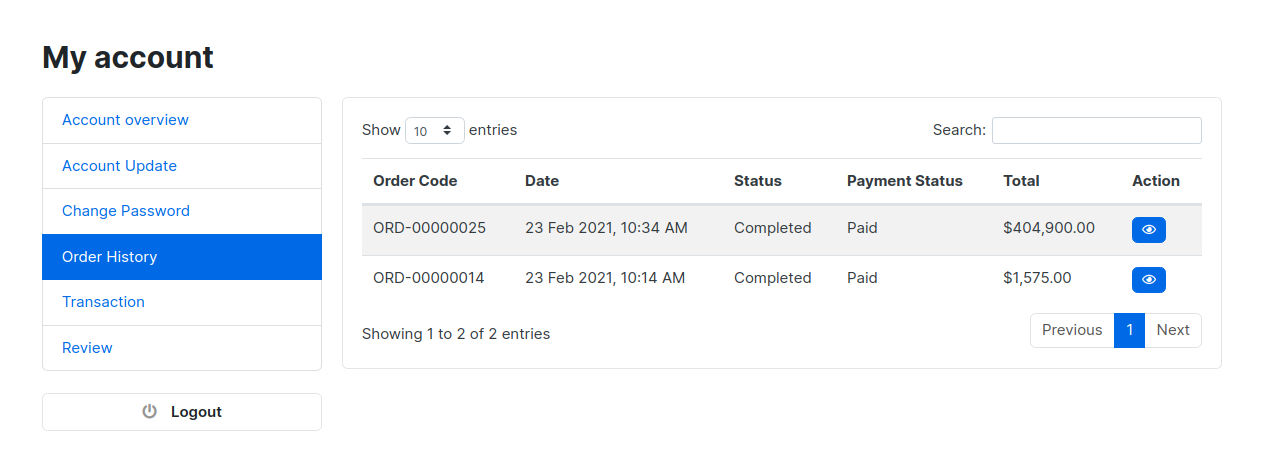
Order History
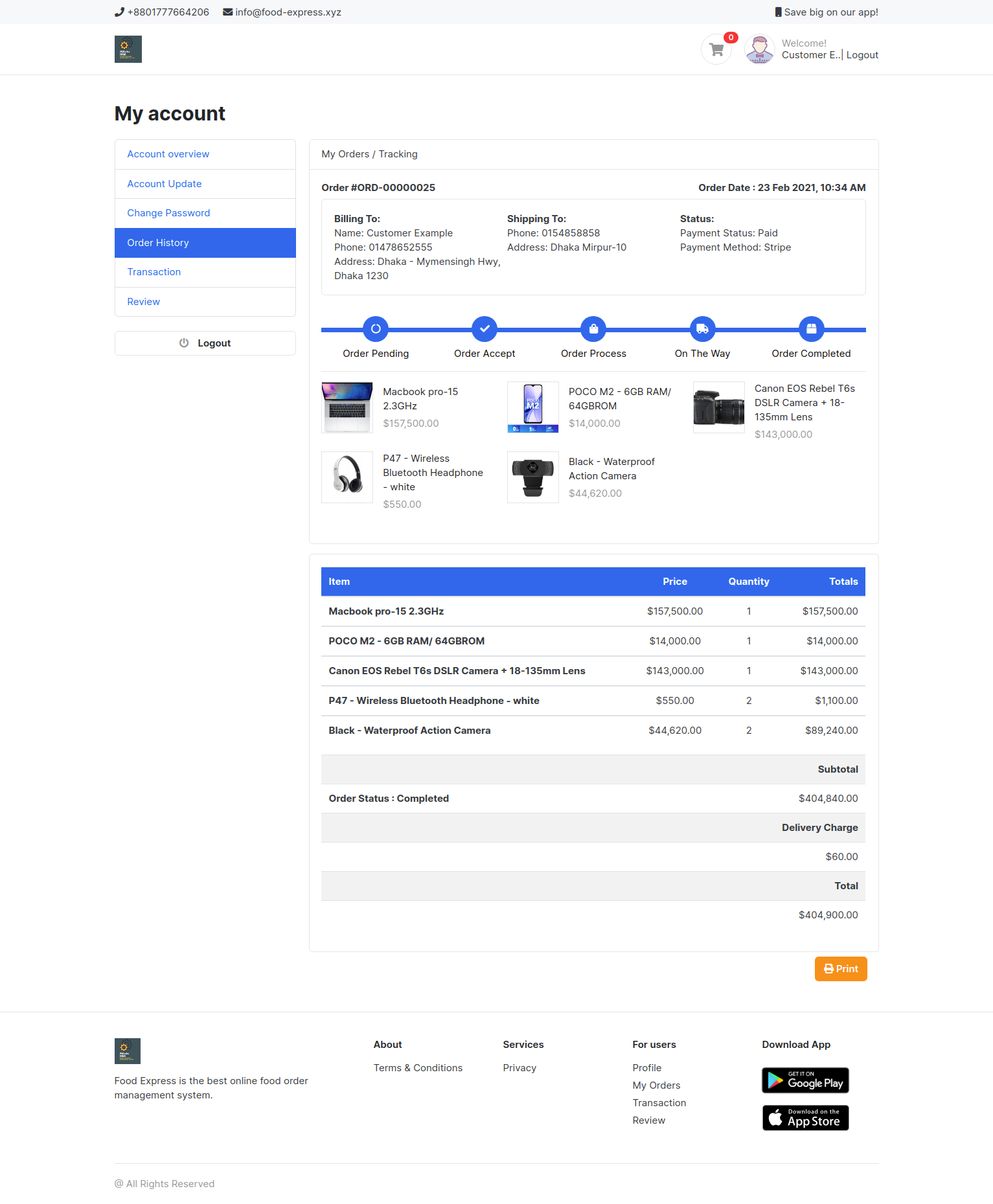
Order History Details
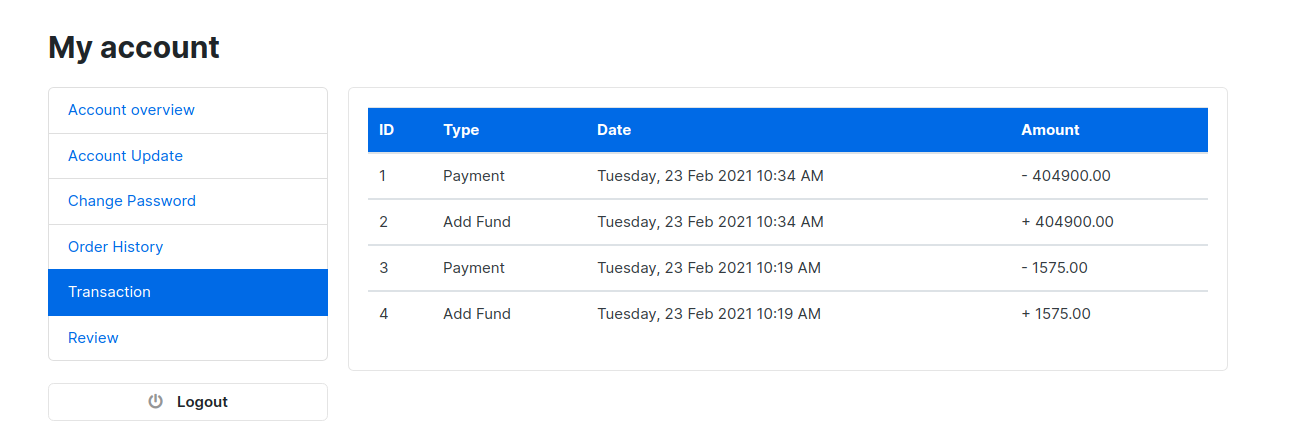
Transaction
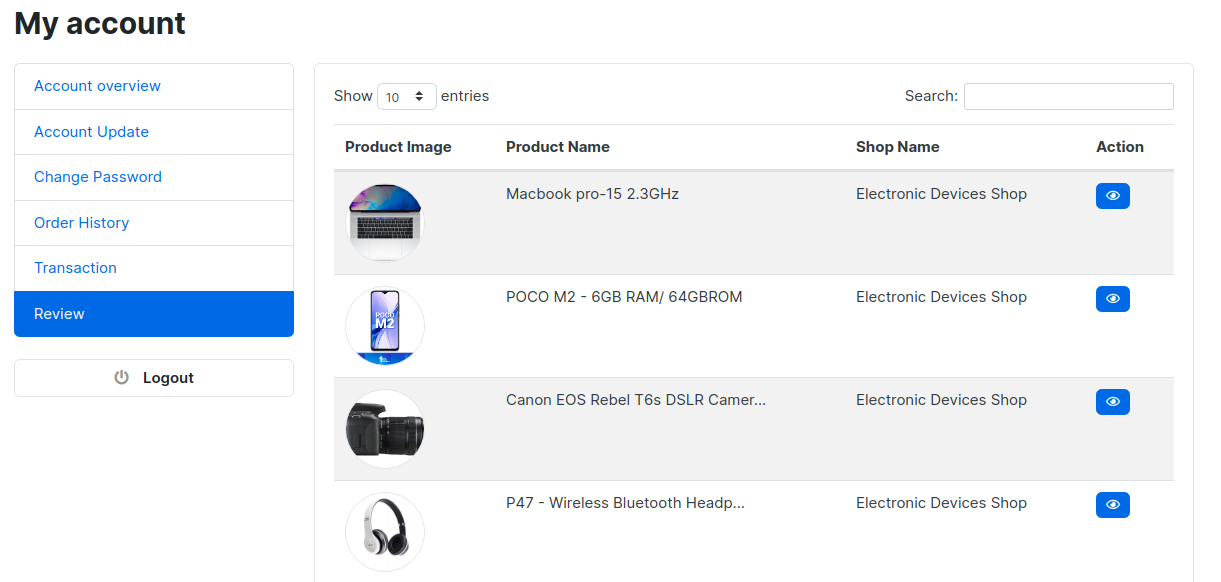
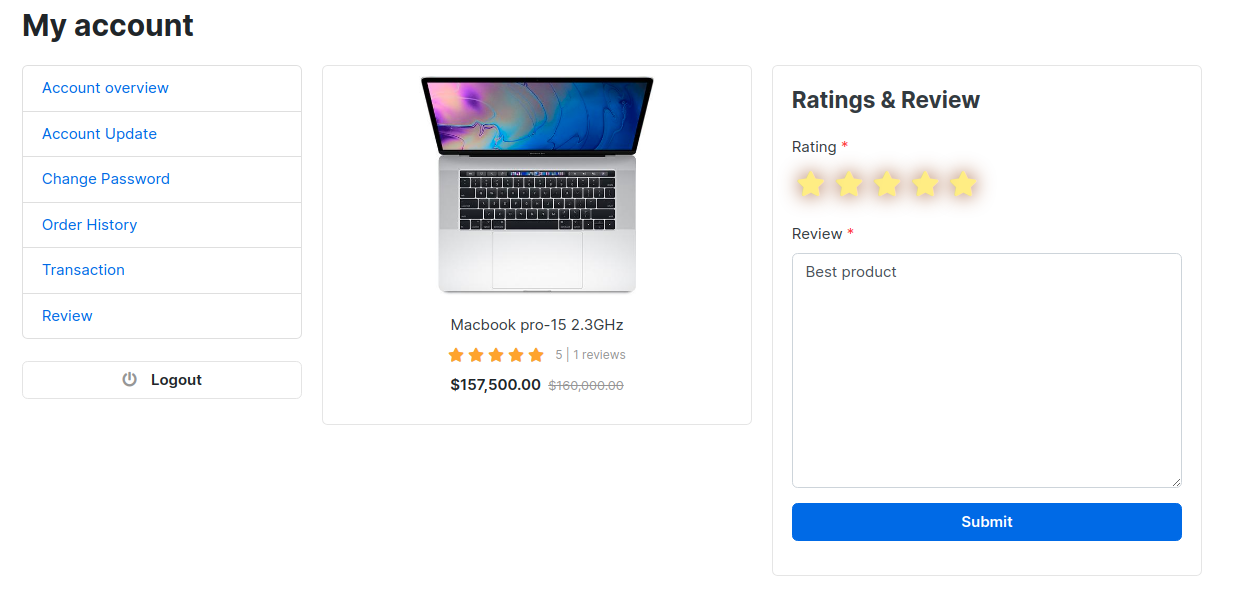
Review
Review Details
Dashboard
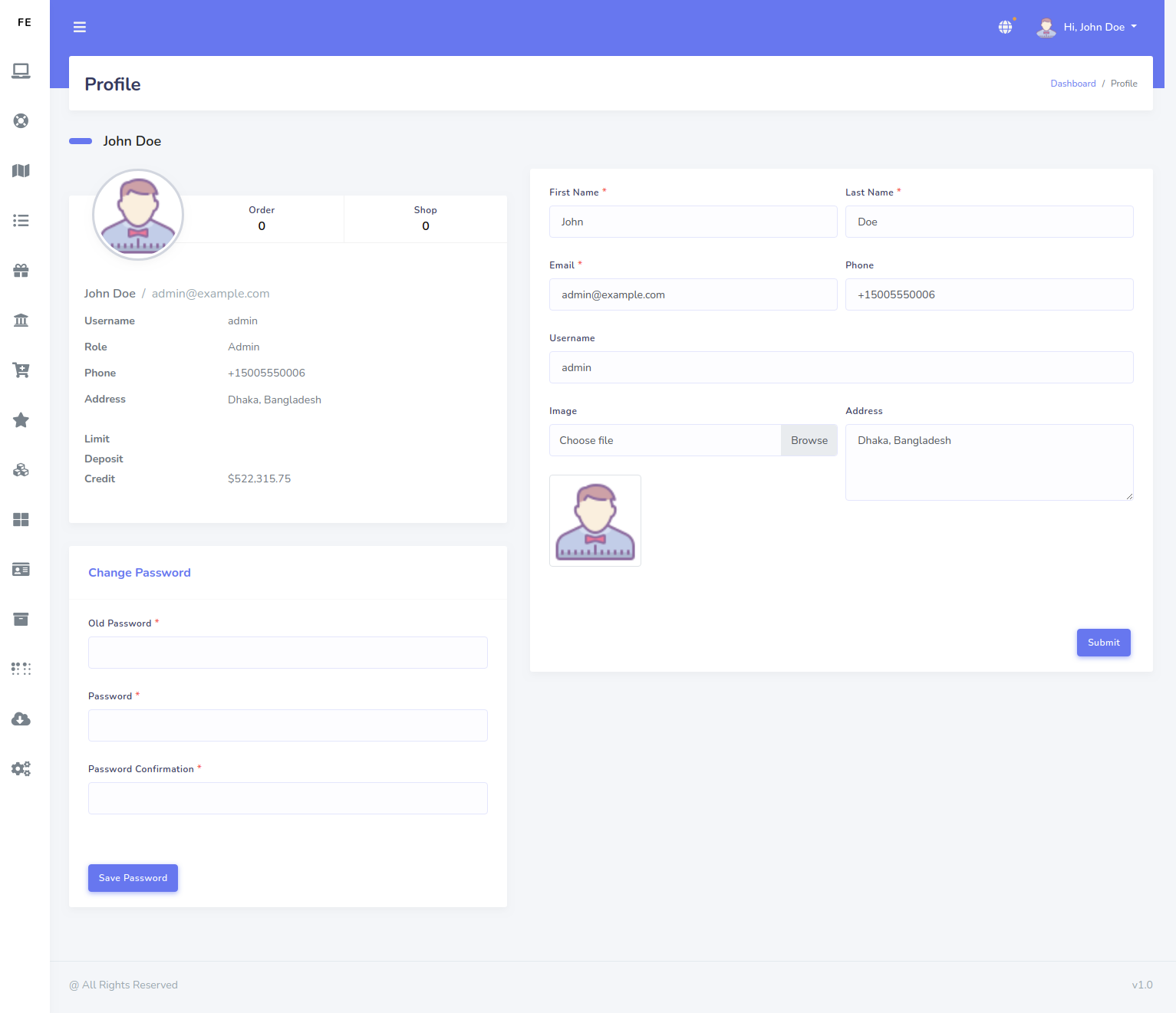
Admin Profile
Locations
Areas
Categories
Best Selling Categories in Home Page
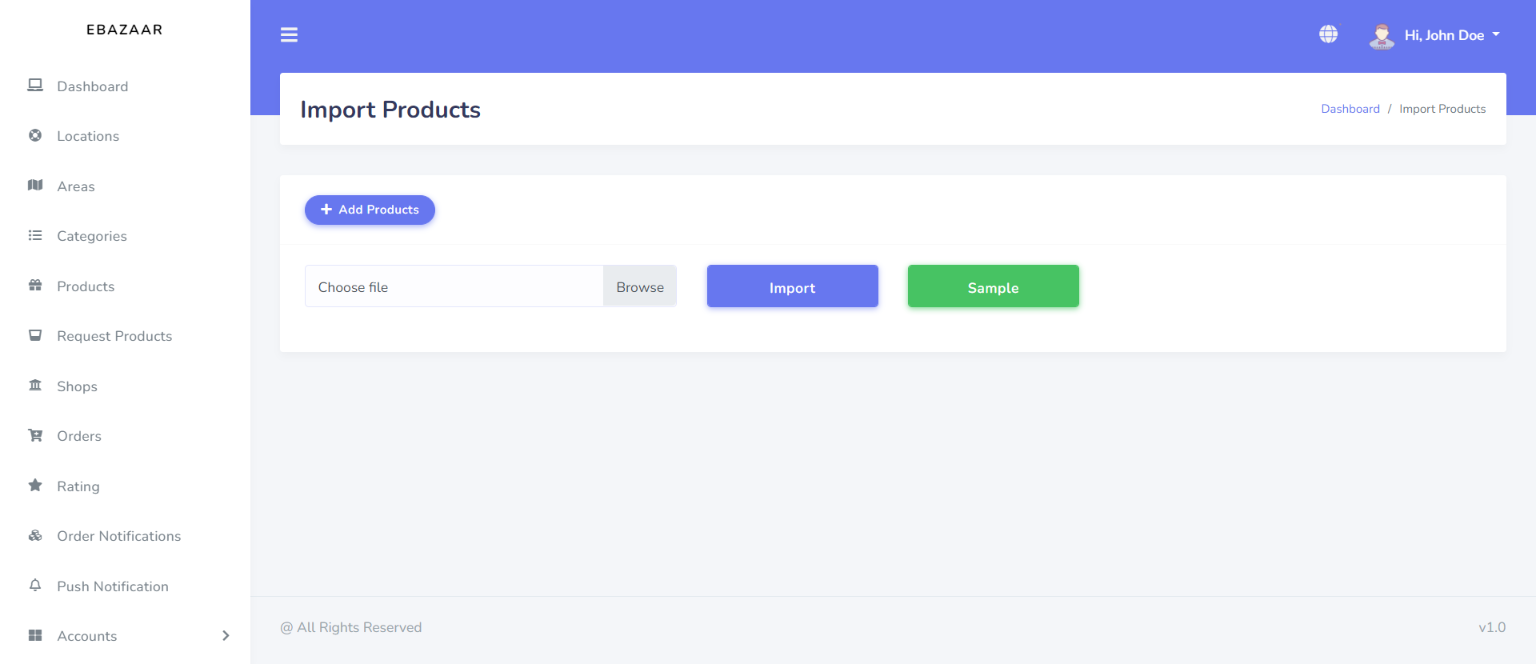
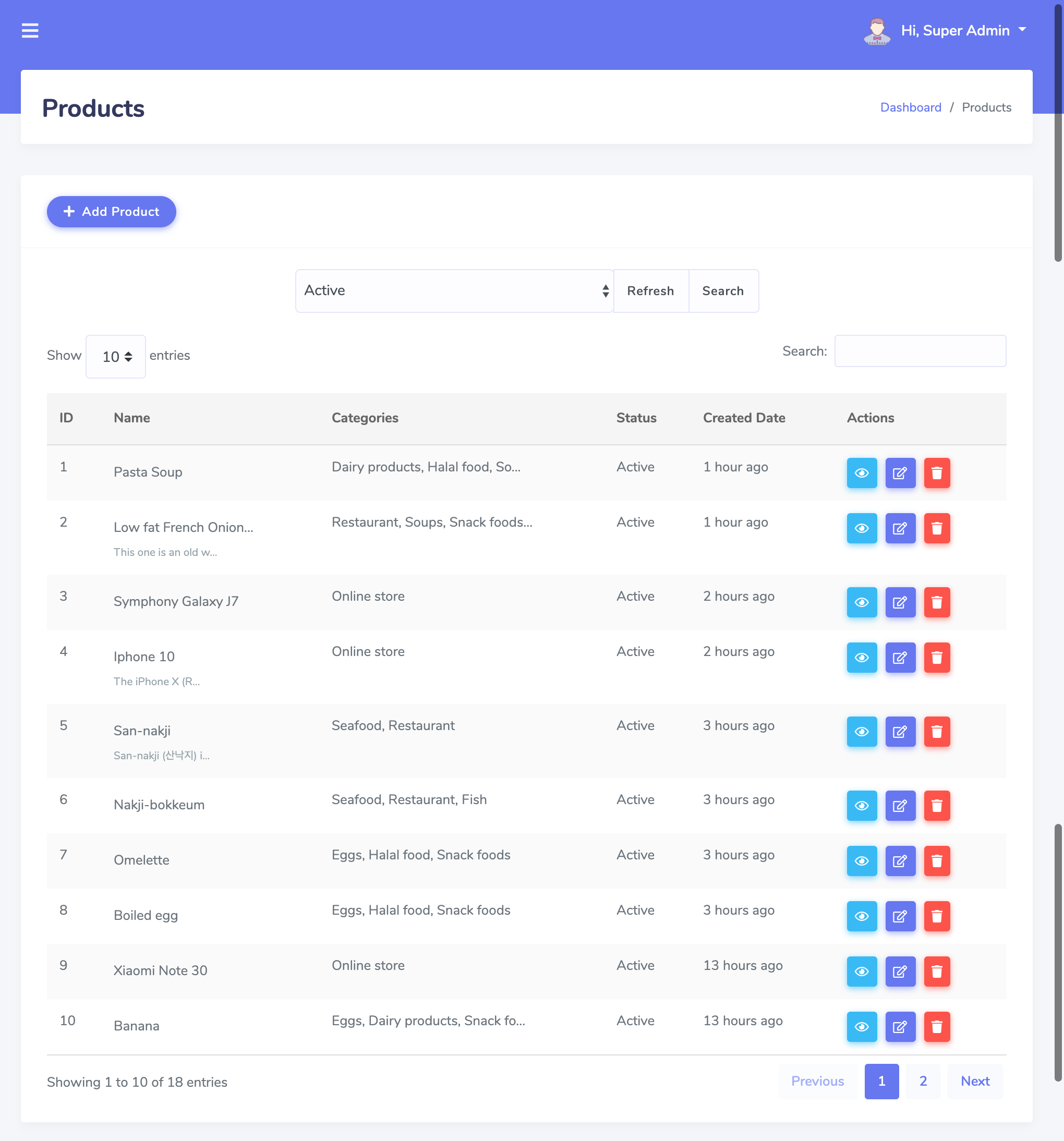
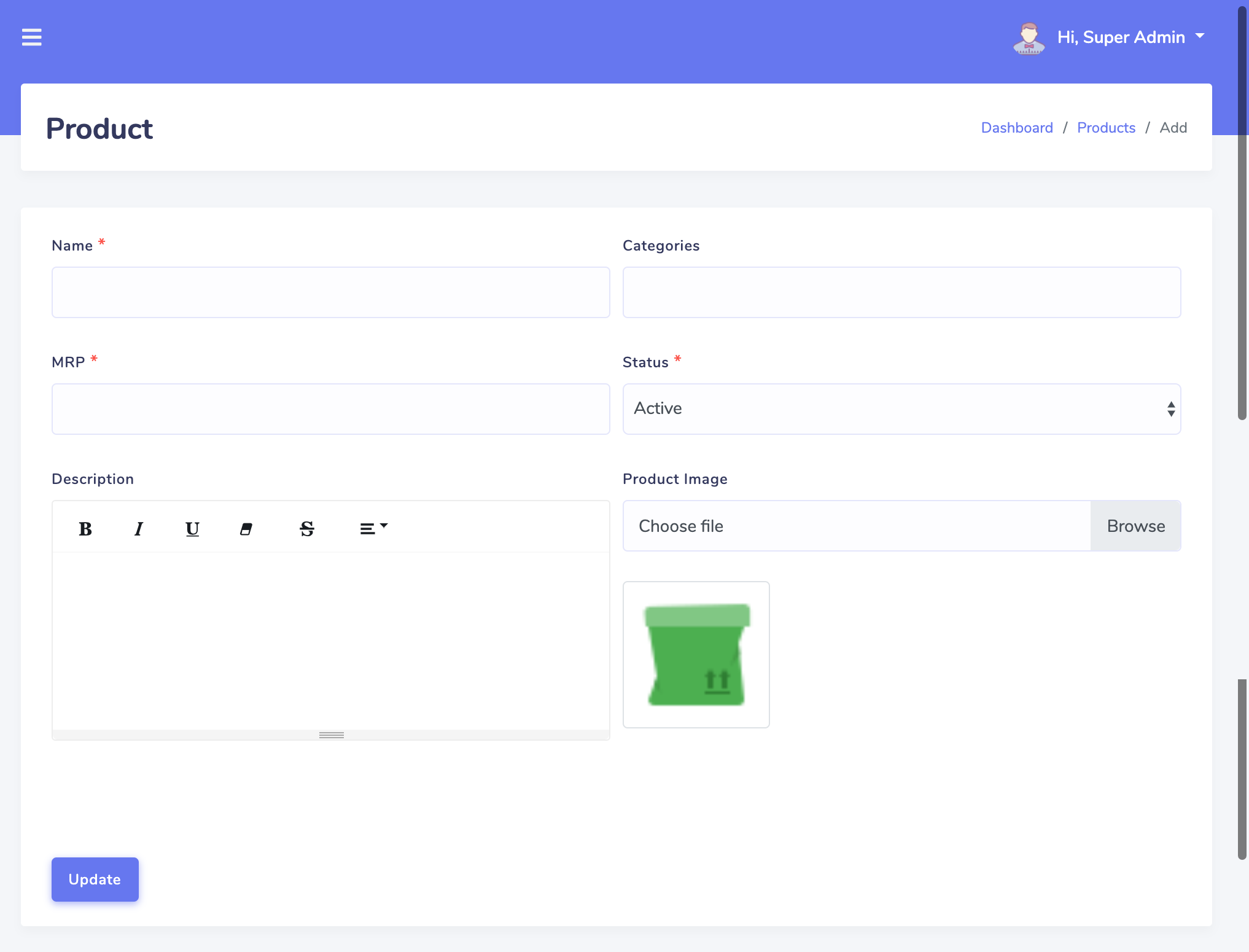
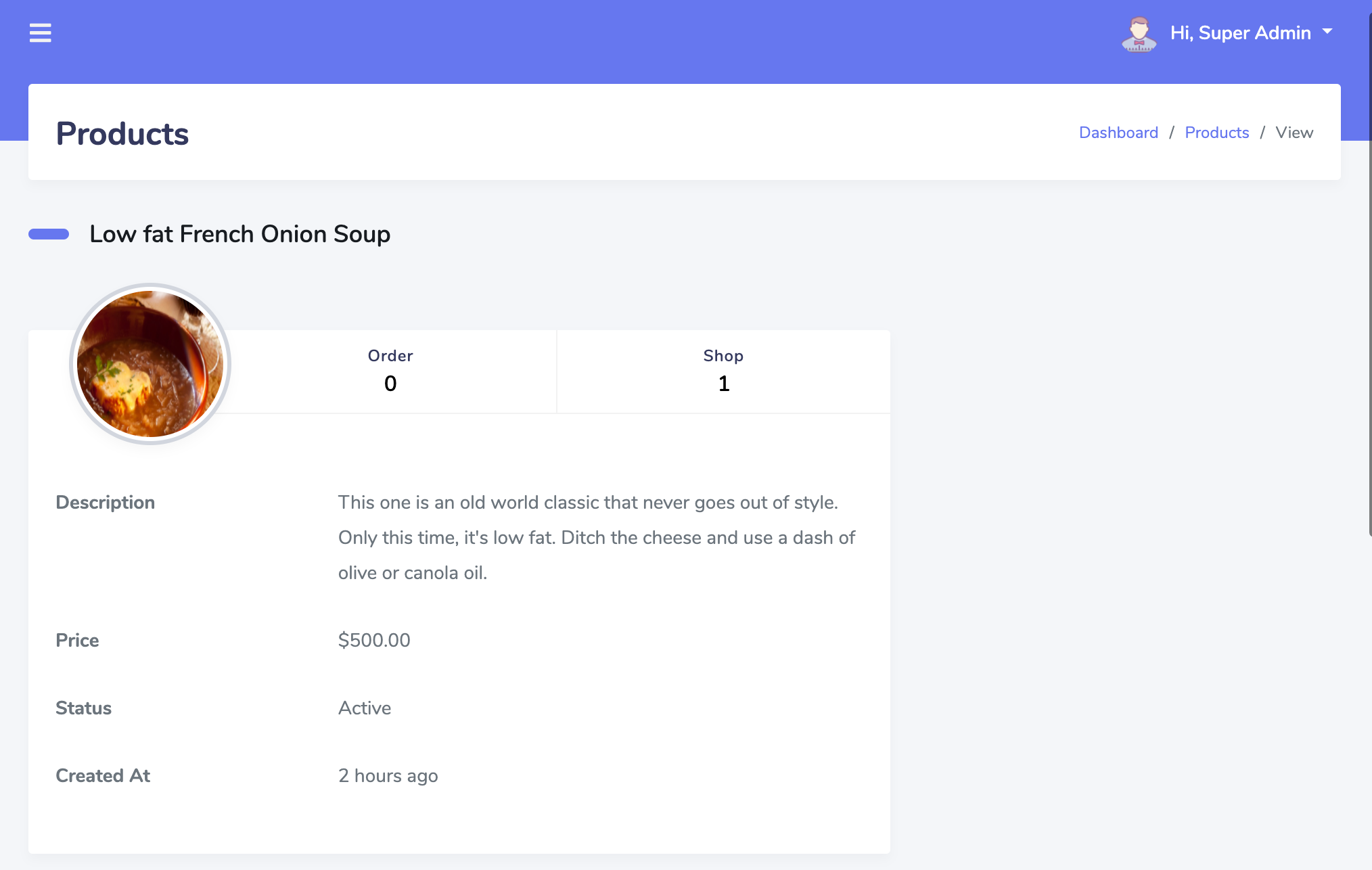
Products
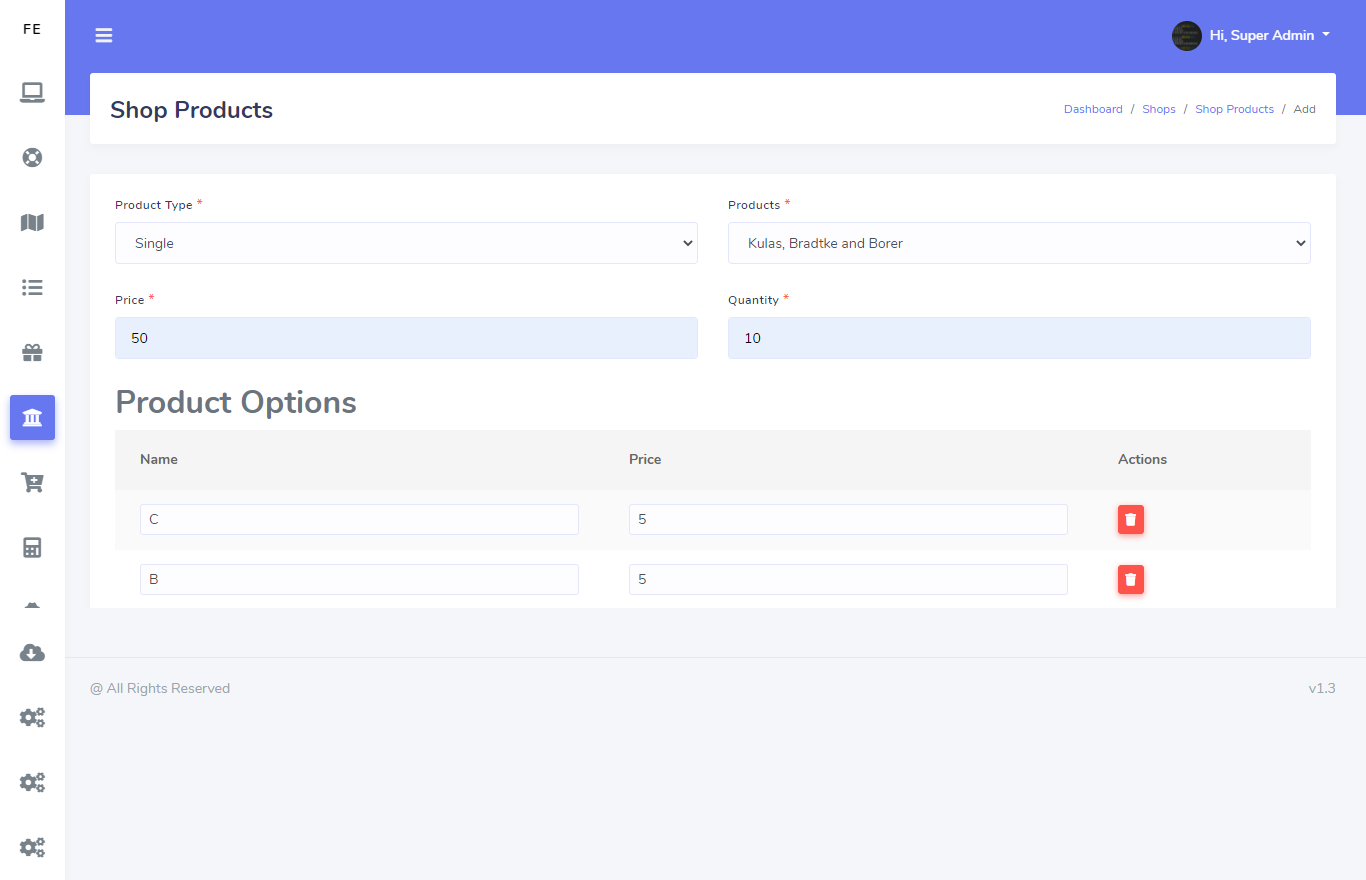
Now you can easily import your bulk product from Import Product page by click on Add Products button
For individually adding product just follow these images
Latest Products in Home Page
Best Selling Products in Home Page
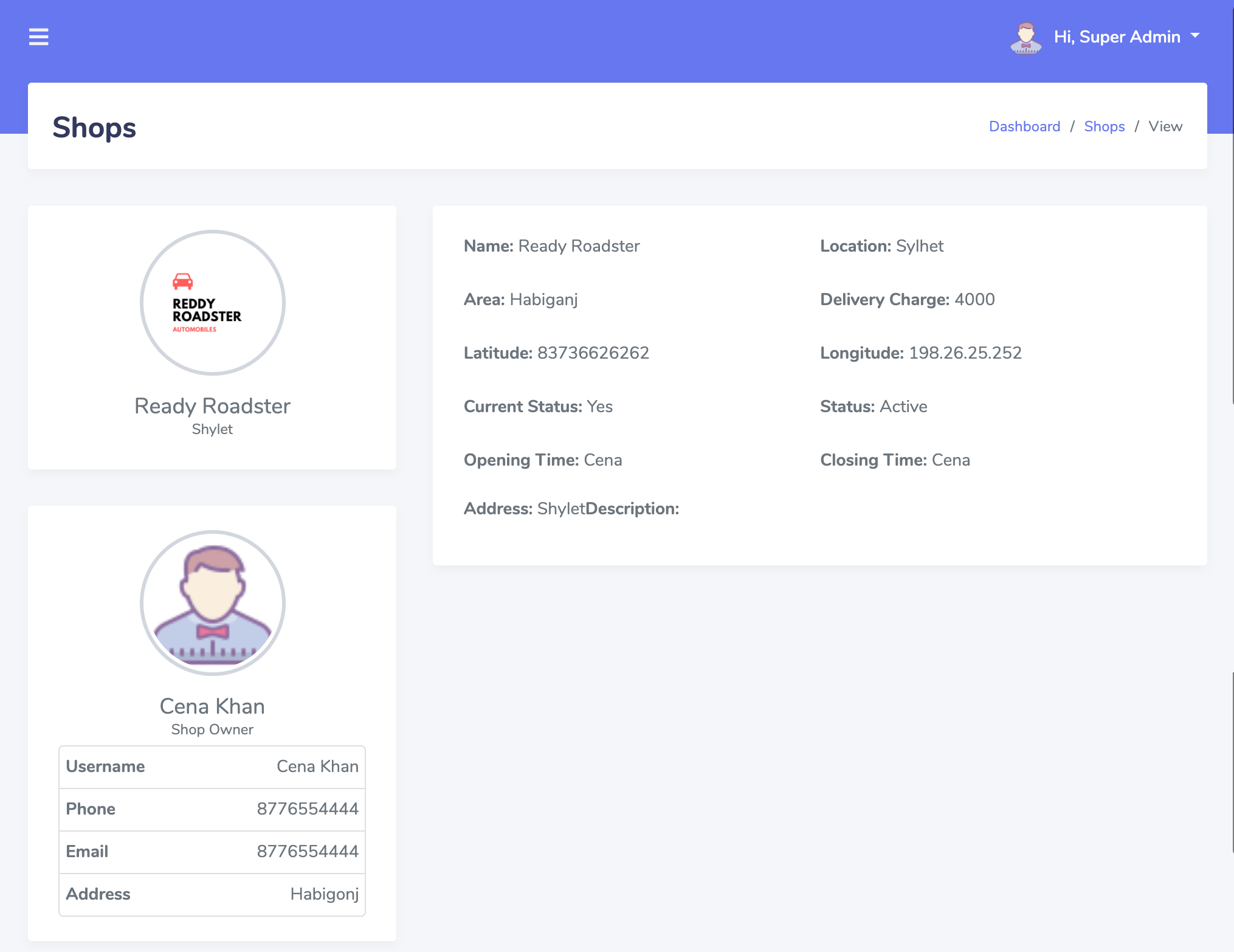
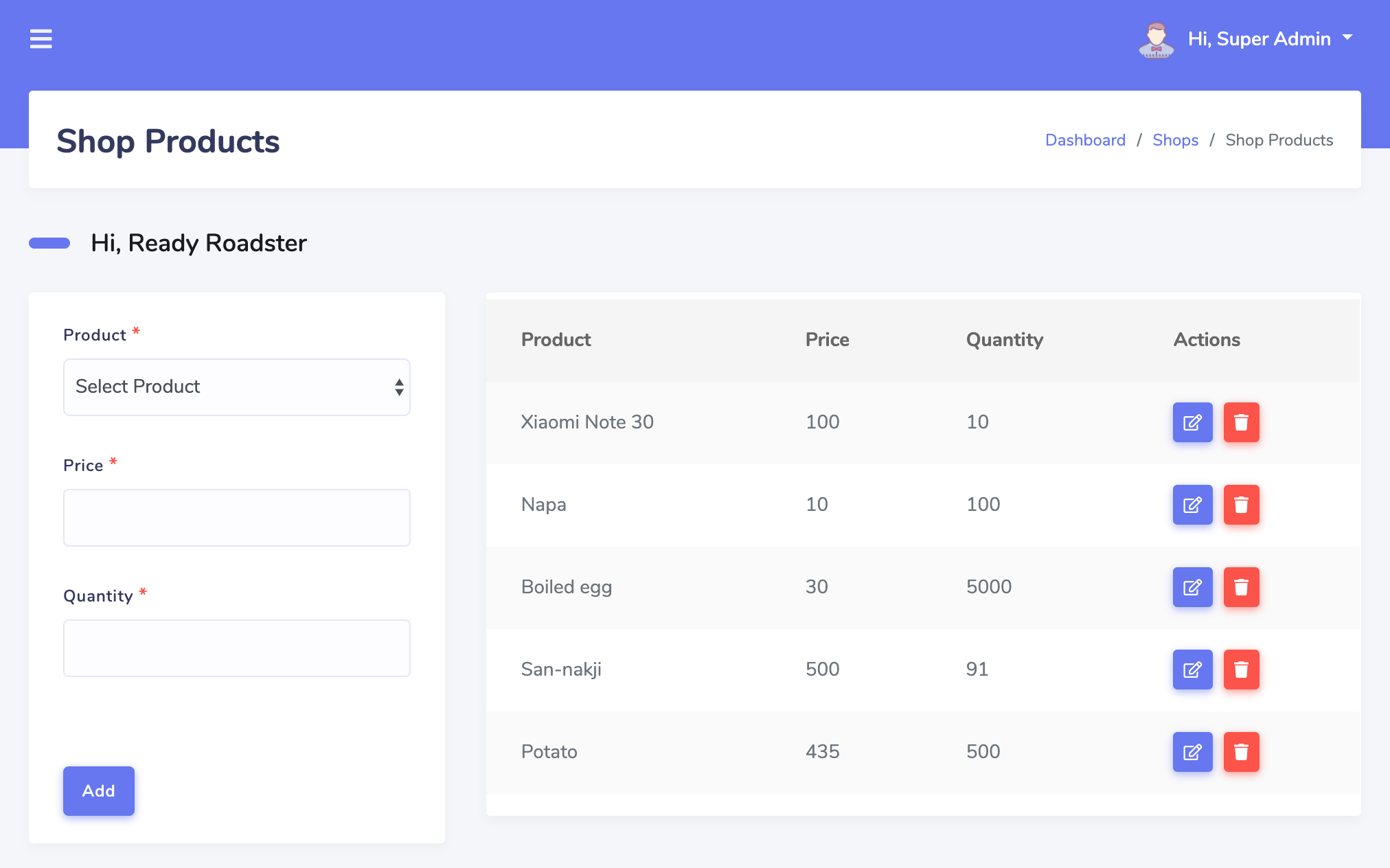
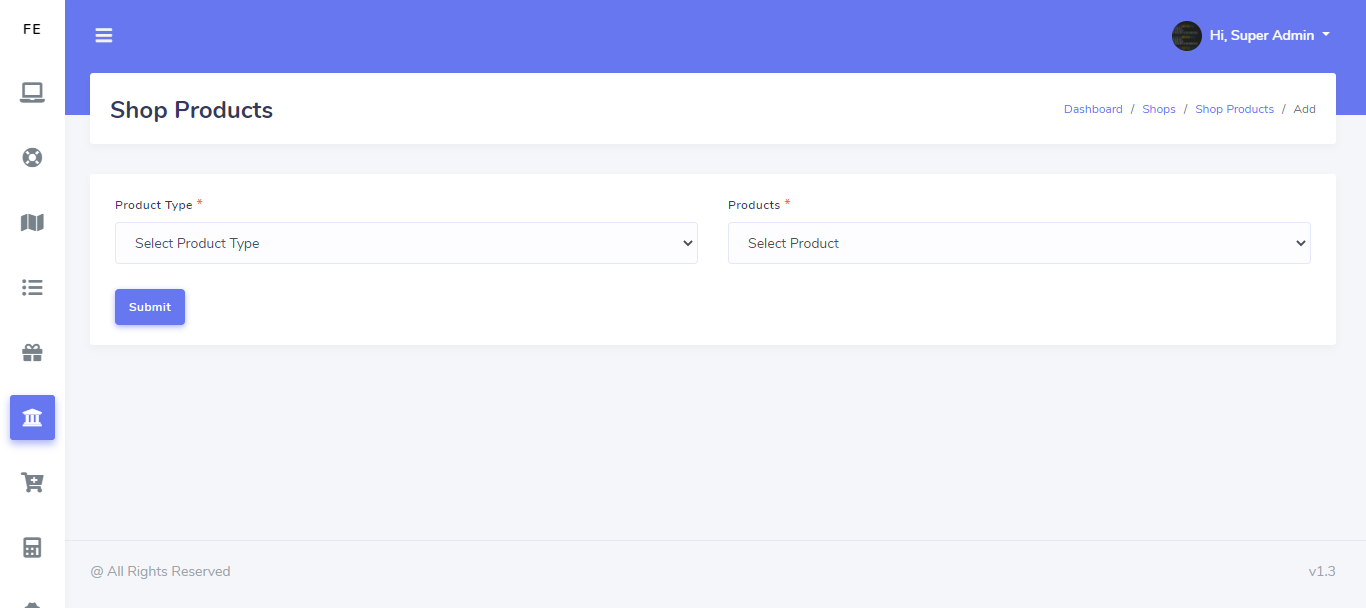
Shops
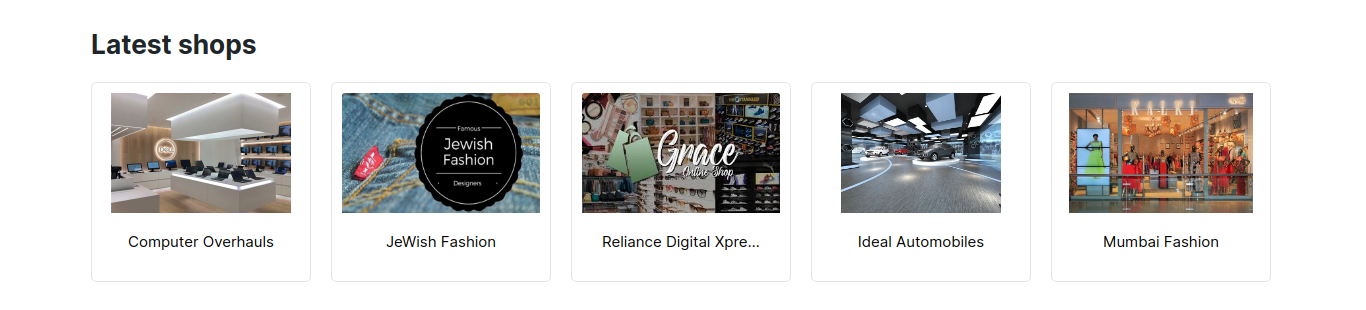
Latest Shops in Home Page
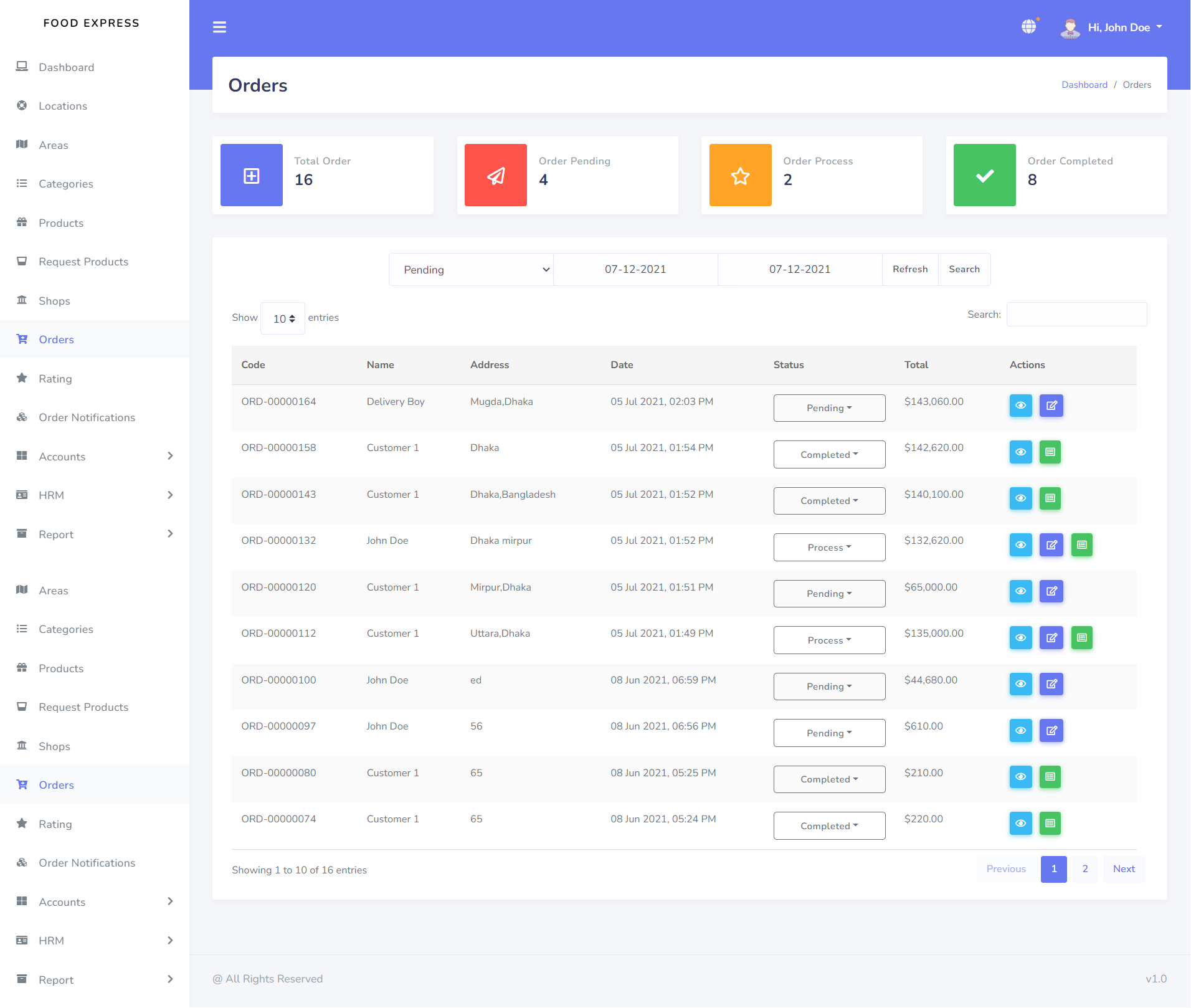
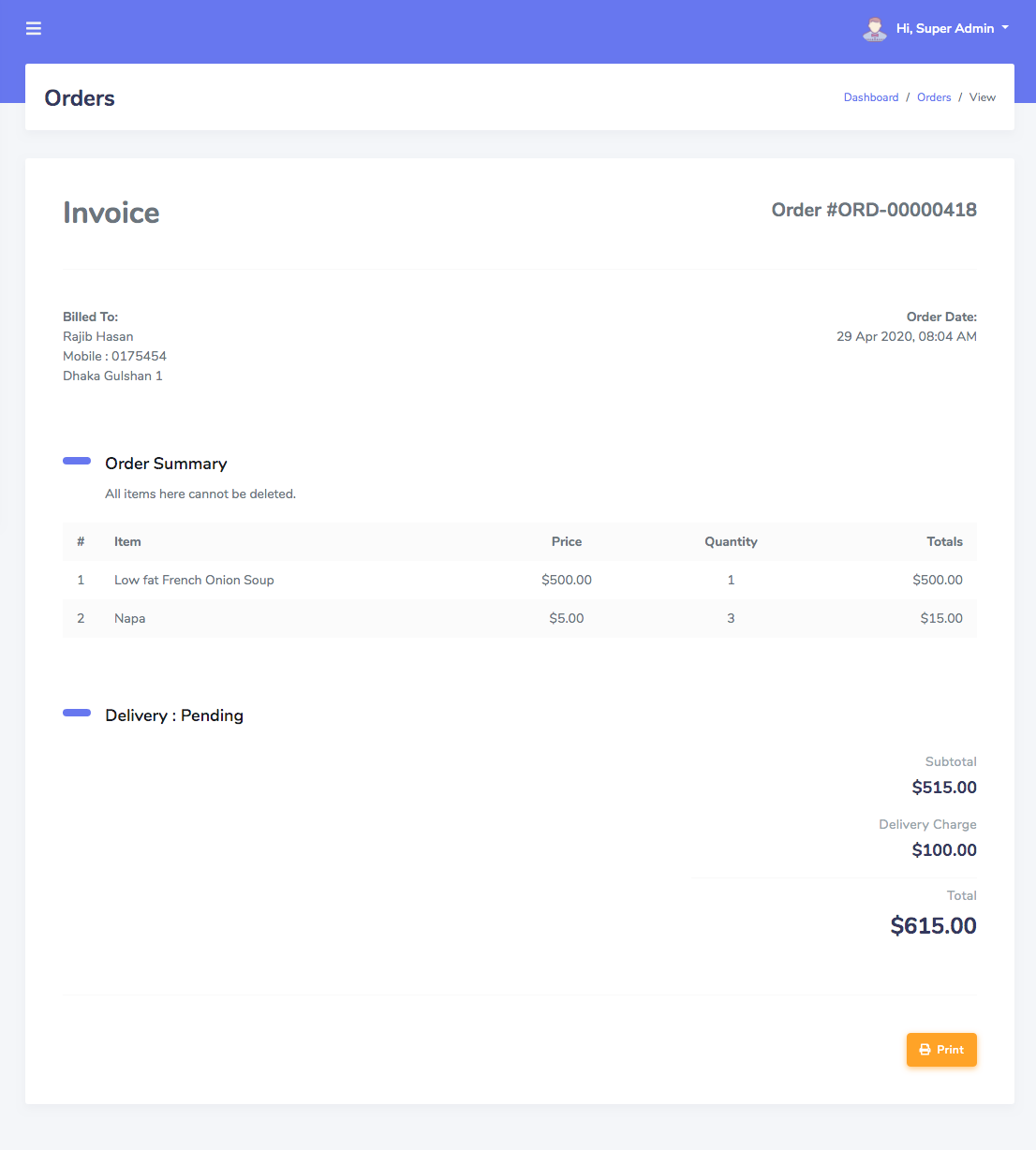
Orders
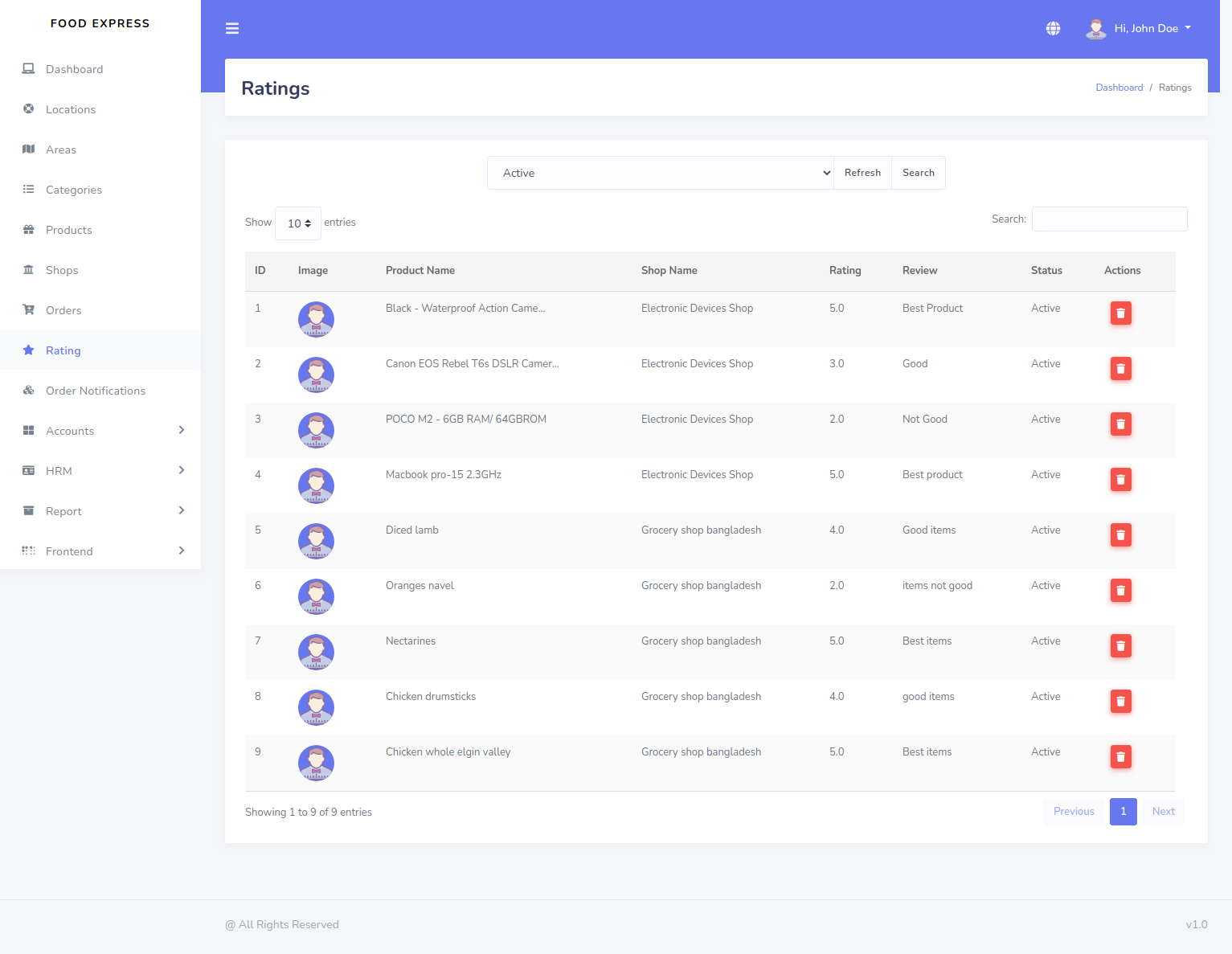
Ratings
Push Notification
Now you can easily add Push Notification from this menu
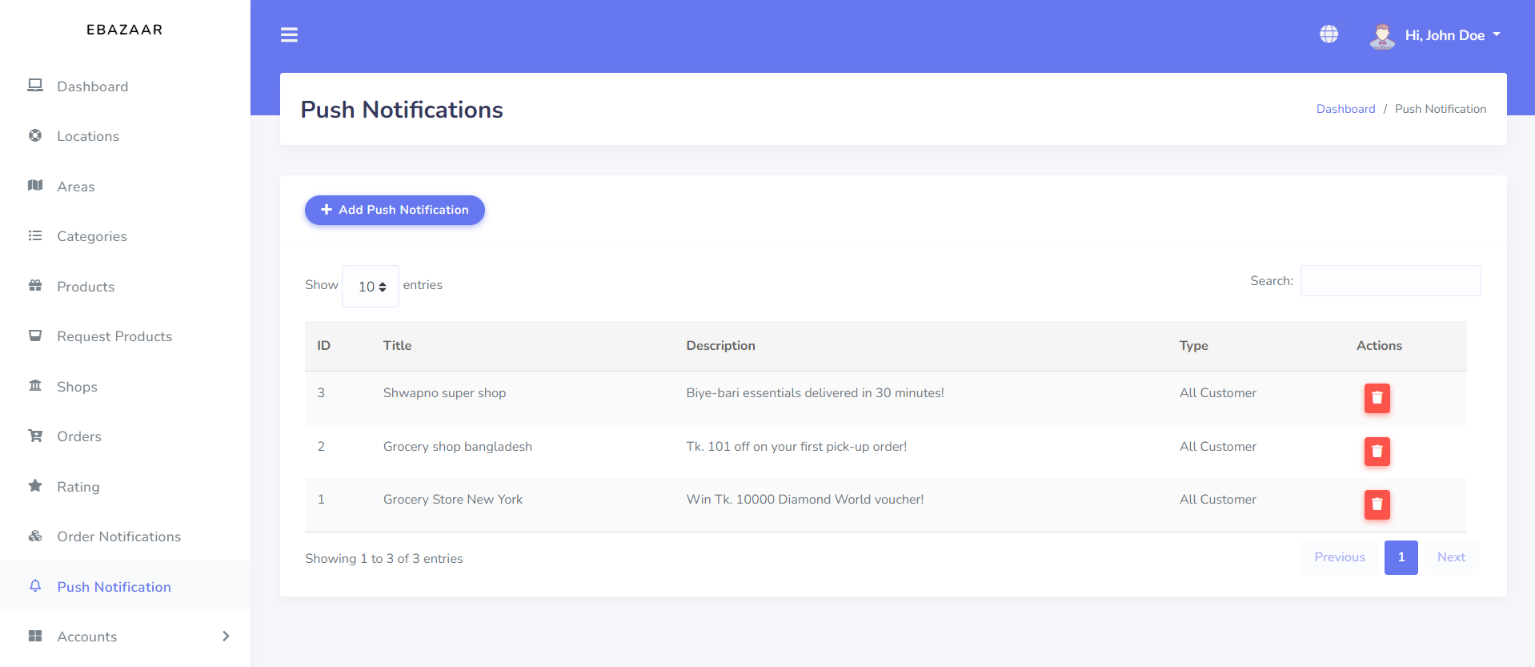
For add a Push Notification just select Push Notification menu
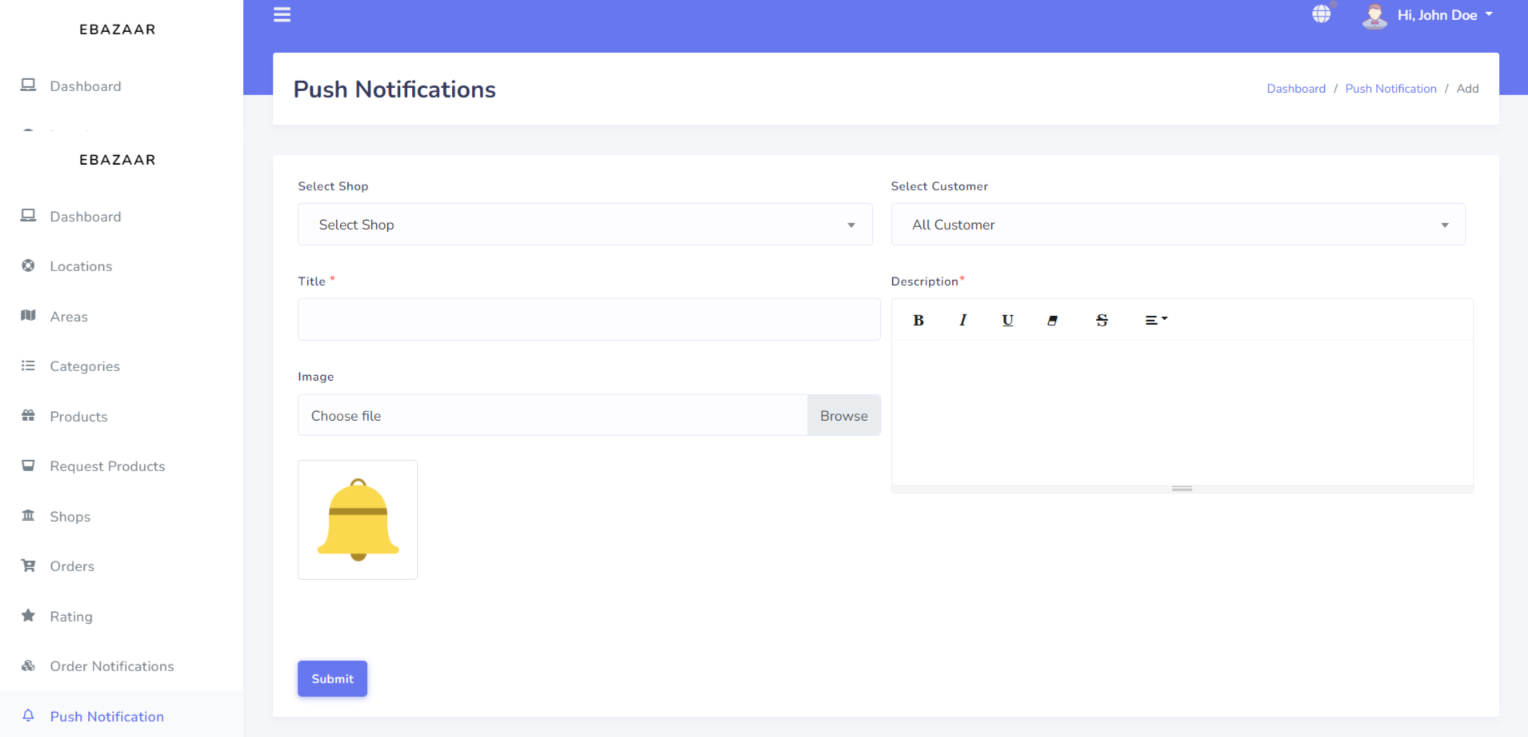
Then click on Add Push Notification button
Accounts
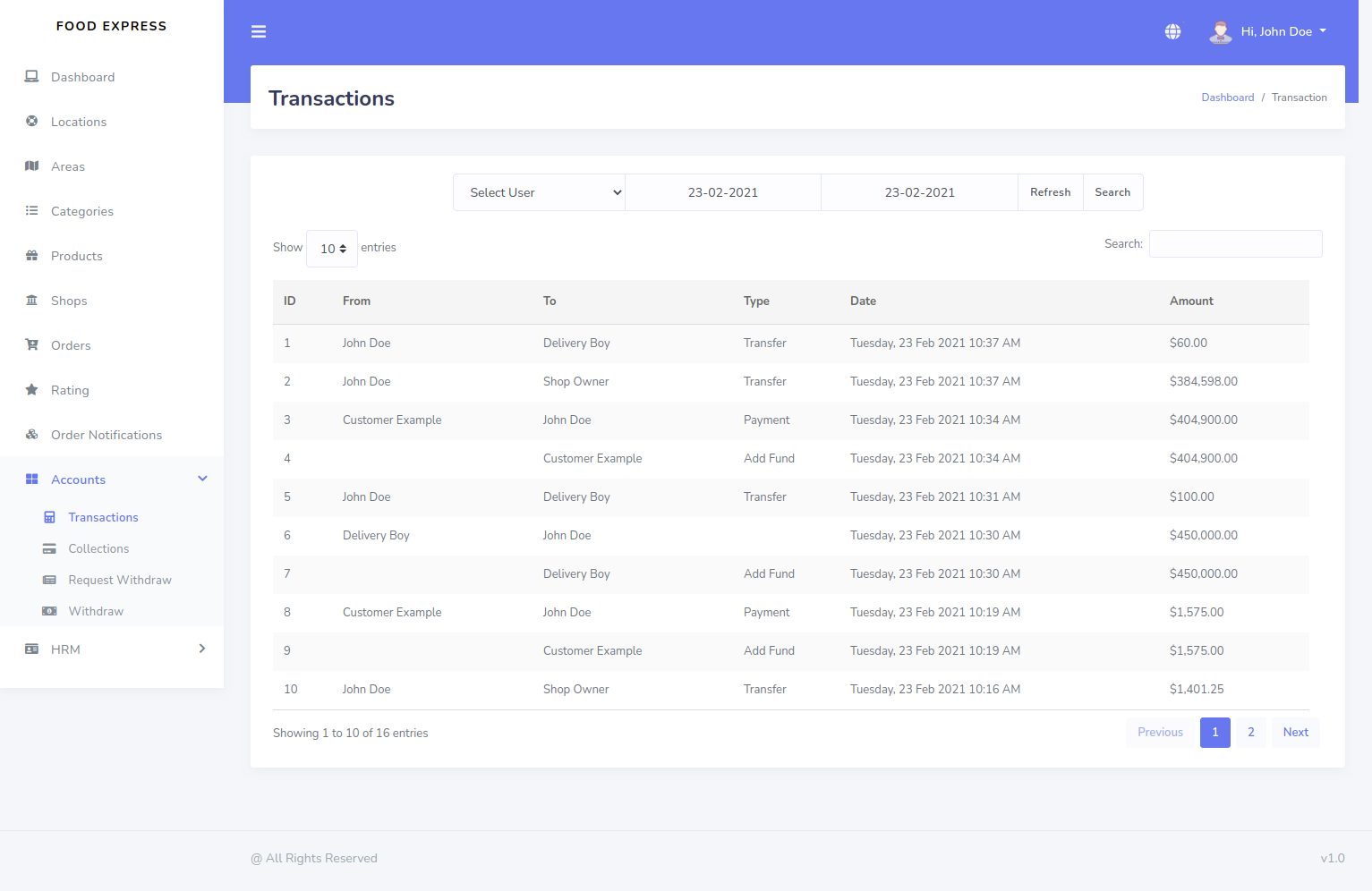
Transaction
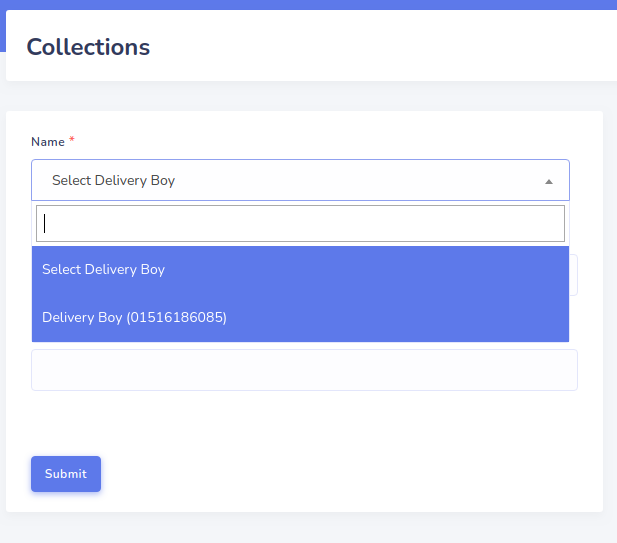
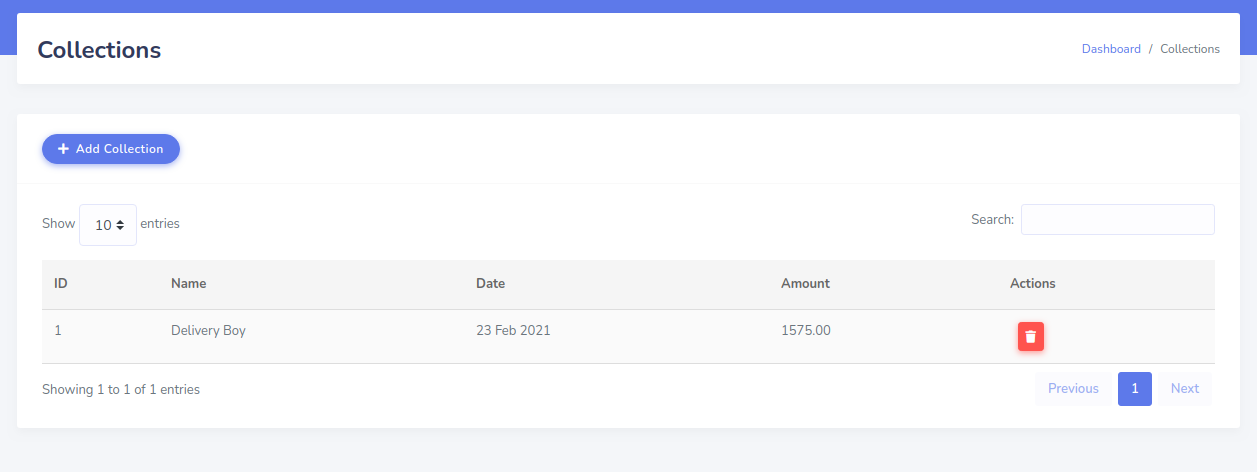
Collection
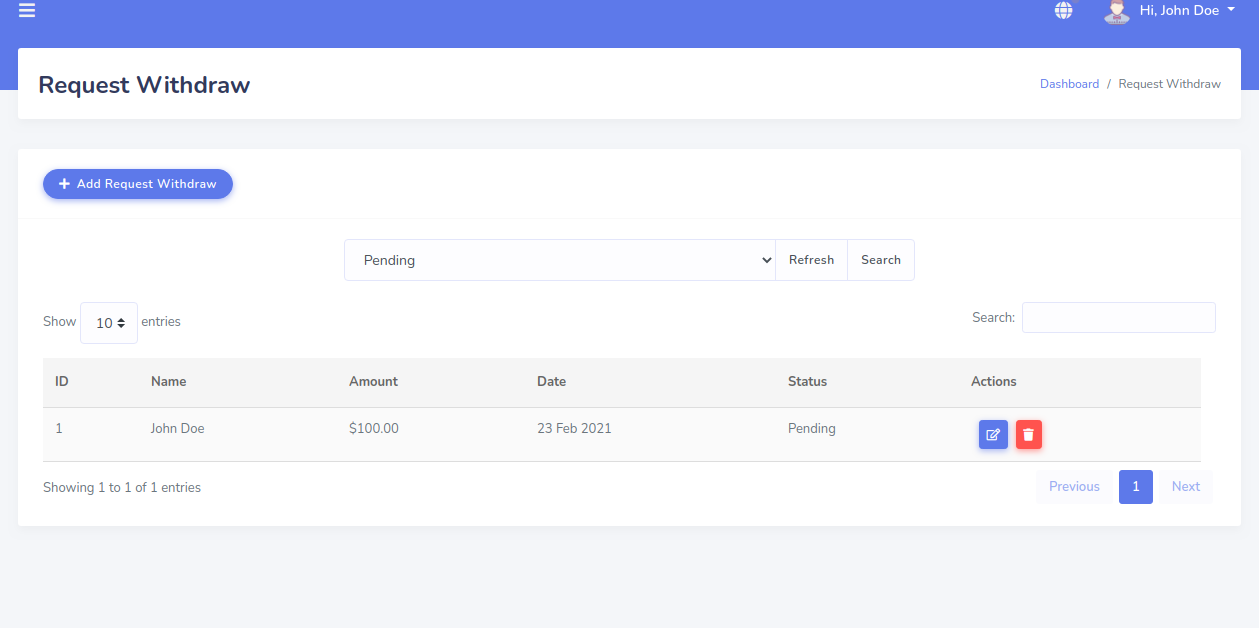
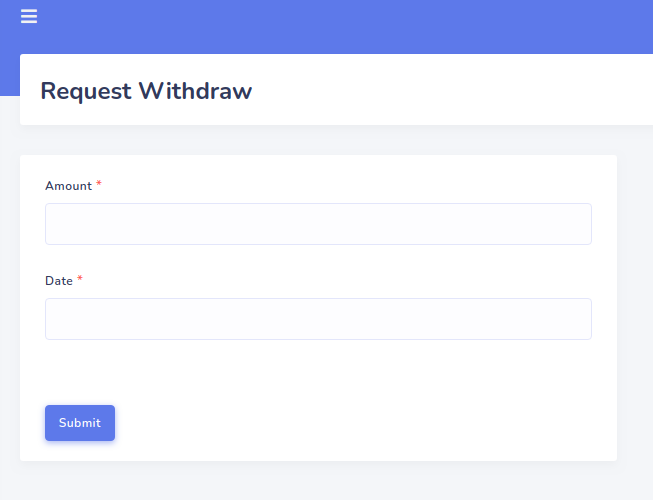
Request Withdraw
Shop Owner Sales Report
Admin Commission Report
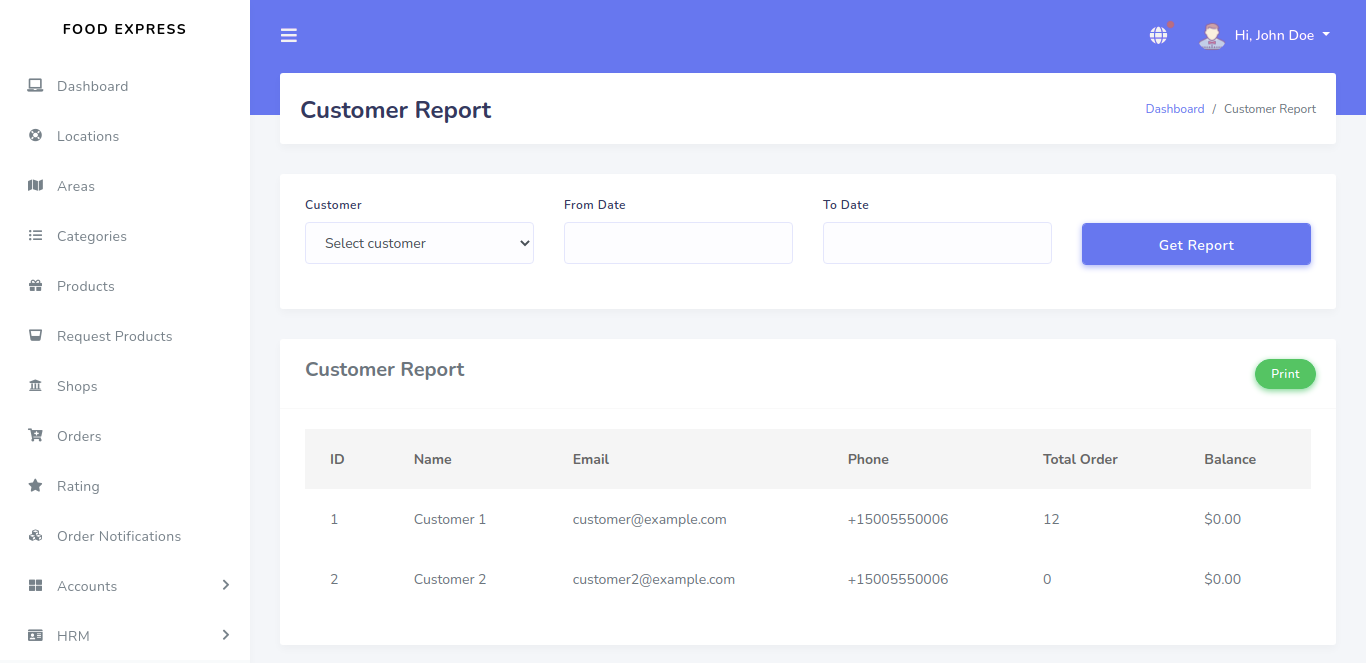
Customer Report
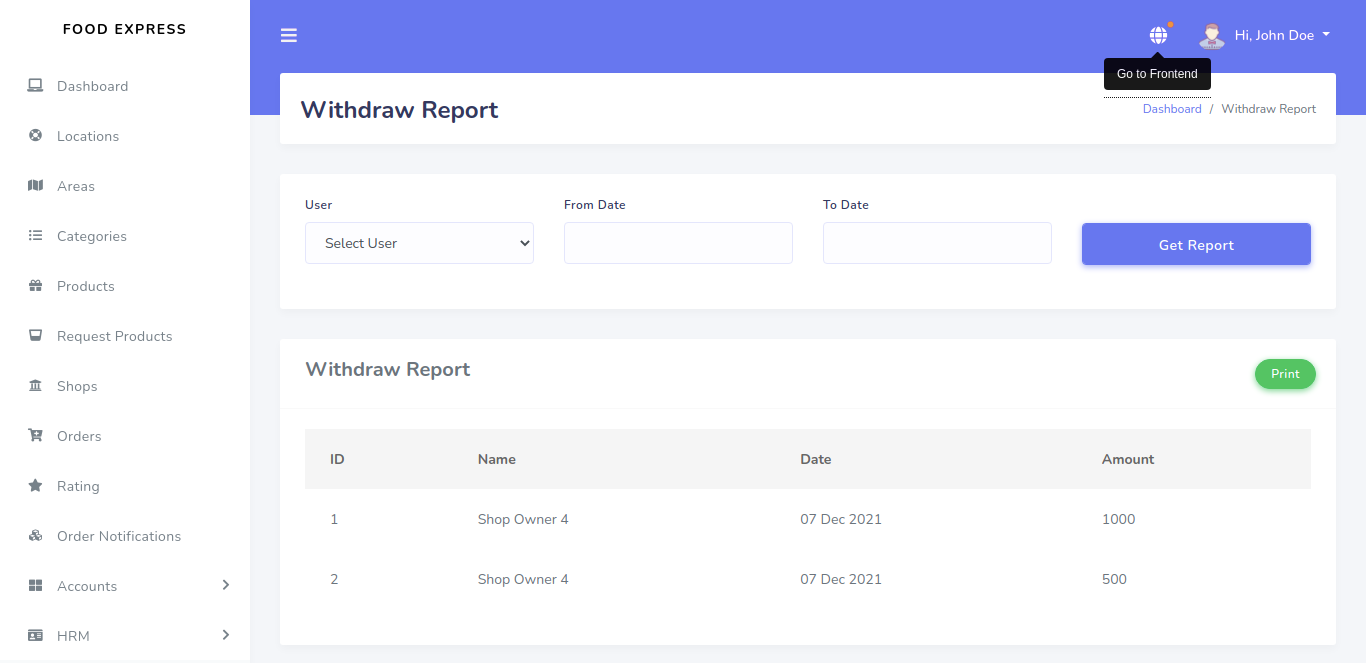
Withdraw Report
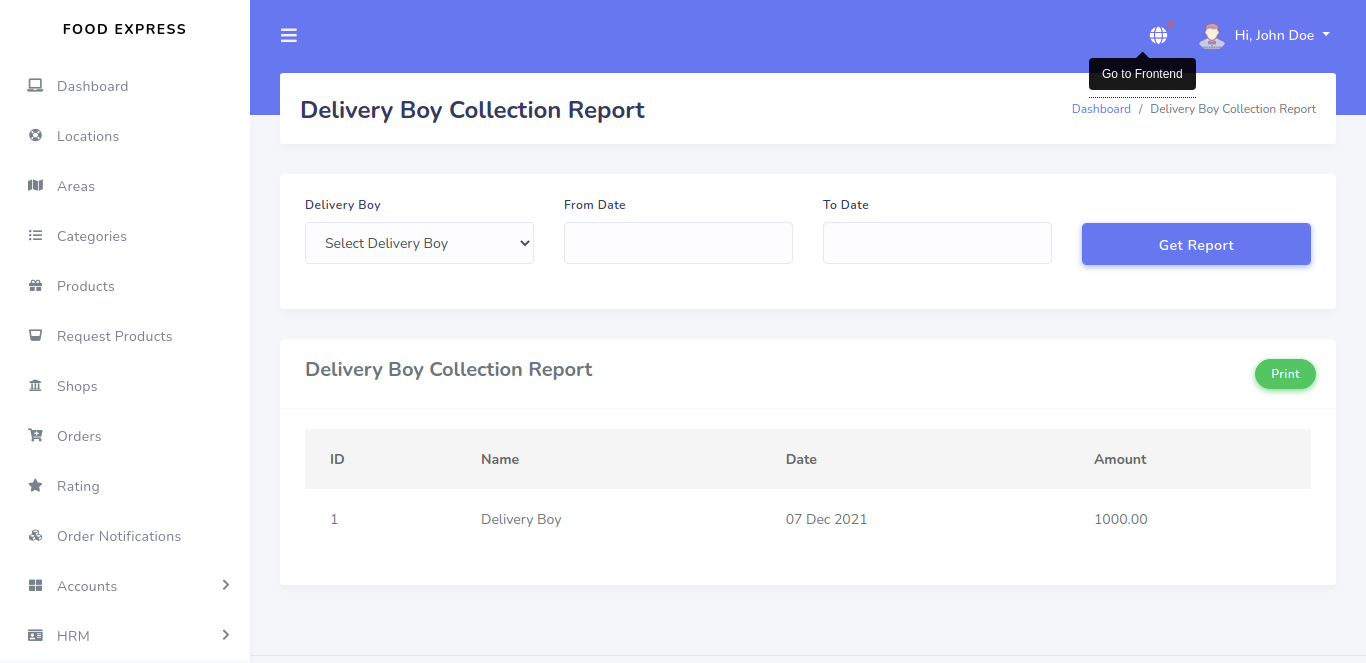
Delivery Boy Collection Report
Banner
Banner in Home Page

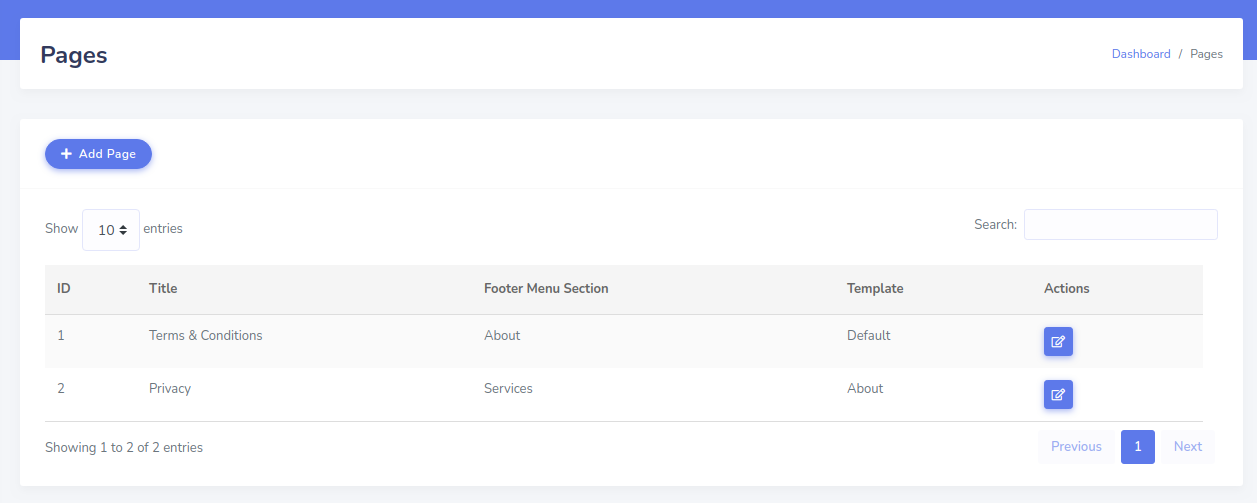
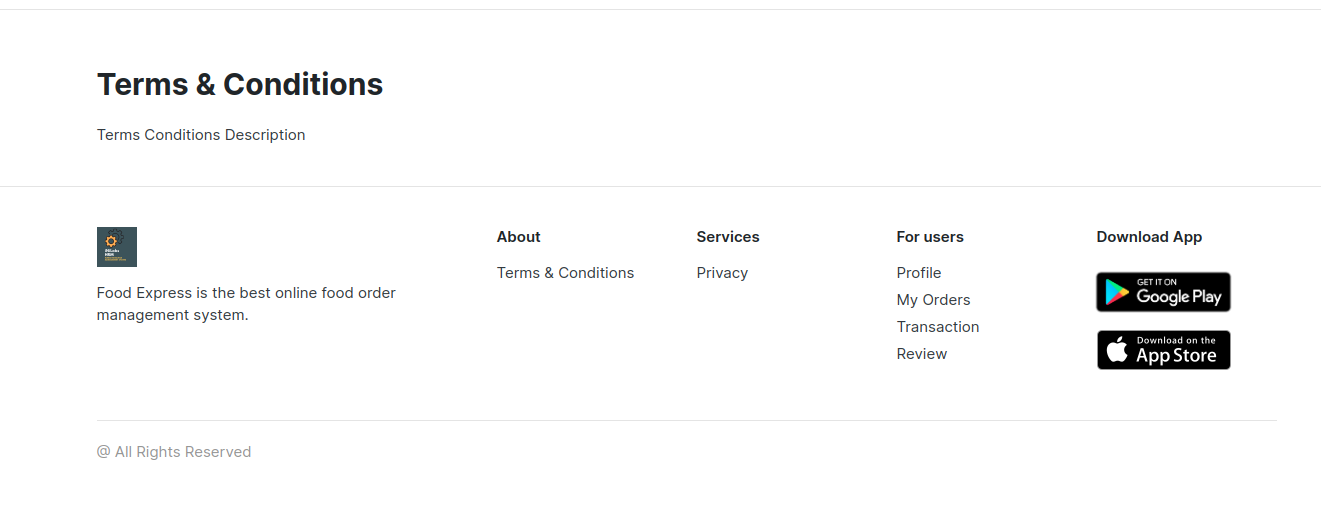
Pages
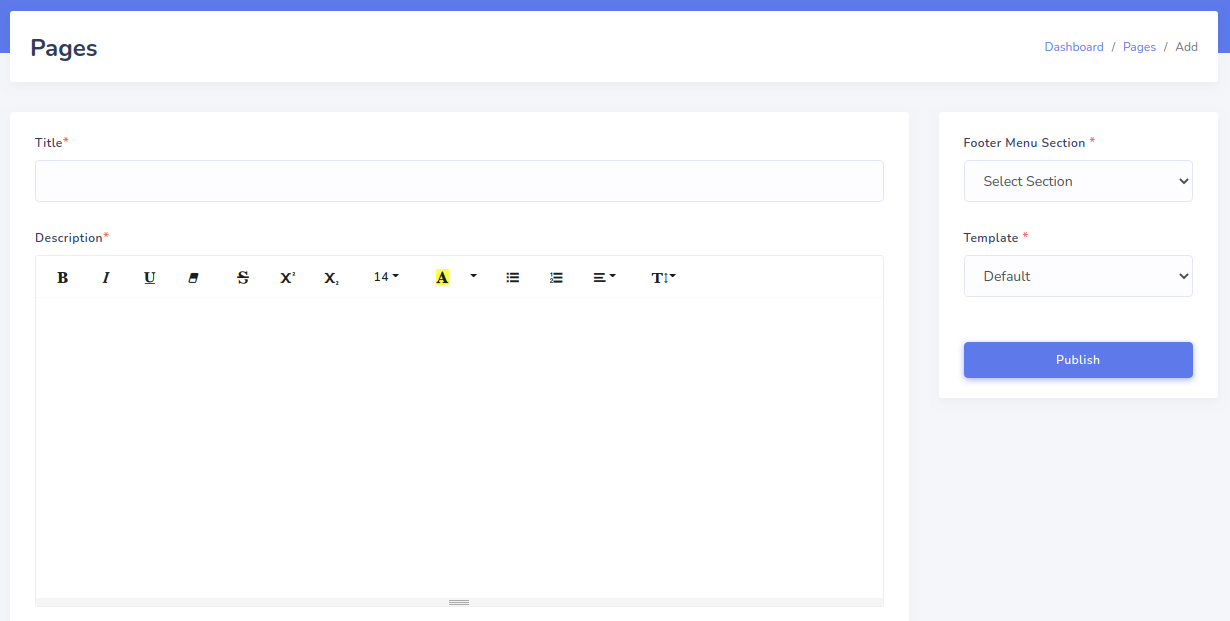
Pages in Home Page
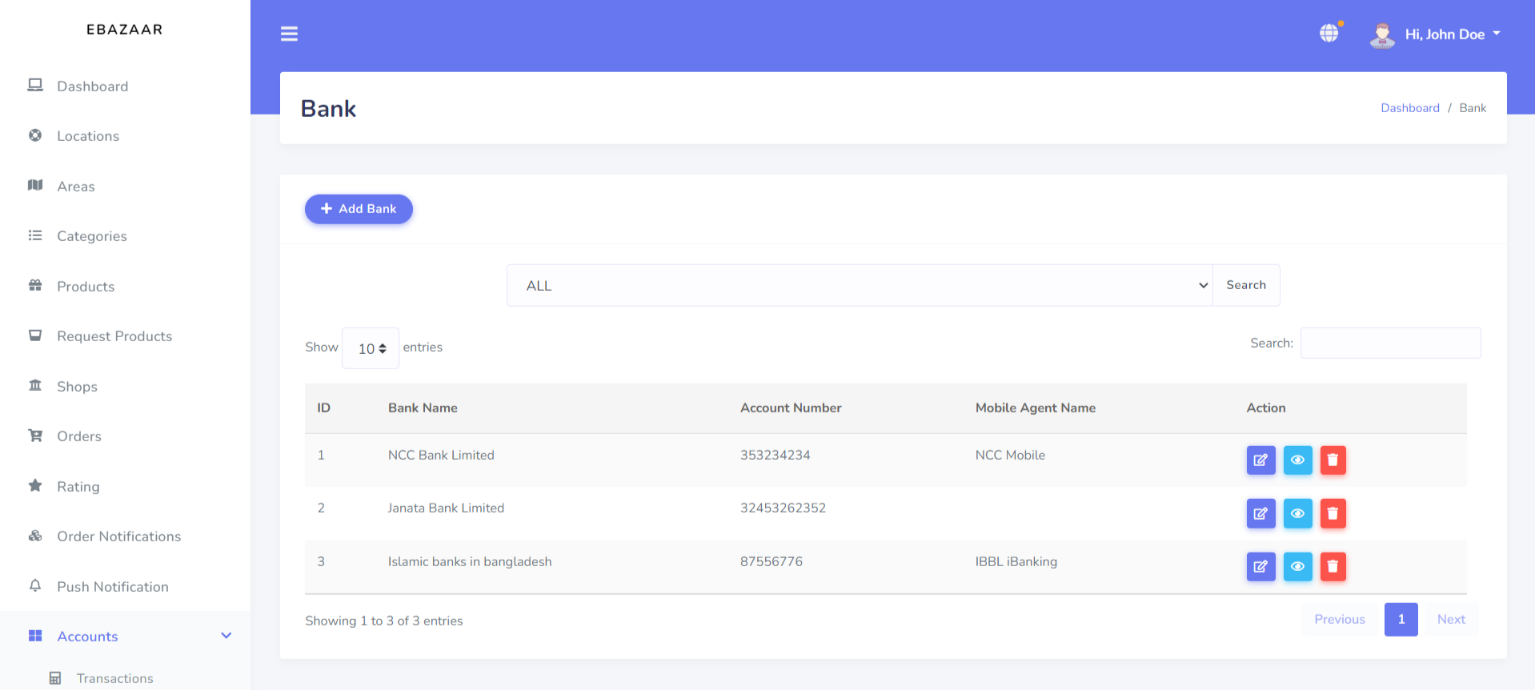
Bank Details
Now you will get the Bank option here
For Bank Details just select "Bank Details" menu
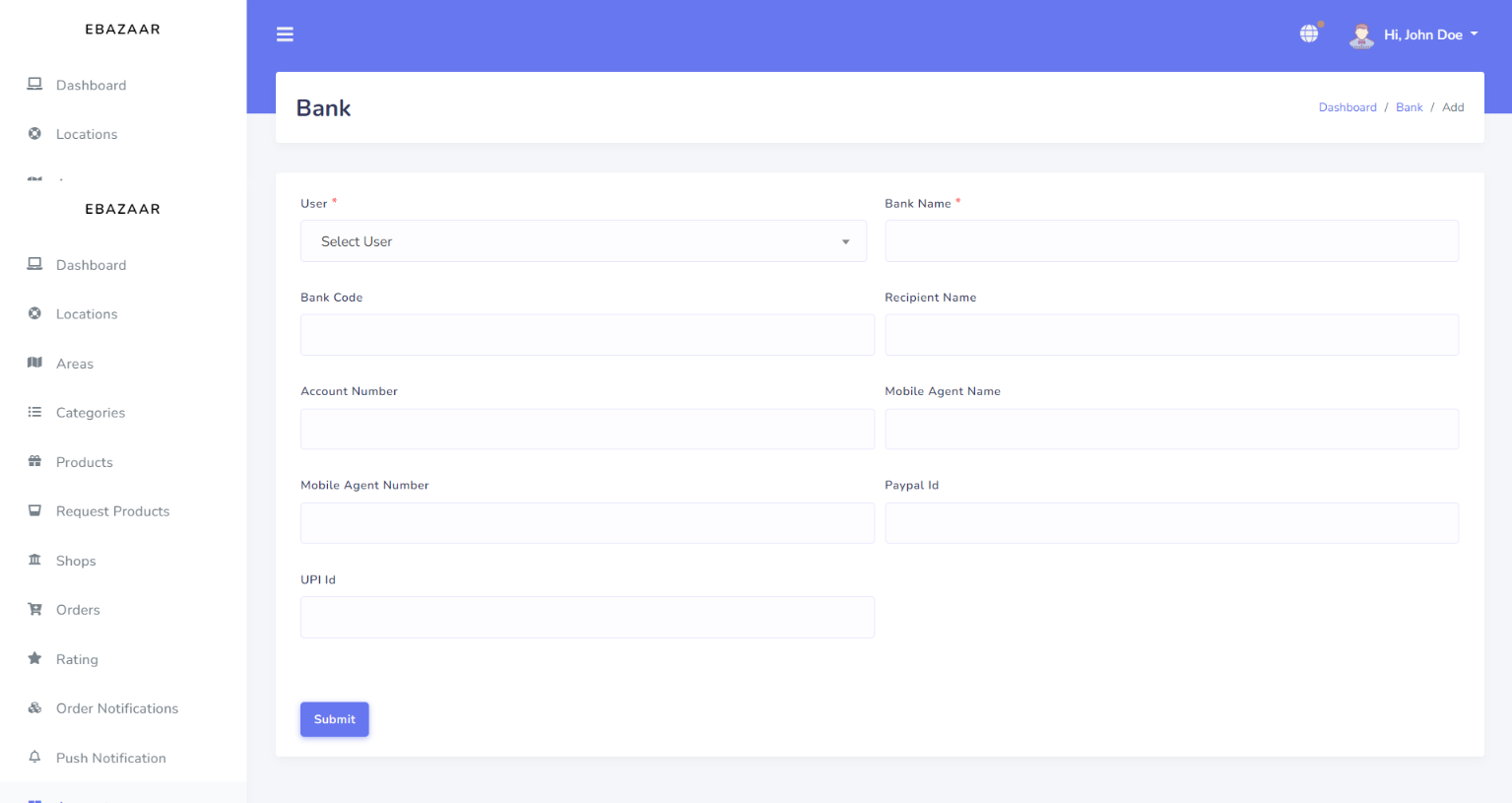
For Add a Bank just click on "Add Bank" Button
Administrators Users
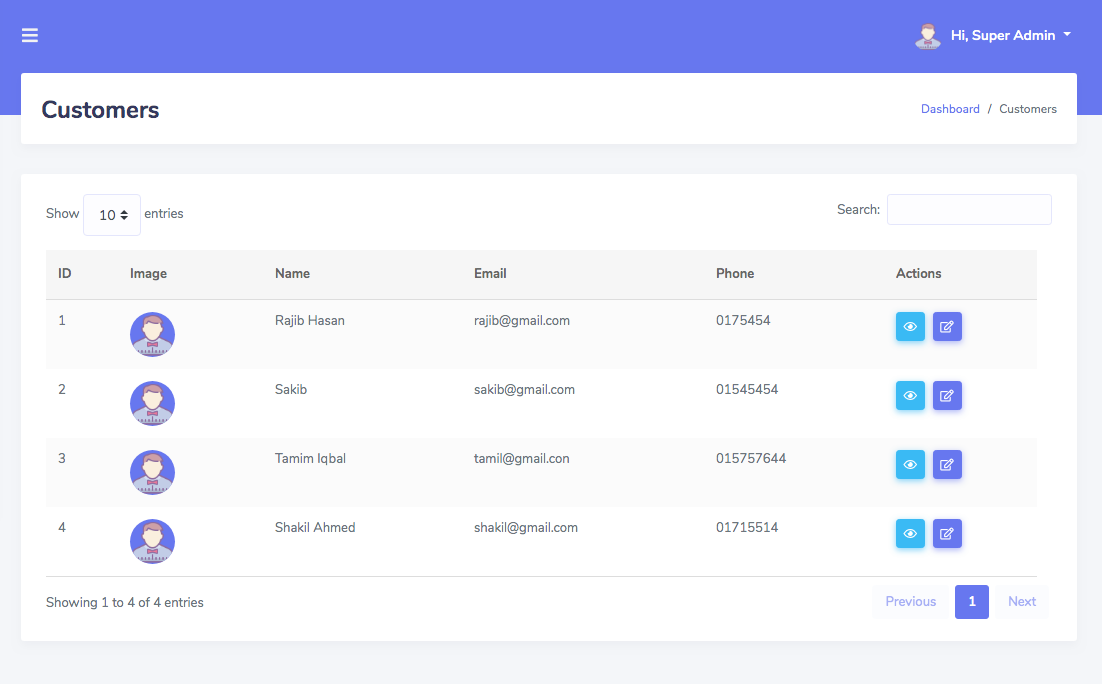
Customers
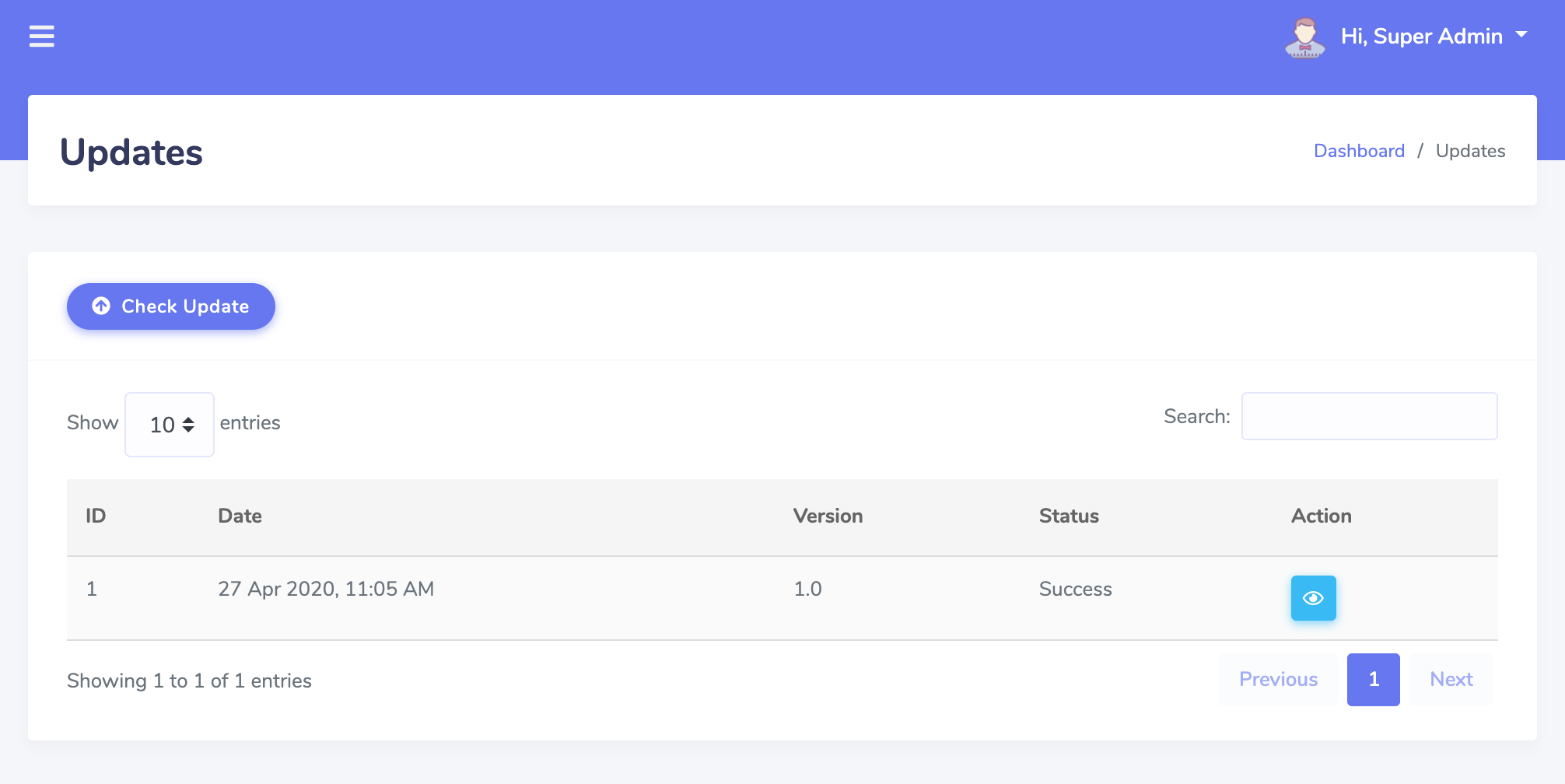
Updates
Role
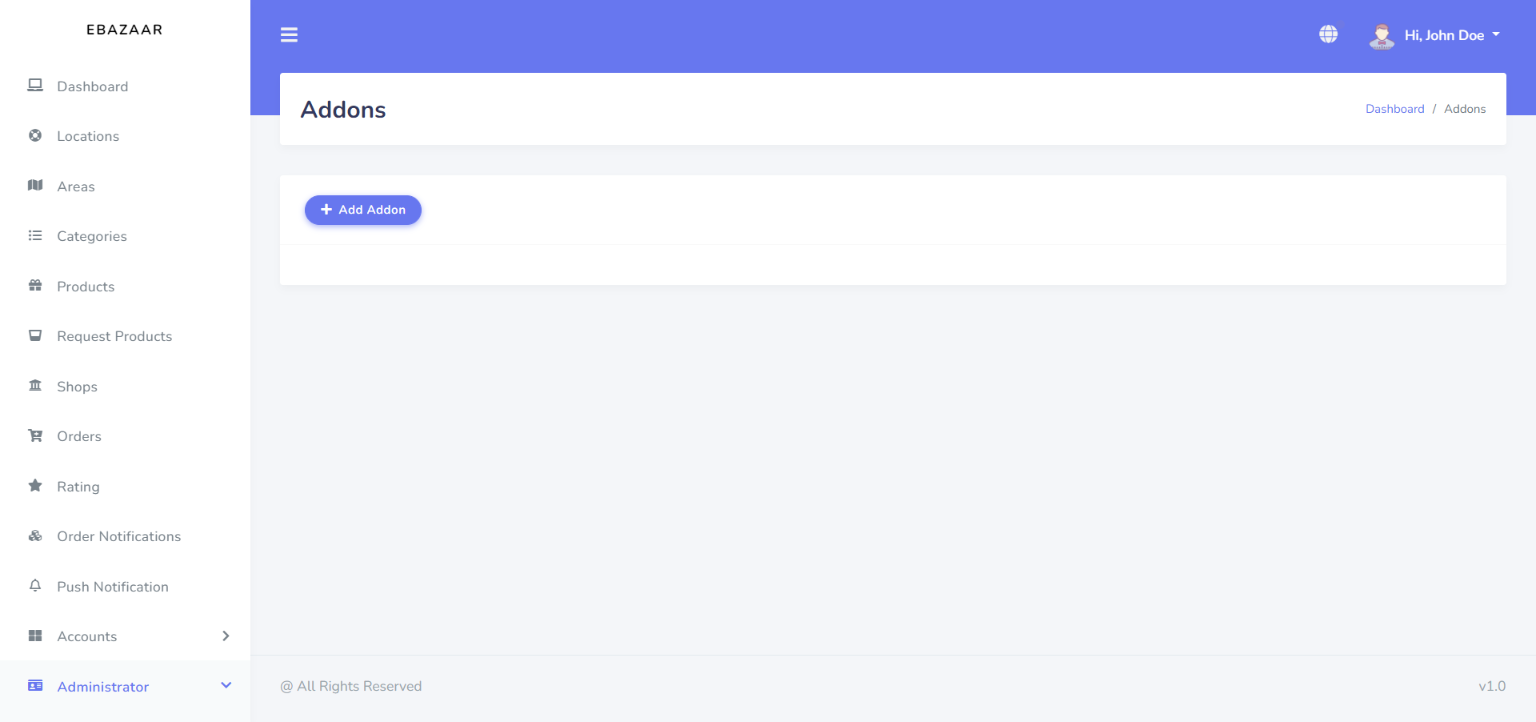
Addons
Now you can easily install your addon from this menu
For install a addon click on Addons menu
Then click on Add Addon button
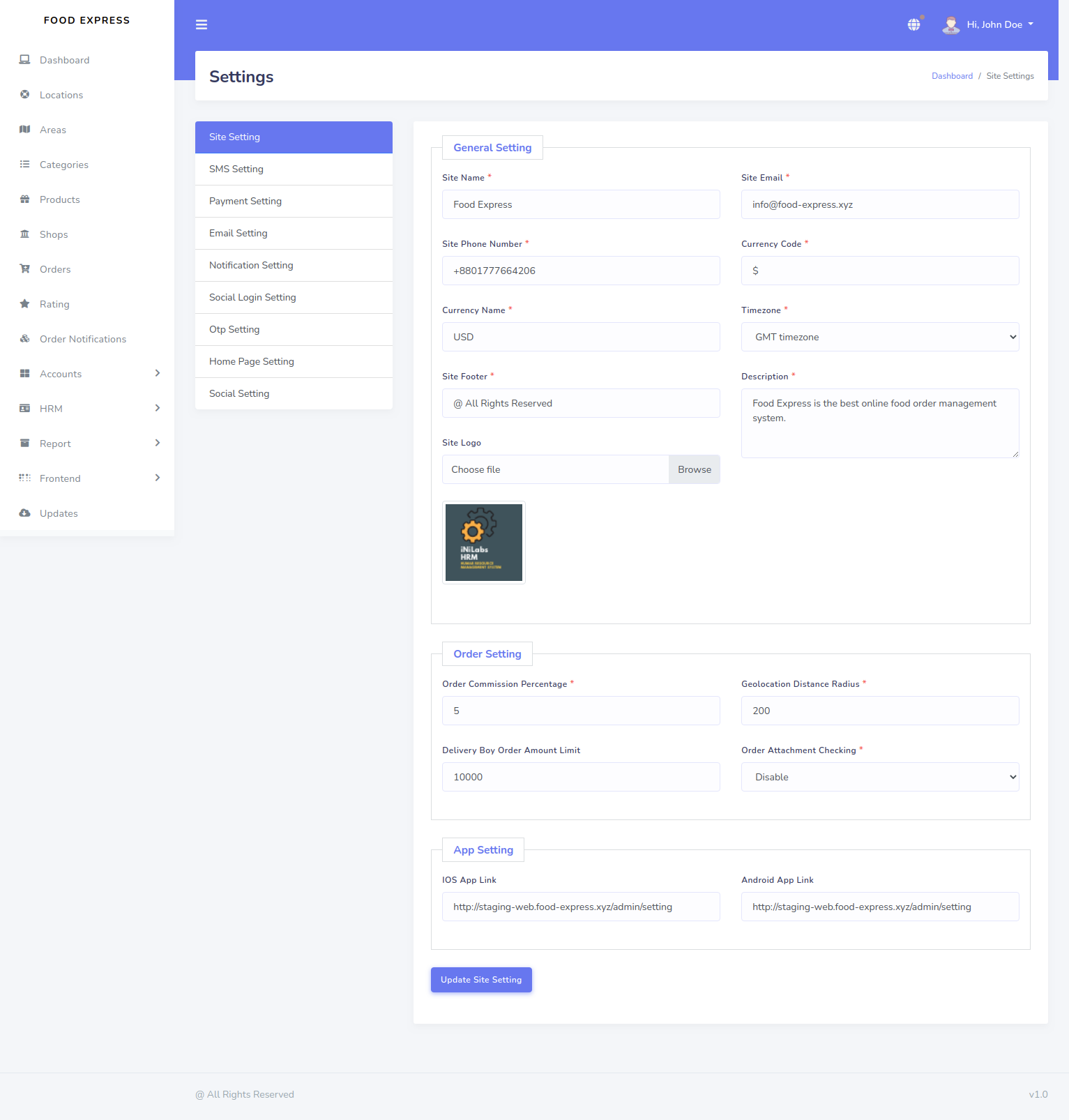
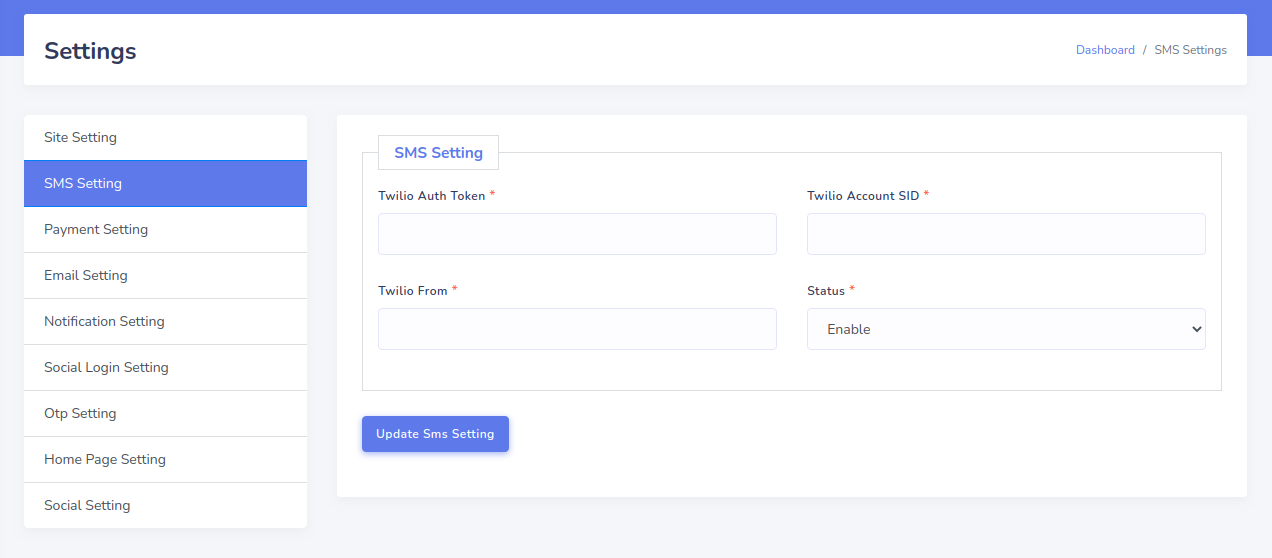
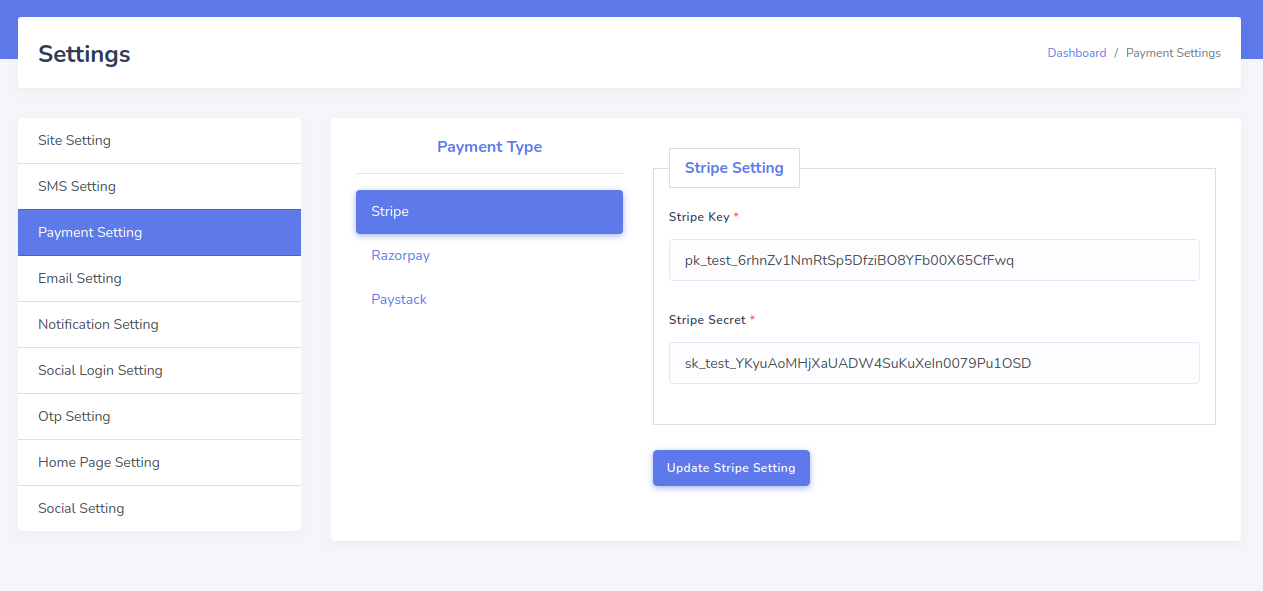
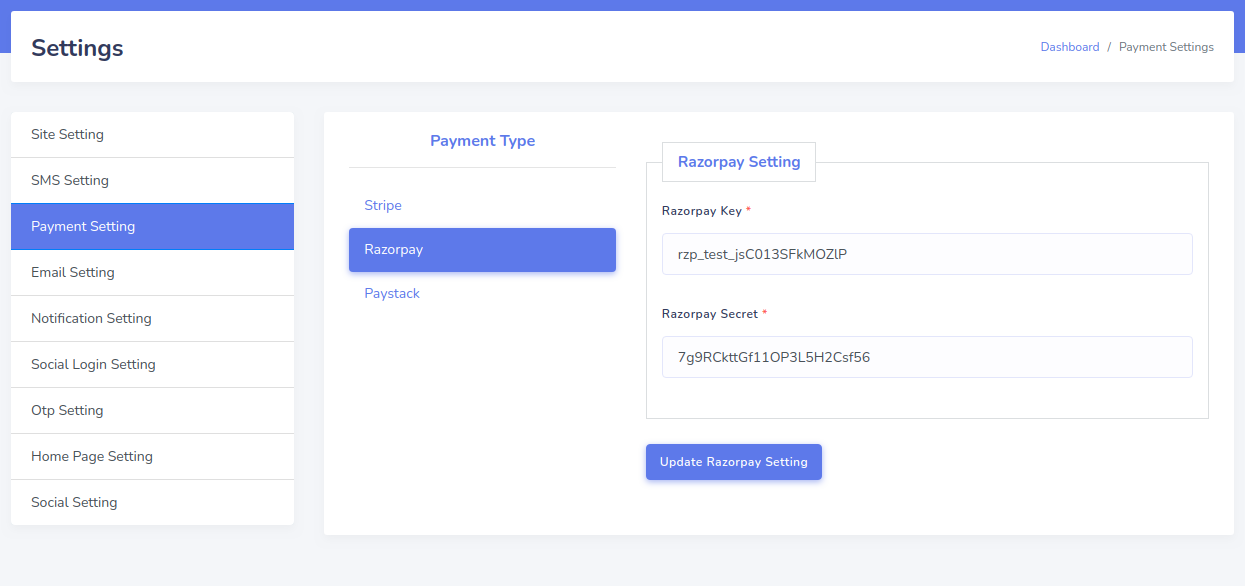
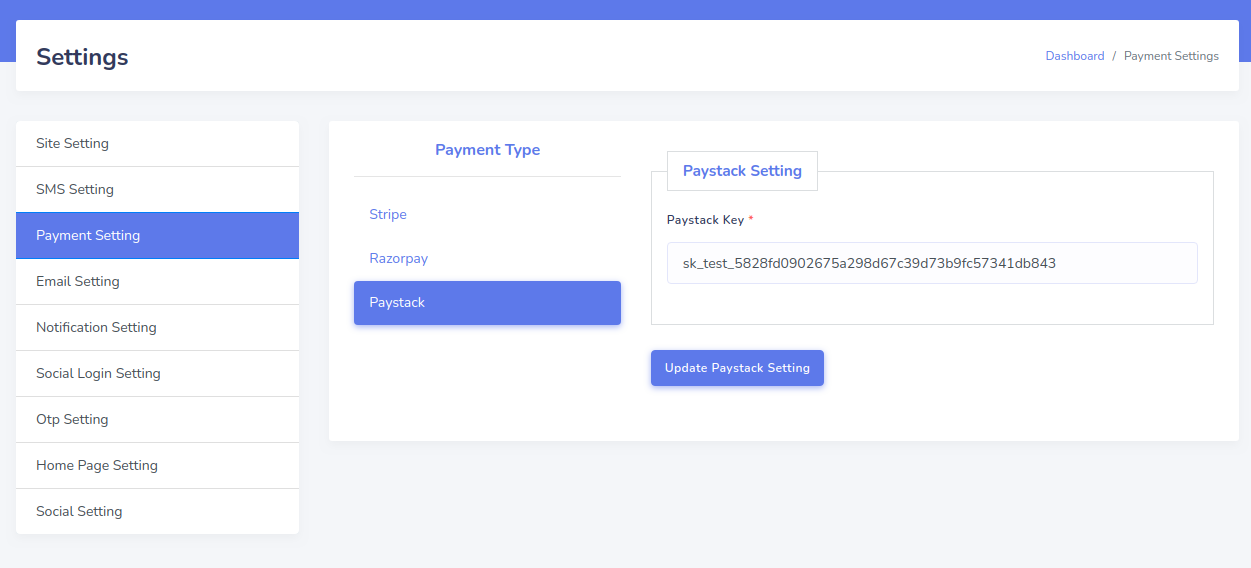
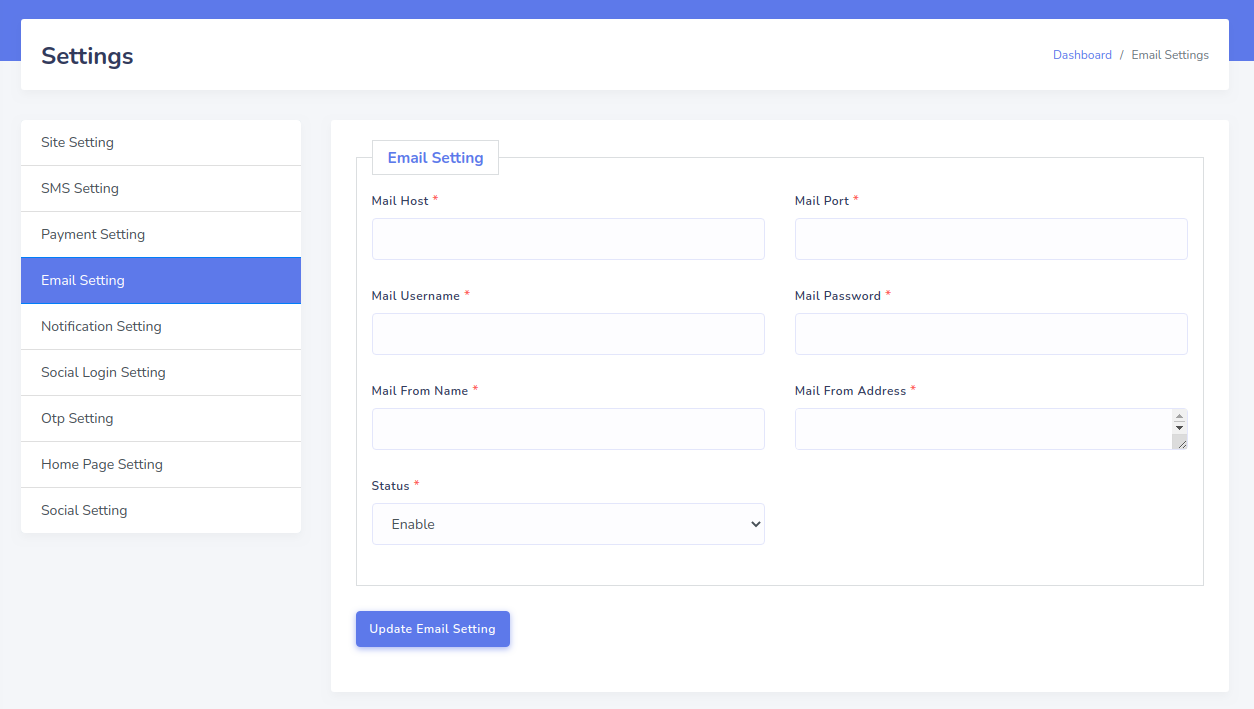
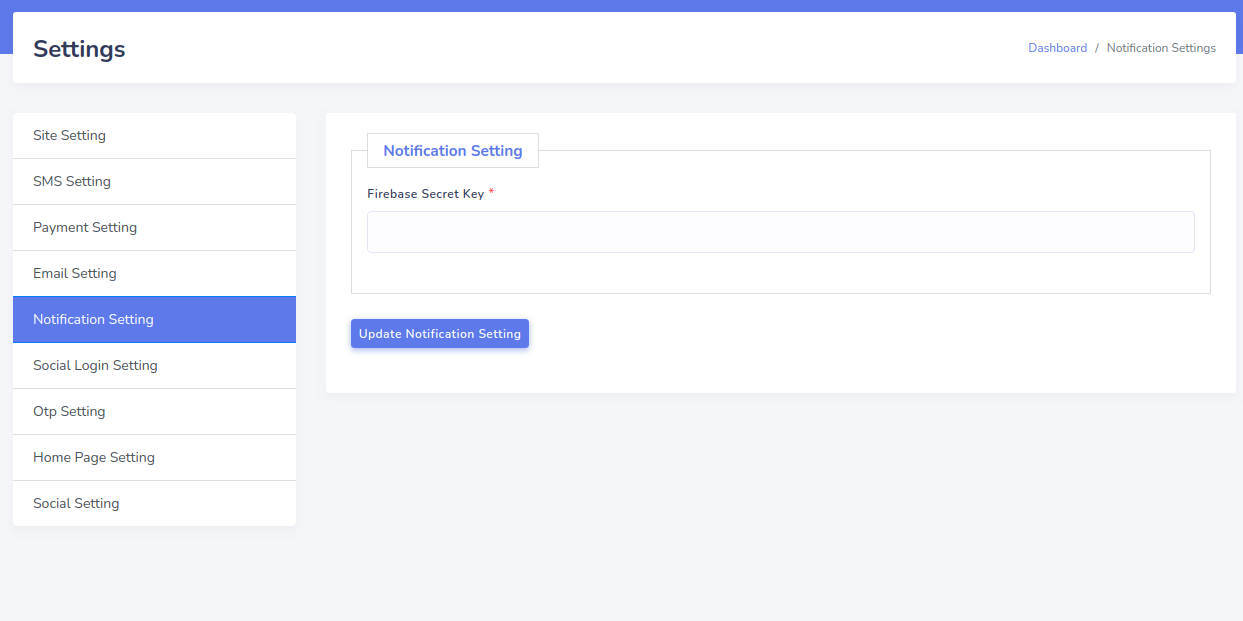
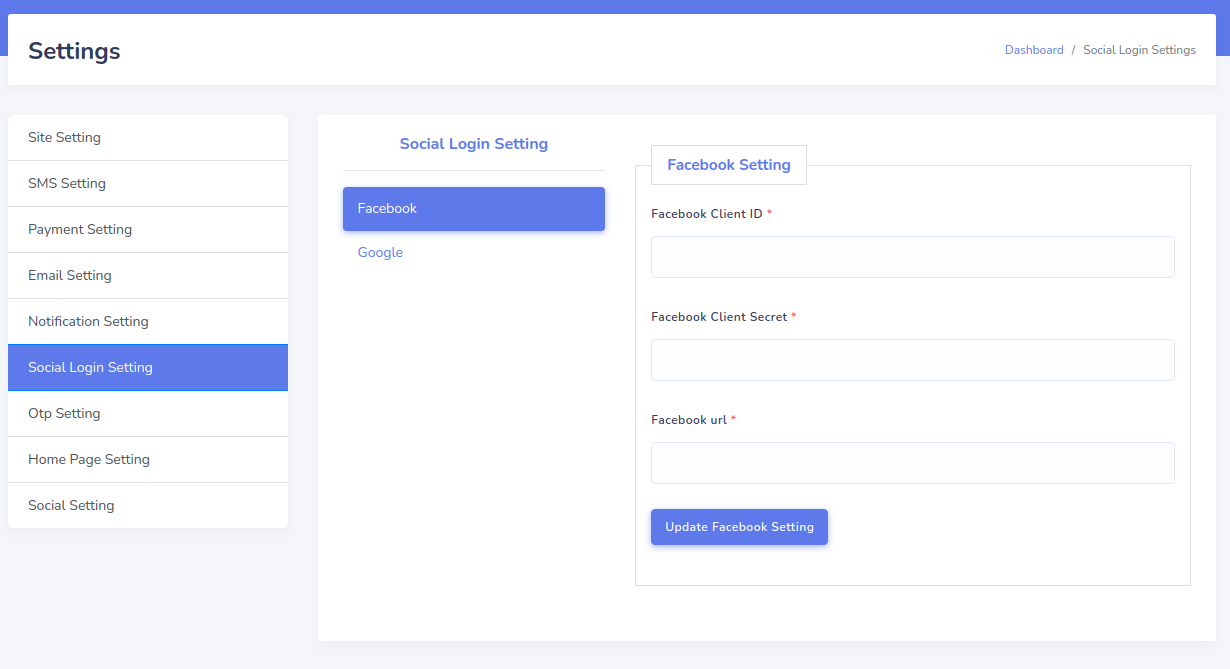
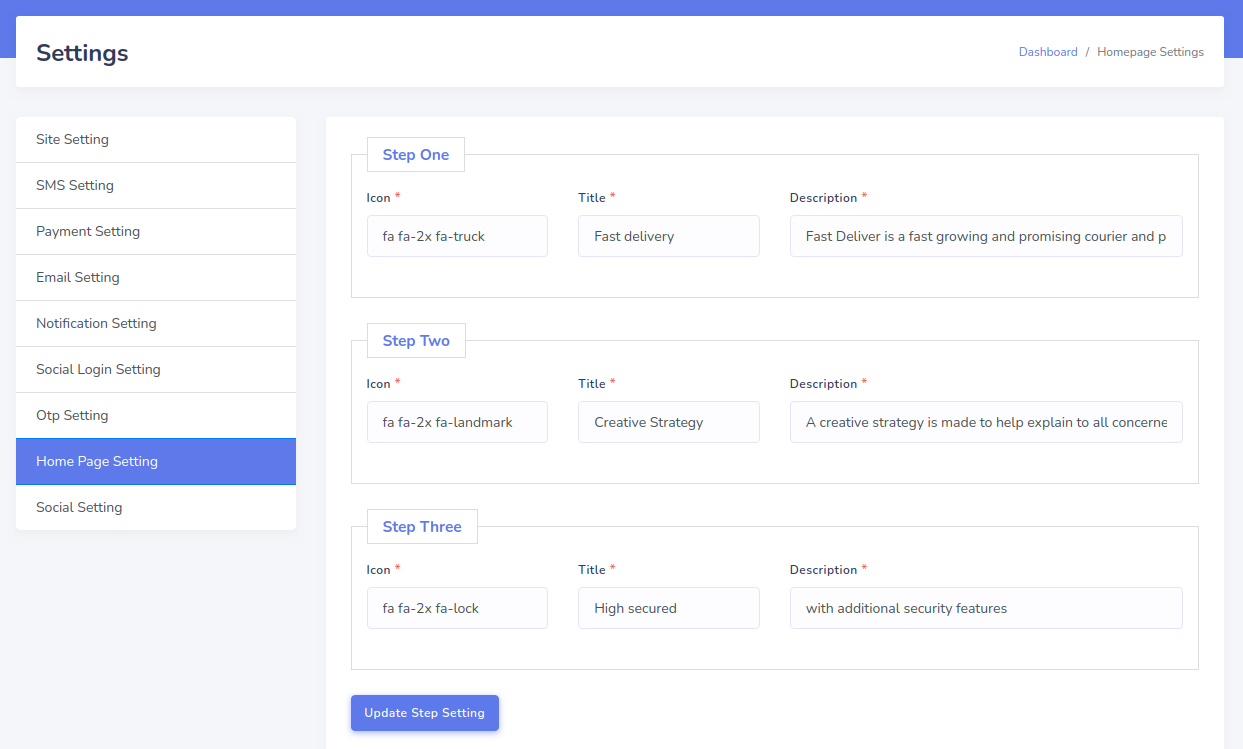
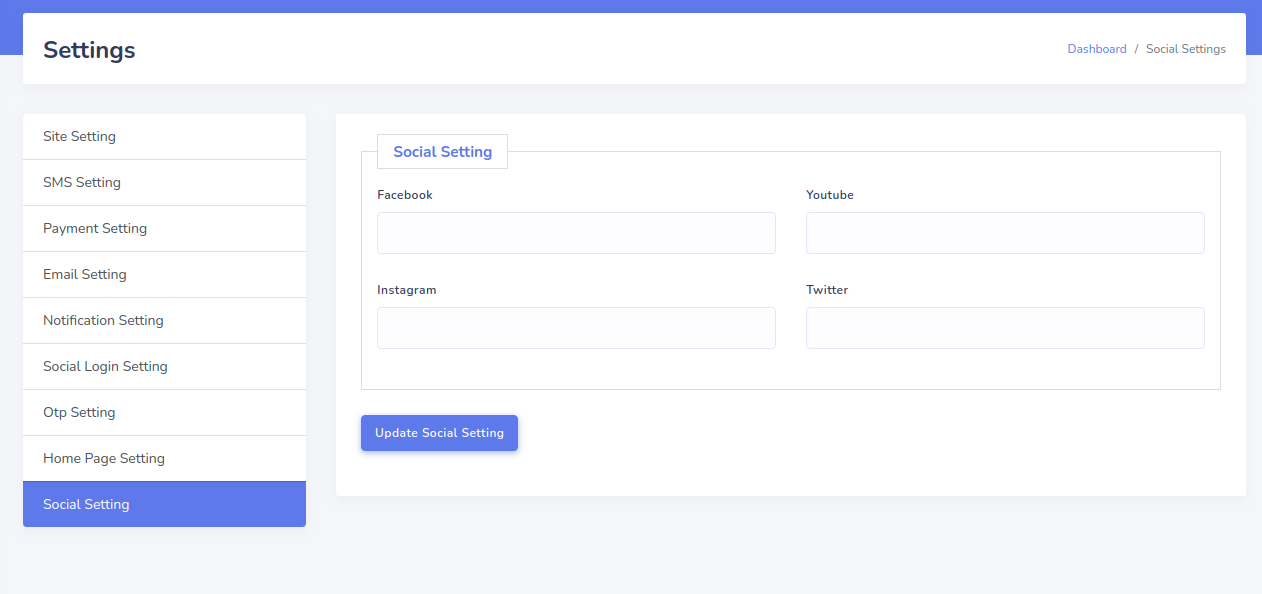
Settings
How To Update?
1. Backup (zip) your storage folder and download it.
2. Paste the latest version web application in your root folder.
3. Now run 2 command in your terminal via SSH login.
    - php artisan migrate
    - php artisan storage:link
4. if you would not found your images then you can paste your backup (zip) storage folder.
Change Log
  10th February 2022 v2.2
  Updates in Web:
  - Bank module add
  - Bulk Product import
  - Purchase code bug solpving
  - FCM Topic notification added in Admin Panel
  - FCM Topic Notification API
  - Enhanced: Bugs solved

  Updates in App:
  - Customer UI change
  - Customer App bug fix
  - Shop App bug fix
  - Topic notification API integration


7th December 2021 v2.1
- New: Customer credit report with order total order Report
- New: Delivery boy and customer withdraw Report
- New: Delivery boy collection Report
- New: Change status directly from order page
- Enhanced: Installer issue solved
- Enhanced: Bugs solved
- Enhanced: SMTP issue update


27th February 2021 v2.0
- New: Registration as Customer,Shop Owner,Delivery Boy
- New: Sign in as Admin,Customer,Shop Owner,Delivery Boy
- New: Request Withdraw feature
- New: Withdraw feature
- New: Collection feature
- New: Dynamic Role and Permission
- New: Dynamic Banner in homepage
- New: Dynamic Pages in homepage
- New: Dynamic Best Selling Shops in homepage
- New: Dynamic Best Selling Categories in homepage
- New: Best Selling Products in homepage
- New: Latest Products in homepage
- New: Rating Feature in homepage
- Enhanced: Shop Product update
- Enhanced: Notification update
- Enhanced: Order feature update such as online order feature and cash on delivery feature
- Enhanced: Setting feature update such as Home page setting,Social setting
- Enhanced: Profile feature update in frontend such as account update,overview,transaction etc

26th July 2020 v1.5
- New: Variation & option in product
- New: Shop owner sales report
- New: Admin commission report
- New: OTP setting
- New: Payment setting for paystack
- New: Product multi image upload
- New: Request product show for shop owner request
- New: Add attach to order feature
- Enhanced: Some api enhanced
- Enhanced: Shop feature update
- Enhanced: Order feature update


26th June 2020 v1.4
- New: Transaction list
- New: Web minor bug fixing

22th May 2020 v1.3
- Fix: Web app minor

18th May 2020 v1.2
- New: Order payment
- New: Firebase notification
- New: SMS notification
- New: Wallet
- Enhanced: All api enhanced
- Enhanced: Shop update
- Other minor bug fixes and improvements

11th May 2020 v1.1
- New: Payment settings
- New: Email settings
- New: SMS settings
- New: Order payment
- New: Email notification
- New: SMS notification
- New: Twilio SMS gateway integrated
- New: Wallet
- Enhanced: All api enhanced
- Enhanced: Shop update
- Enhanced: Database structure update
- Enhanced: Codebase update
- Updated: Loding bug fixing
- Updated: Order Bug fixing
- Updated: Refresh token bug fixing
- Other minor bug fixes and improvements

29th April 2020 v1.0
- Initial release
How To Contact Us?